Free kinetic typography pack
Five kinetic typography animations for Reels, TikTok, Shorts and YouTube, free. Each one is the exact prompt that made the scene you see here: paste it into Claude and it builds the animation for you.
No After Effects, no template to buy, no code. Change the words, the colours and the timing by just asking Claude.
What's in the pack
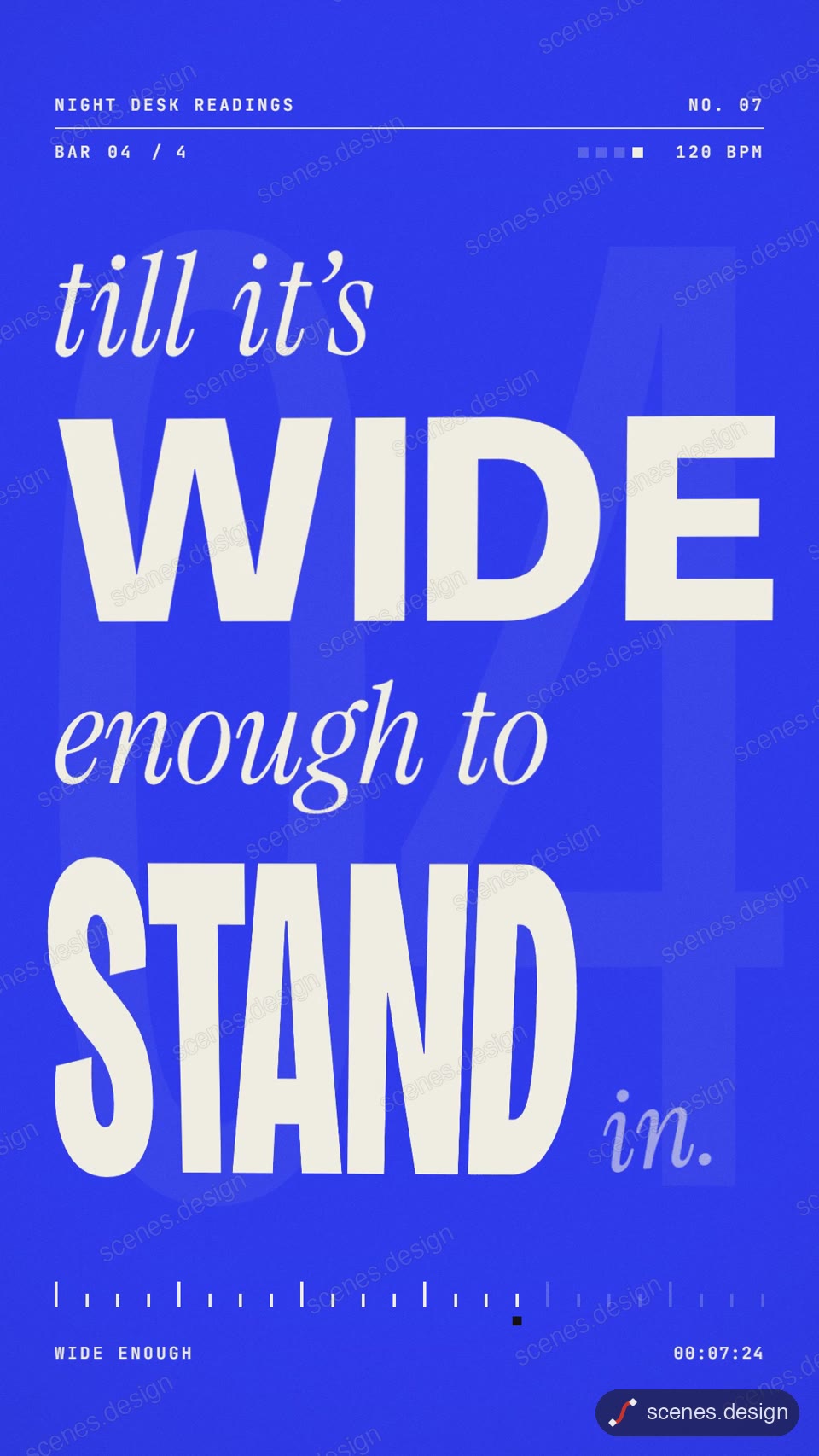
- Kinetic word rhythm: a lyric-style type film: words hit on a beat grid, stretch, stack and strobe.
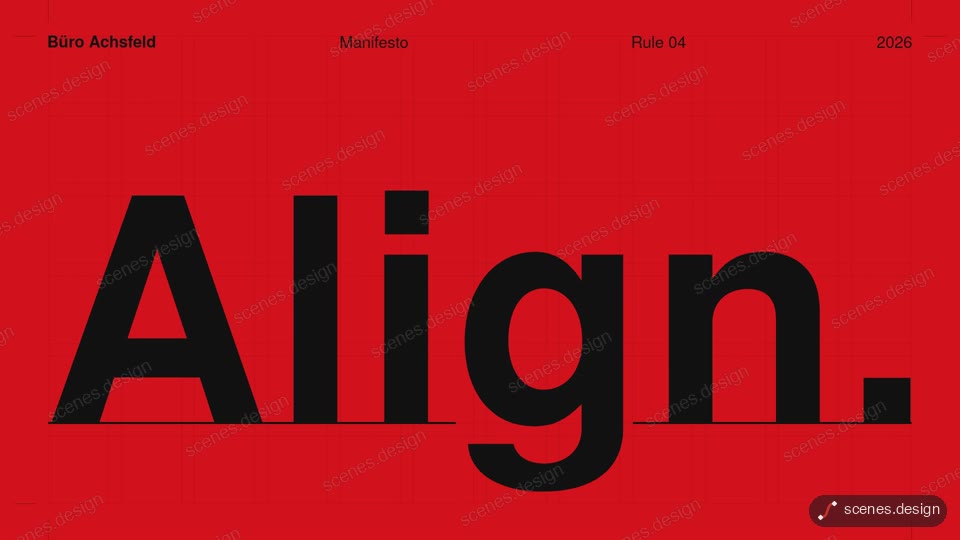
- Swiss grid kinetic type: a Swiss-poster manifesto: bold rules and counters slide into a strict grid.
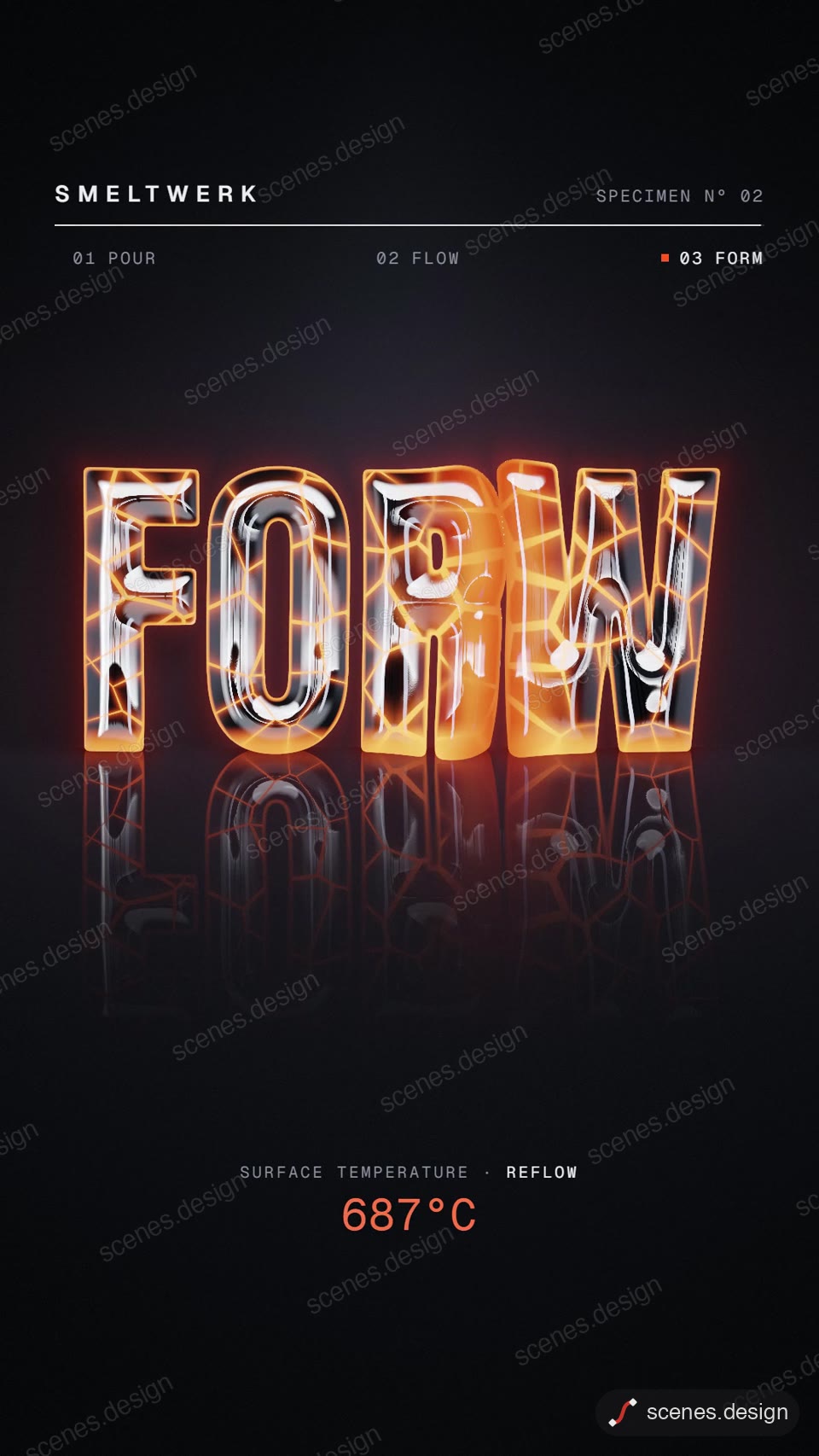
- Liquid chrome type: molten metal pours and sets into shining chrome letters.
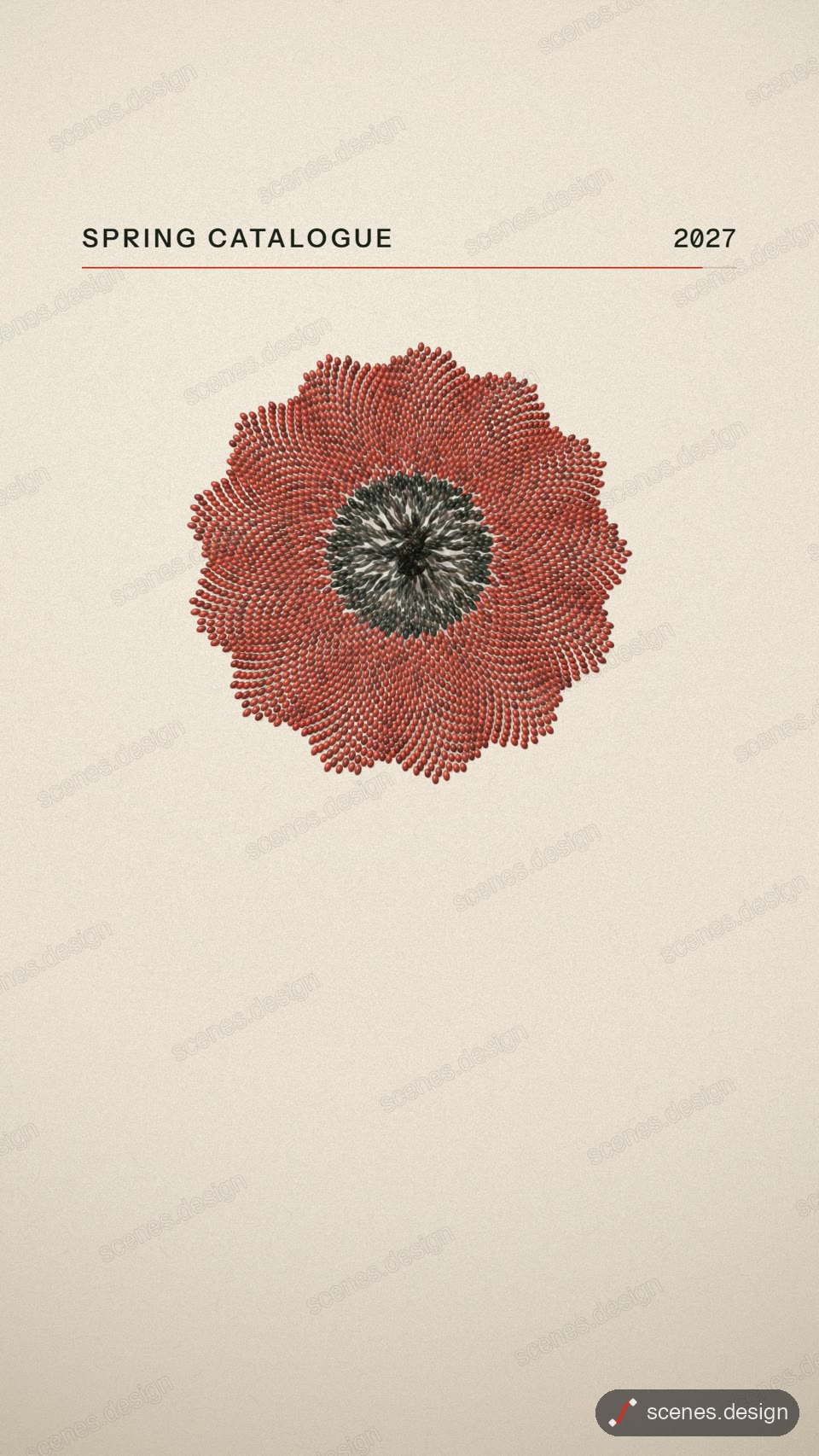
- Particle text: thousands of beads pour in, form a word, burst, and rebuild as a second word and a logo.
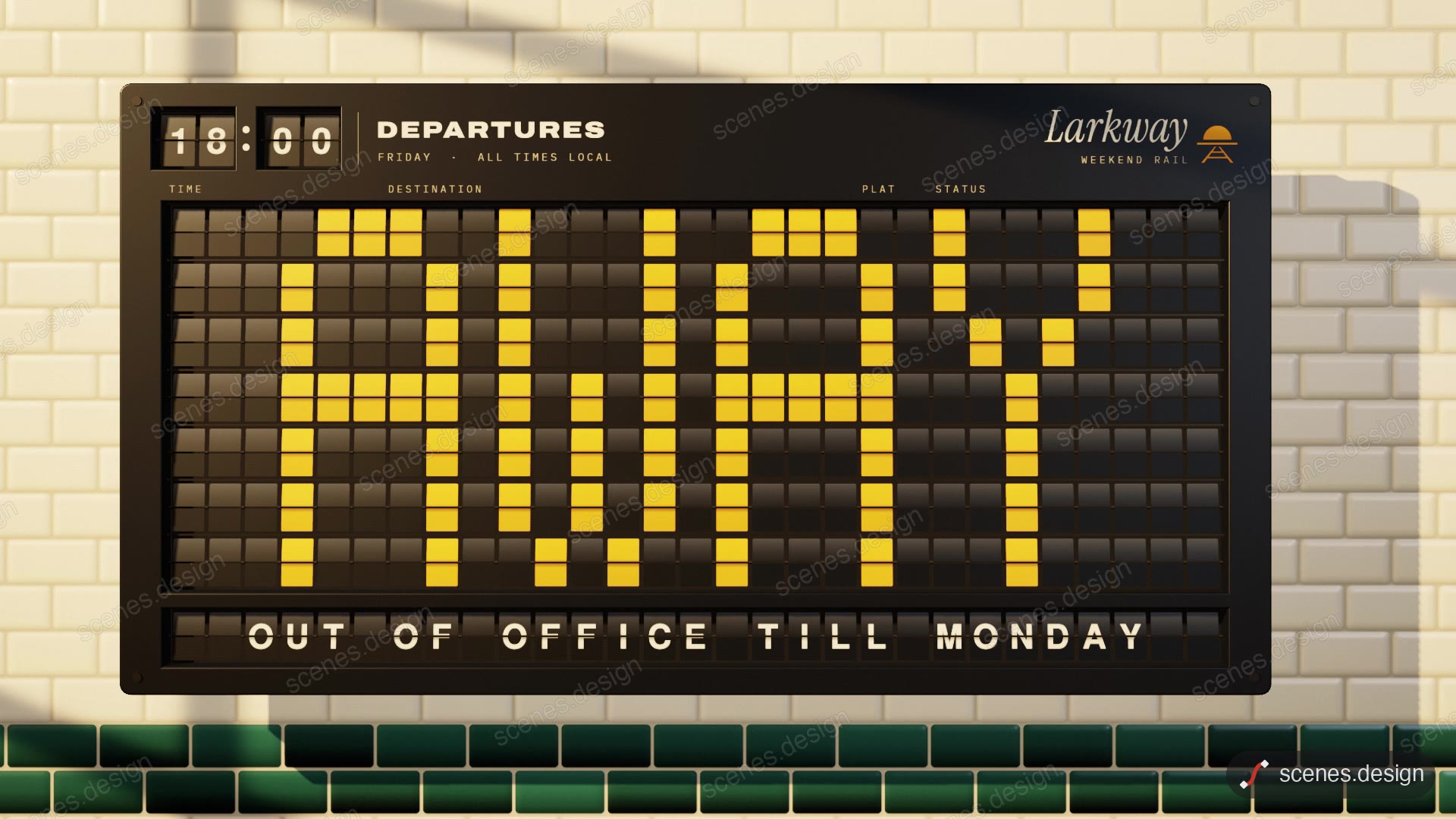
- Split-flap board: a departure board clatters through a timetable, then flips to spell your message.
How it works
Copy a prompt
Enter your email (no password, no card) and every prompt opens straight away. Then press Copy on the scene you want.
Paste it into Claude
Open claude.ai, start a new chat, paste the prompt and send. Claude builds the animation and plays it next to the chat.
Make it yours
Ask for changes in plain words: "change the words to my launch line", "make it orange and black", "slow the last word down".
Save the video
Screen-record the animation (Mac: Cmd+Shift+5, Windows: Win+Alt+R). For a clean MP4 file, use Claude Code: see the Docs.
Questions
What is kinetic typography?
Text that moves to carry the message: words land on a beat, scale, slide, break apart or reform, so the type itself is the animation. It is used for lyric videos, launch teasers, quotes and title sequences.
Are these kinetic typography prompts really free?
Yes. Enter your email and copy all five. Copying from this pack doesn’t use your 2 free copies a day.
Do I need After Effects or a kinetic typography maker?
No. You paste the prompt into Claude and it builds the animation. You just ask for changes in plain words.
Will it look exactly like the preview?
Very close. Claude builds it fresh each time, so small details can differ. Ask it to fix anything you want changed. The Library plan gives you the finished scene code for an exact match.
Can I use them in client work and social posts?
Yes, in your own videos and client videos. A credit to scenes.design is appreciated but not required.