How to make a 3D logo animation without After Effects
To make a 3D logo animation without After Effects, start from the 3D extruded type orbit scene, ask Claude Code to use your brand name or extrude your SVG logo, and render it with npx hyperframes render. The 3D is drawn with Three.js in the browser, so you need no 3D software.
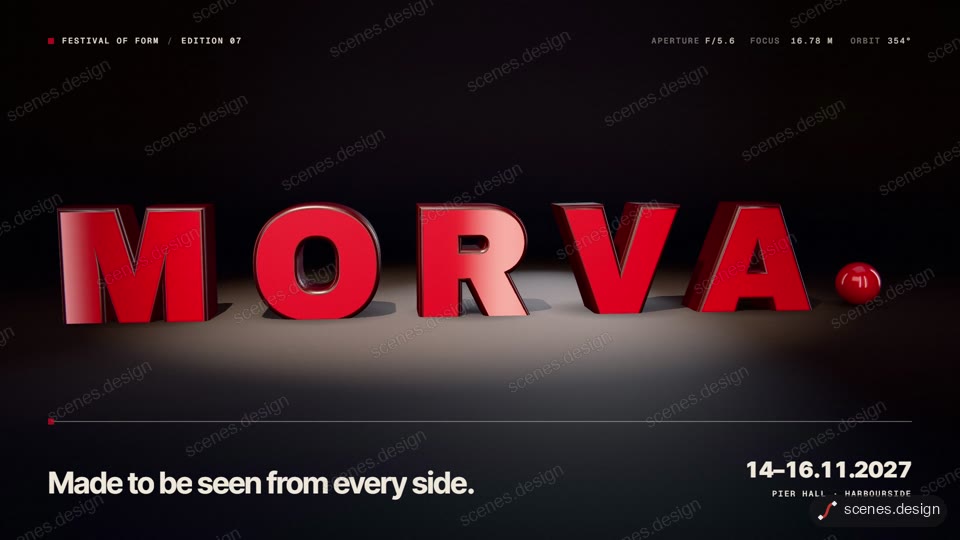
The 3D extruded type orbit scene has glossy 3D letters that orbit into a word in a dark studio while the camera circles and the key light snaps on. Swapping the word for your brand name is the simplest 3D logo animation: change the text and the colours and render.
For a logo mark rather than a word, give Claude Code an SVG of your logo and ask it to extrude the shapes in Three.js. Simple, flat logos with a few closed shapes extrude cleanly; very detailed marks may need simplifying first. Check the frames before you render.
Scenes to start from
- 3D extruded type orbit (widescreen 16:9)
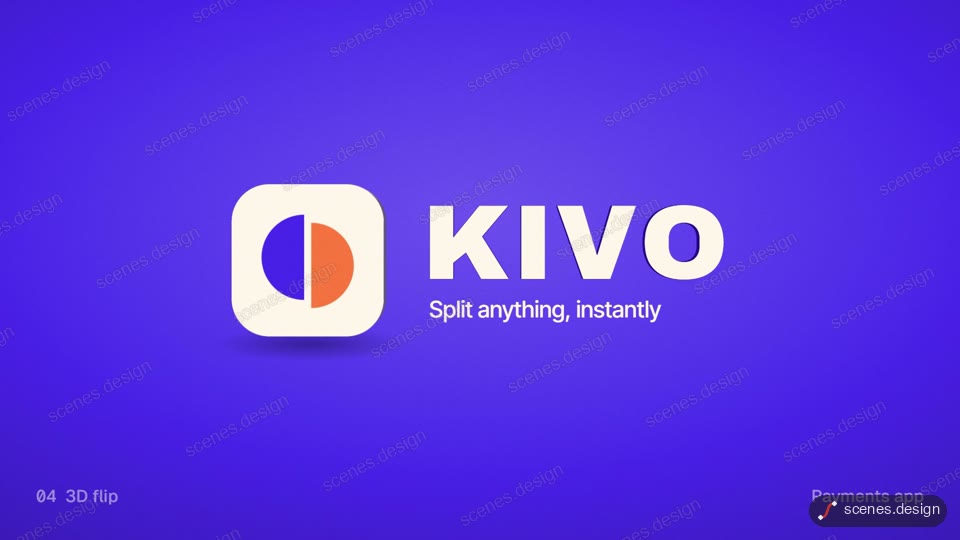
- Logo sting collection (widescreen 16:9)
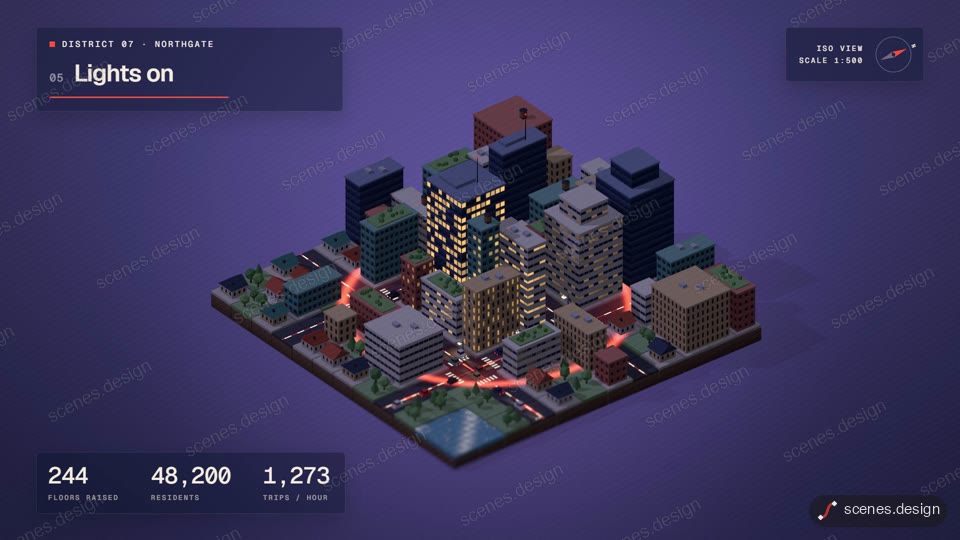
- Isometric city builds itself (widescreen 16:9)
Step by step
Open the 3D extruded type orbit scene and copy it
Open 3D extruded type orbit in the Scenes Library and press Copy prompt. You get the prompt that made the scene; Copy code gives its HyperFrames code. Browsing is free, and free accounts can copy 2 scenes a day.
Paste it into Claude or Claude Code
Paste the prompt into claude.ai or the Claude app to see the scene build as a live preview. For an MP4 you need Claude Code: paste the prompt there, or set up the Scenes skill once (see Docs) and pull the scene into a folder.
node ~/.claude/skills/scenes-library/pull.mjs 3d-extruded-type my-3d-logoChange the words in plain English
Ask: "make the word NOVA, letters in brushed silver, a deep blue studio, and the tagline Built to last". For a mark: "extrude logo.svg 40 units deep and let it orbit in the same way".
Check it and render the MP4
HyperFrames renders the MP4 on your own computer, free, as often as you like. You need Node.js installed. Check first: it reports anything off-frame or broken.
npx hyperframes check my-3d-logo
npx hyperframes render my-3d-logo
Questions
Do I need Blender or Cinema 4D?
No. The scene uses Three.js, a 3D library that runs in the browser, and HyperFrames renders it to MP4.
Can any logo be made 3D?
A clean SVG with closed shapes works best. Gradients, photos and very thin lines don't extrude well, so use a simplified version of the mark.
Is it free?
Browsing and previewing every scene is free, and free accounts copy 2 scenes a day. The render is free because HyperFrames makes the MP4 on your own computer, with no watermark on the video.
How long does the render take?
It depends on your computer and the length. 3D scenes take longer than flat ones because each frame is drawn by the browser.