How to make AI motion graphics that don't look generic
AI motion graphics look generic when nothing in them is decided: default gradients, glowing text, every element moving, and camera moves with no easing. Fix it by committing to one specific visual style, animating less with deliberate timing, using your real product and words, and finishing the last details by hand or in plain-English edits.
The tell-tale AI look comes from defaults. Motion designers describe it as floating text that drifts off its anchor and camera moves with zero easing. Models also tend to animate every element at once, which reads as busy, or swing the other way into an animated slideshow with too much text to read.
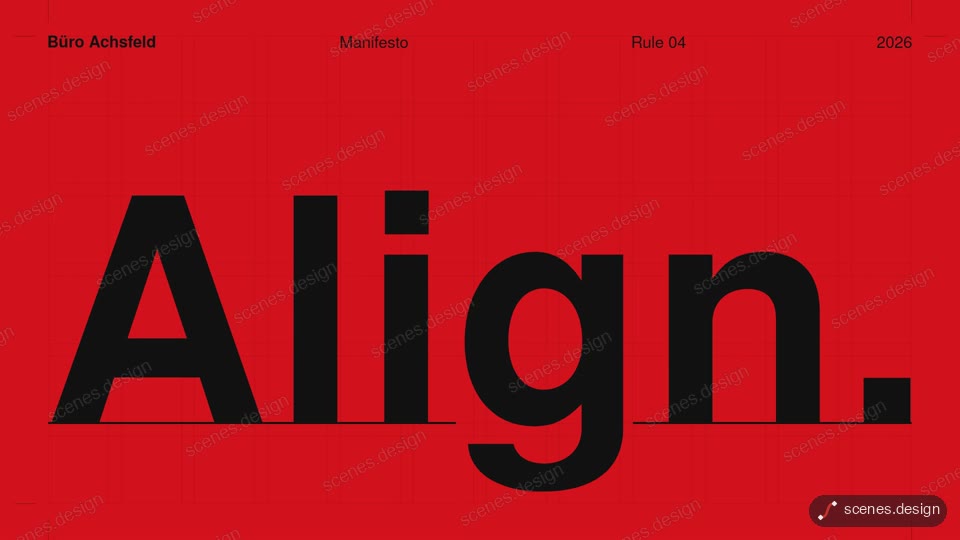
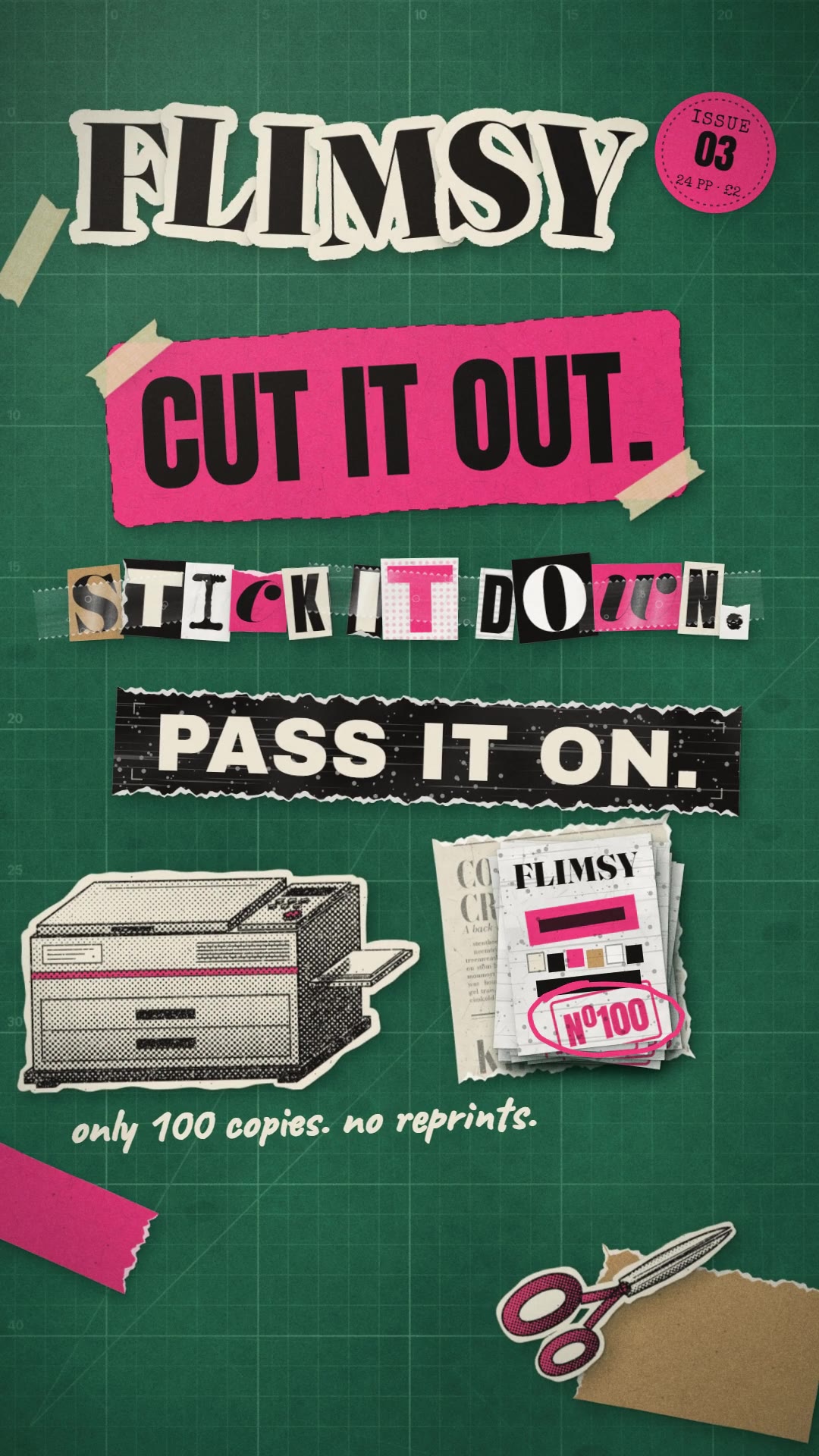
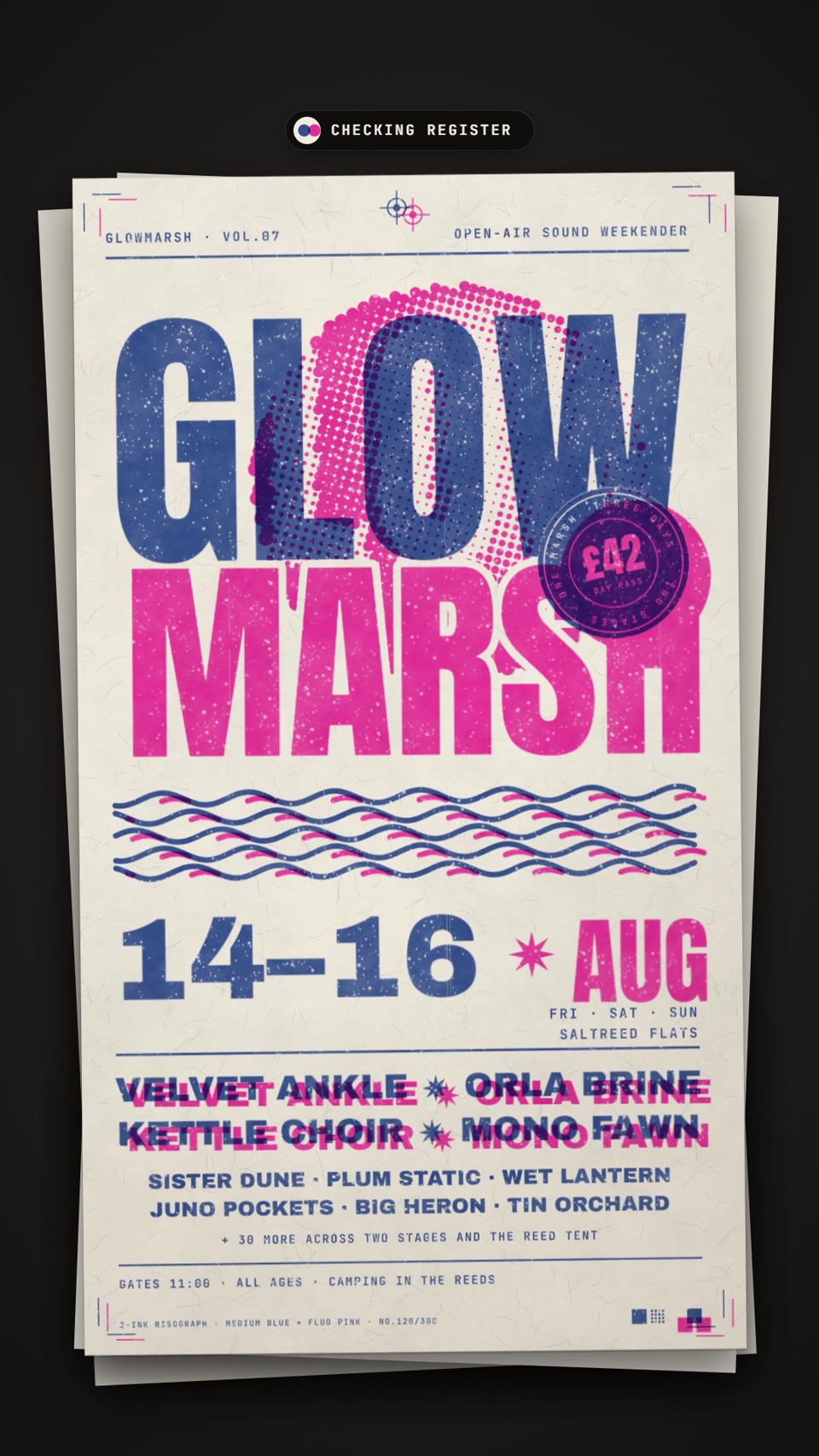
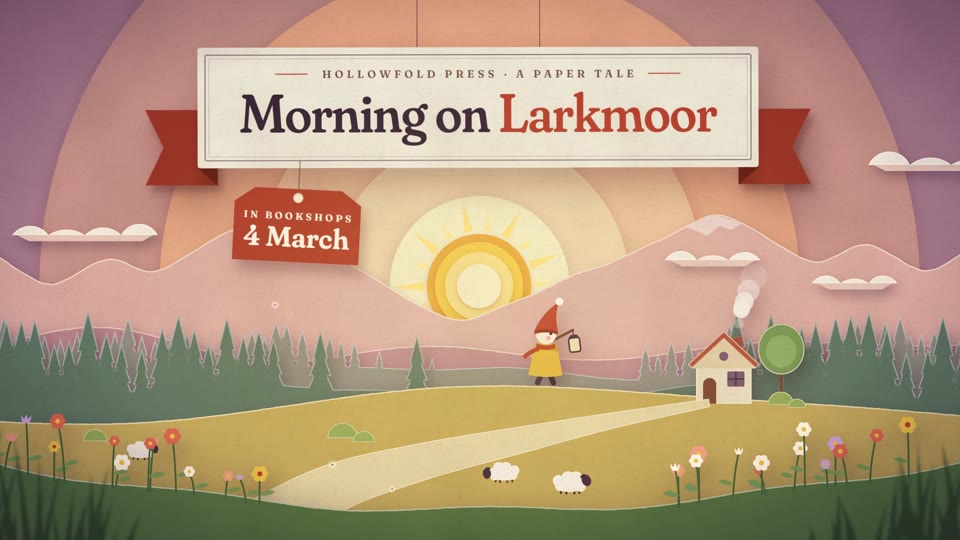
A strong reference fixes most of this. Start from a finished scene with a clear style (Swiss grid type, risograph print, paper collage, stop motion) instead of a blank prompt. The style already sets the type, colour, rhythm and easing, so Claude Code changes your content without falling back to defaults.
Pacing is the other half. Give each beat one idea, hold it long enough to read, and move only what carries the message. Ask for specific easing (for example power3.out on entrances) and a hold before each cut.
AI gets you most of the way; the last part is judgement. Check every frame for overlaps, off-brand colours, made-up UI and spelling before you post, especially on company accounts. Senior designers will spot rushed timing whatever made it, and will also see good work as good work.
Scenes to start from
- Swiss grid manifesto type (widescreen 16:9)
- Stop-motion paper collage (vertical 9:16)
- Risograph event poster (vertical 9:16)
- Paper cut-out title film (widescreen 16:9)
Step by step
Pick a style with a point of view
Choose one scene whose look you would be proud to post, and keep it across a series. Avoid mixing styles in one video.
Use your real content
Give Claude Code your actual screenshots, numbers, logo and words. Ask it not to invent UI or features.
Animate less, time it better
Ask: "one idea per beat, hold 1.5 seconds on each headline, only the key element moves, power3.out entrances, no camera drift".
Review before you post
Run the check, scrub the preview frame by frame, and fix anything off-frame, overlapping or misspelled with a plain-English edit.
npx hyperframes check my-sceneRender the MP4
HyperFrames renders the MP4 on your own computer, free, as often as you like.
npx hyperframes render my-scene
Questions
Can AI motion graphics look human-made?
They can look intentional, which is what matters. A consistent style, real content, calm pacing and a careful review remove most AI tells.
Is Opus good enough for high-end motion design?
It can write precise timing and layout when given a strong reference and specific direction. Without them, any model falls back to generic defaults.
Will using AI hurt my reel or portfolio?
Clients judge the result. Be honest about your process if asked, and show work where your creative choices are visible.
Which tools make the last 30% easiest to finish?
Tools that give you editable source. A HyperFrames scene is plain HTML, CSS and GSAP, so you or Claude Code can change any detail and re-render.
Is it free?
Browsing and previewing every scene is free, and free accounts copy 2 scenes a day. The render is free because HyperFrames makes the MP4 on your own computer, with no watermark on the video.