How to animate a route on a map
To animate a route on a map, start from a scene that already draws a line between two places, give Claude your start and end points, and render it with npx hyperframes render. The line, the camera move and the end pin all follow the places you name.
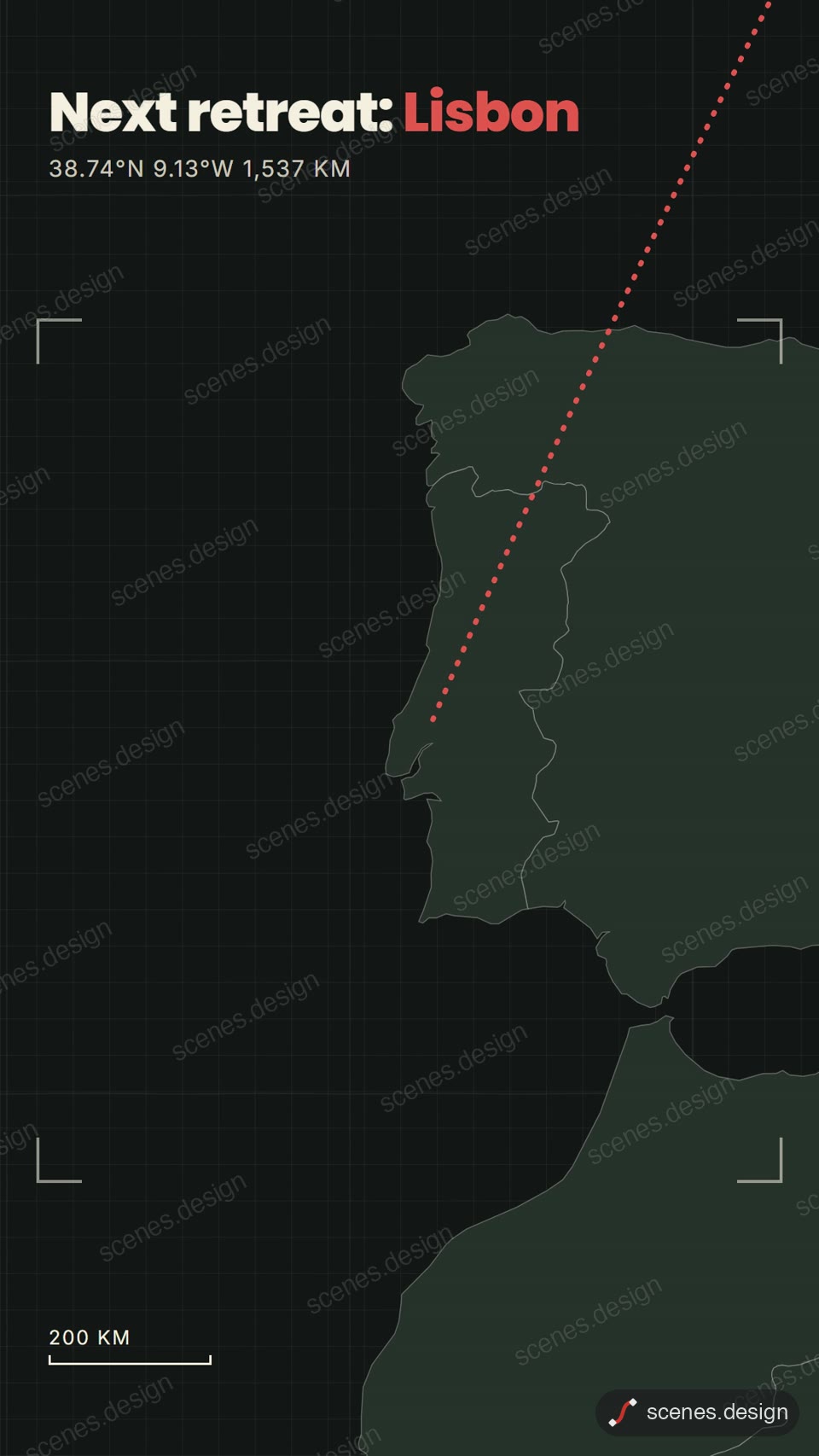
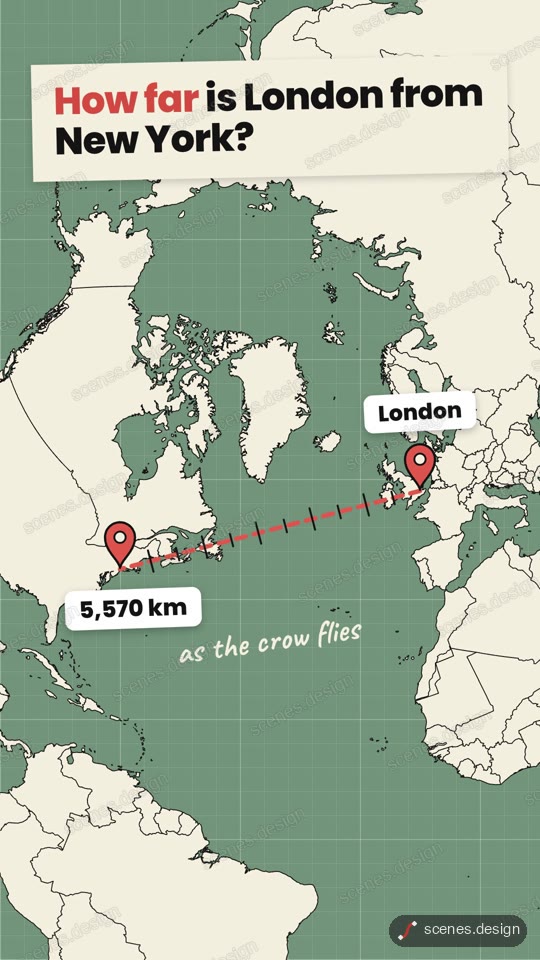
Two Scenes maps already draw routes. Dark map pan to a city follows a glowing route while the camera pans and ends on a pin. Distance ruler draws a dashed line between two cities and counts the kilometres. Use the first for a journey and the second for a how-far-is-it comparison.
A map route animation reads best when the line draws a little ahead of the camera and the end pin lands with a short pause. Both scenes already do this, so you only change the places and the words.
Scenes to start from
- Dark map pan to a city (vertical 9:16)
- Distance ruler (vertical 9:16)
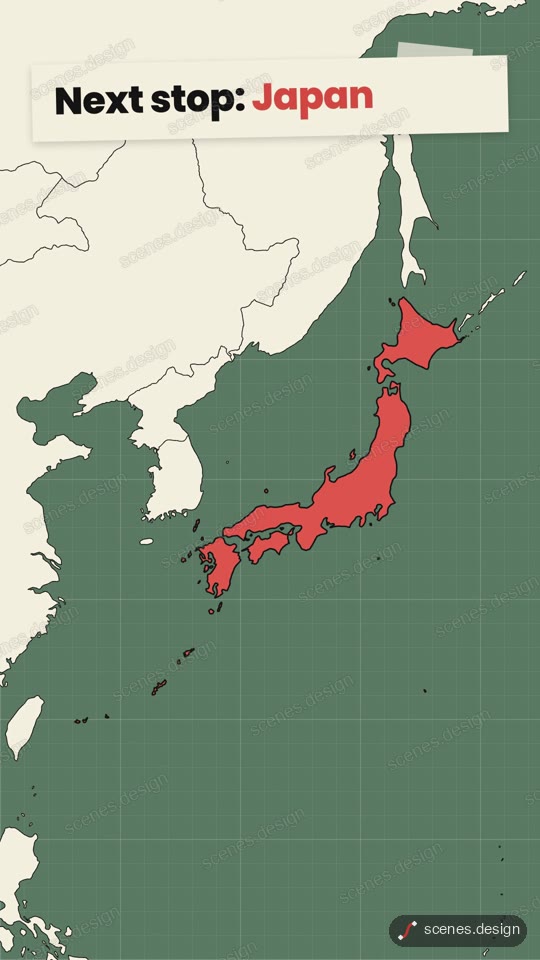
- Globe zoom (vertical 9:16)
Step by step
Open the Dark map pan to a city scene and copy it
Open Dark map pan to a city in the Scenes Library and press Copy prompt. You get the prompt that made the scene; Copy code gives its HyperFrames code. Browsing is free, and free accounts can copy 2 scenes a day.
Paste it into Claude or Claude Code
Paste the prompt into claude.ai or the Claude app to see the scene build as a live preview. For an MP4 you need Claude Code: paste the prompt there, or set up the Scenes skill once (see Docs) and pull the scene into a folder.
node ~/.claude/skills/scenes-library/pull.mjs dark-map-city my-routeChange the words in plain English
Give the start and end: "route from Manchester to Edinburgh, pin Edinburgh, label it 2 hours by train". For a flight, ask for a curved arc instead of a straight line.
Check it and render the MP4
HyperFrames renders the MP4 on your own computer, free, as often as you like. You need Node.js installed. Check first: it reports anything off-frame or broken.
npx hyperframes check my-route
npx hyperframes render my-route
Questions
Can the route follow real roads?
The scenes draw a smooth line between places, not turn-by-turn roads. If you have the route as a list of coordinates (from a GPX file, for example), give it to Claude Code and ask it to draw the line through those points.
Can I show the distance?
Yes. The Distance ruler scene counts up the distance as the line draws. Ask Claude for miles instead of kilometres if you need them.
Is it free?
Browsing and previewing every scene is free, and free accounts copy 2 scenes a day. The render is free because HyperFrames makes the MP4 on your own computer, with no watermark on the video.
Do I need After Effects?
No. Scenes are HTML, CSS and JavaScript (HyperFrames code). Claude edits them from plain English and HyperFrames renders them to MP4. You never open a timeline.