How to make an animated travel map for Reels and TikTok
To make an animated travel map for Reels or TikTok, copy a vertical map scene, ask Claude to set your cities and route, and render a 1080x1920 MP4 with npx hyperframes render. Then add your clips and music in your usual editor or in the app.
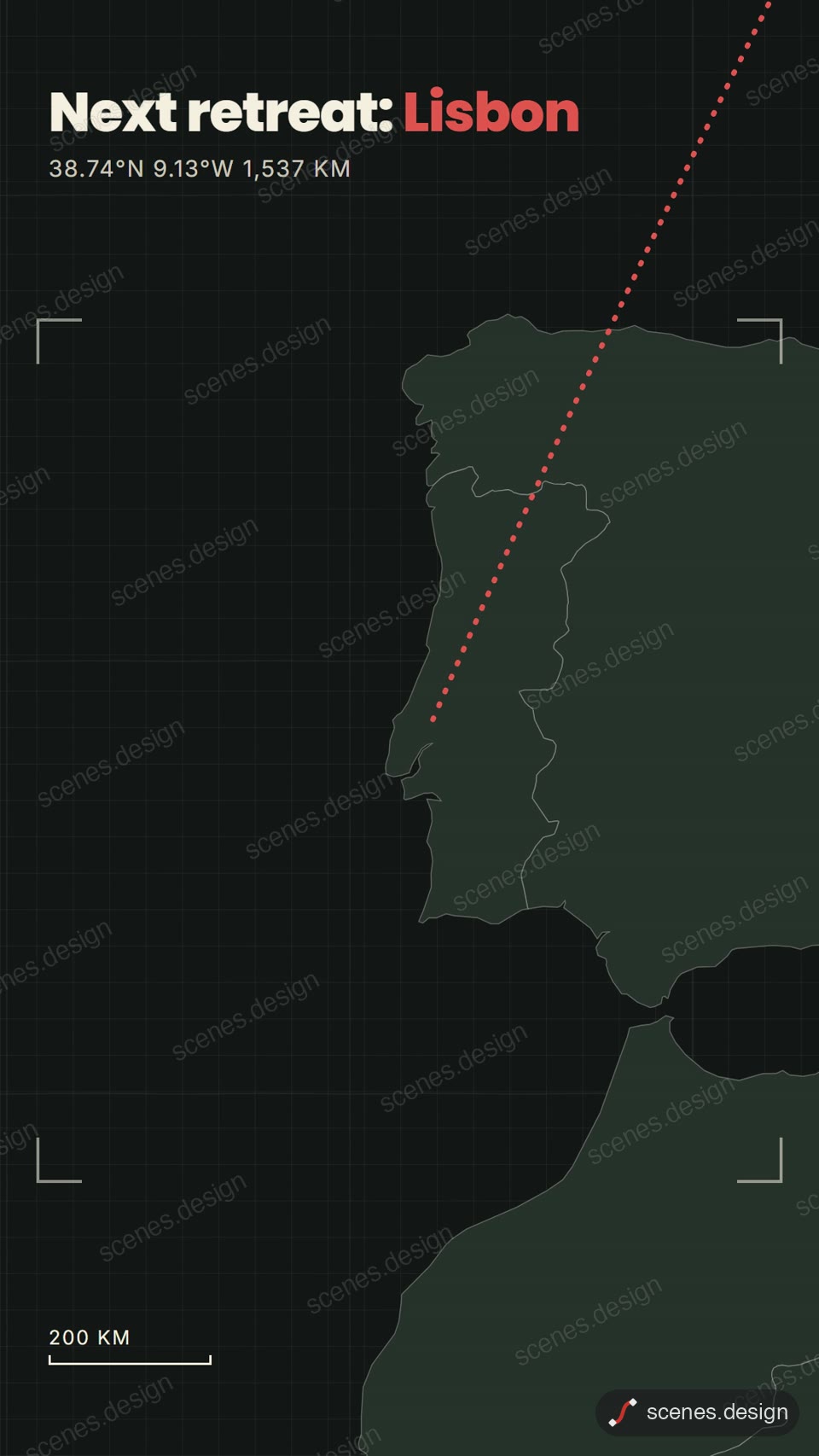
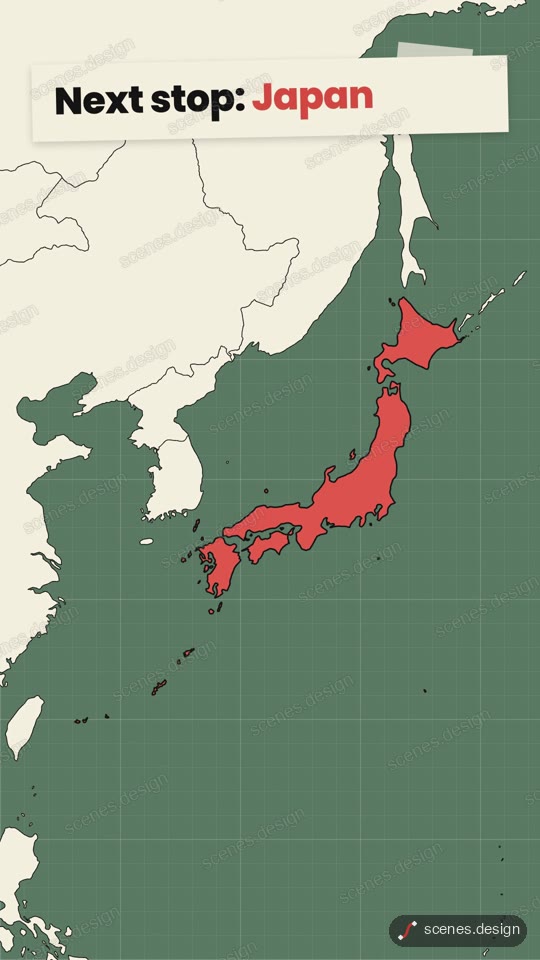
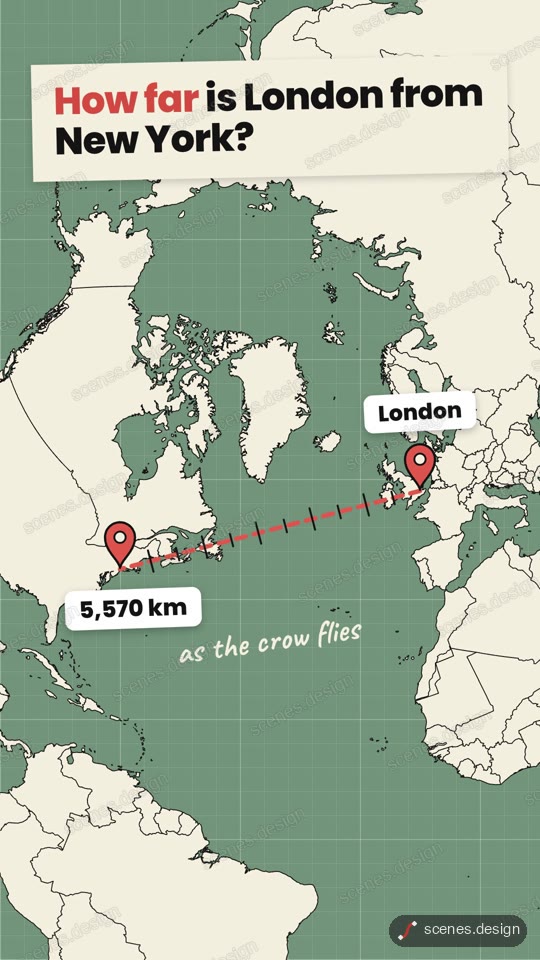
The Dark map pan to a city scene is the closest start for a travel map animation: the camera follows a glowing route from London to Lisbon and drops a pin on the destination. Distance ruler draws a dashed line between two cities with a kilometre counter, and Globe zoom flies from space to a country.
Every map scene is already 9:16, so nothing needs re-cropping for Reels, Shorts or TikTok. Keep the words big and the route short: a phone screen shows a few seconds per stop at most.
Scenes to start from
- Dark map pan to a city (vertical 9:16)
- Globe zoom (vertical 9:16)
- Distance ruler (vertical 9:16)
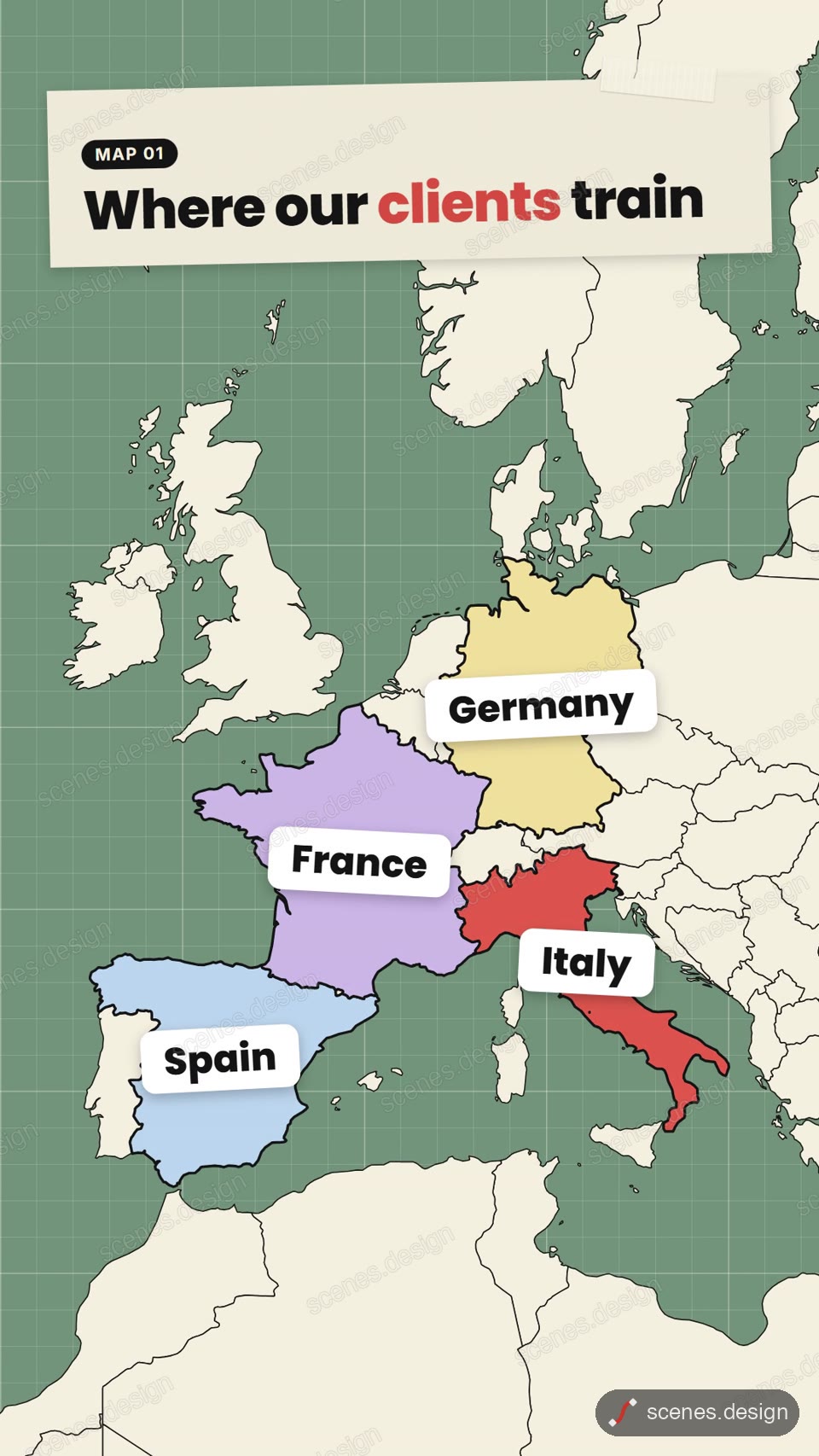
- Map with big labels (vertical 9:16)
Step by step
Open the Dark map pan to a city scene and copy it
Open Dark map pan to a city in the Scenes Library and press Copy prompt. You get the prompt that made the scene; Copy code gives its HyperFrames code. Browsing is free, and free accounts can copy 2 scenes a day.
Paste it into Claude or Claude Code
Paste the prompt into claude.ai or the Claude app to see the scene build as a live preview. For an MP4 you need Claude Code: paste the prompt there, or set up the Scenes skill once (see Docs) and pull the scene into a folder.
node ~/.claude/skills/scenes-library/pull.mjs dark-map-city my-tripChange the words in plain English
Ask for your trip: "pan from Bangkok to Chiang Mai, then on to Luang Prabang, pin each stop with its name, and end on: 3 weeks, 4 countries". For several stops, ask Claude to add one beat per stop.
Match your edit
Ask Claude Code to set the length to your clip, for example "make it 8 seconds", so the map ends where your next shot starts.
Check it and render the MP4
HyperFrames renders the MP4 on your own computer, free, as often as you like. You need Node.js installed. Check first: it reports anything off-frame or broken.
npx hyperframes check my-trip
npx hyperframes render my-trip
Questions
Can I make a free animated travel map?
Browsing and previewing every scene is free, and free accounts copy 2 scenes a day. The render is free because HyperFrames makes the MP4 on your own computer, with no watermark on the video.
What size should a travel map be for Reels and TikTok?
1080x1920 (9:16). The Scenes map scenes are built at that size.
Can I add my own music?
The scenes have no soundtrack. Render the MP4 and add music or a voiceover in your editor or in Instagram or TikTok.
Can the route have more than two stops?
Yes. List the stops in order and ask Claude Code for one beat per stop. Check the frames with npx hyperframes check before you render.