Envato and Motion Array templates vs AI motion graphics
Template libraries such as Envato Elements and Motion Array give you a huge choice of designs but most motion templates need After Effects or Premiere Pro to edit, and the licence is tied to your subscription. AI motion graphics in Claude Code start from a finished scene too, but you change it in plain English and render the MP4 yourself, with no After Effects.
Envato Elements pricing as of 3 Nov 2026 (elements.envato.com/pricing, GBP excluding tax, annual then monthly billing): Core £12.50 or £25 a month with 20 AI credits; Plus £29 or £45 with 200 credits; Ultimate £125 or £195 with 500 to 2,000 credits. Envato now sells eight AI generators, including video, alongside its stock library. Motion Array's pricing page returned an error when we tried to read it on 3 Nov 2026, so check it directly.
Motion designers make a fair point for templates: Envato has a very large catalogue, often with video instructions for making precise changes, and it can cost less than an AI subscription. If you already work in After Effects, a template is often the fastest path.
The common complaints are freshness and billing. Trustpilot reviews of Motion Array describe templates that look outdated and a cancel option that is hard to find or greyed out; one 2025 Envato review said its AI video tool could not make anything longer than 8 seconds (check the current limit, as AI features change quickly). Read the licence terms of any library before you build client work on it.
For a small business promo without After Effects skills, an AI-edited scene is usually quicker to adapt: you describe the change and Claude Code edits the code. What you render from a Scenes scene is yours to use, including in client videos.
Scenes to start from
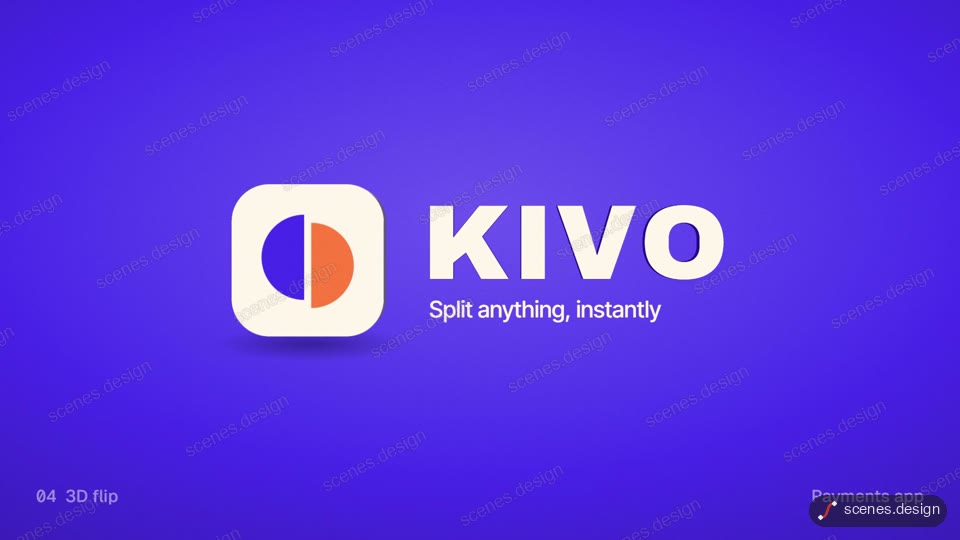
- Five logo stings (widescreen 16:9)
- Cinematic title sequence (widescreen 16:9)

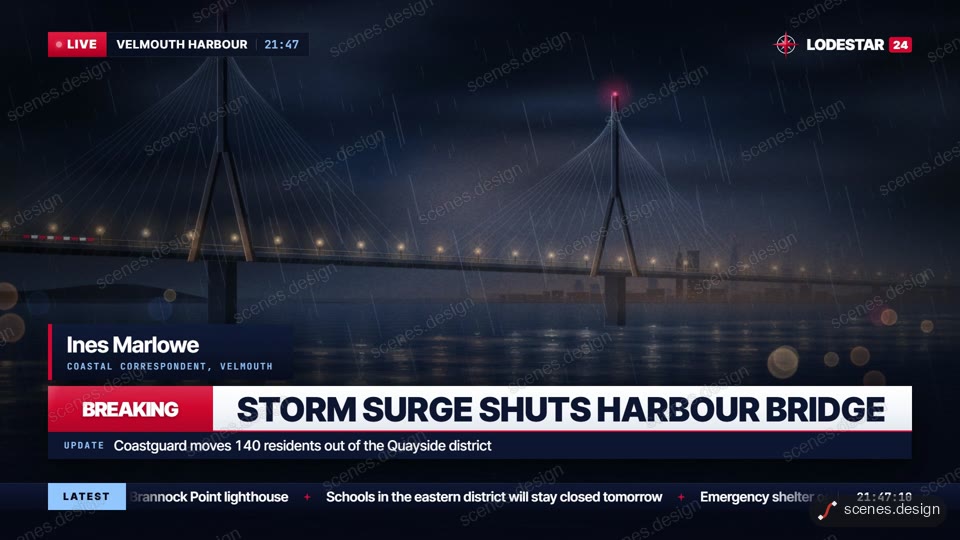
- Breaking news graphics (widescreen 16:9)
Step by step
Decide if you need After Effects
If you or your editor already use After Effects, a template library is a reasonable choice. If not, start from a code-based scene you can edit in plain English.
Pick a finished scene
Choose a scene close to your promo, such as a logo sting or title sequence, and copy its prompt or pull it with the Scenes skill.
Make it yours
Ask Claude Code for your words, logo, colours and length. Longer videos are just more beats on the timeline.
Check it and render the MP4
HyperFrames renders the MP4 on your own computer, free, as often as you like. You need Node.js installed. Check first: it reports anything off-frame or broken.
npx hyperframes check my-scene
npx hyperframes render my-scene
Questions
Is Envato Elements worth it just for motion graphics templates?
It can be if you edit in After Effects or Premiere and use many templates. As of 3 Nov 2026 Core is £12.50 a month billed annually or £25 monthly, excluding tax.
How do I cancel Motion Array?
Look in your account's subscription or renewal settings. Reviewers report the option can be greyed out; if so, contact Motion Array support in writing and keep the reply.
What's a Motion Array alternative that doesn't need After Effects?
A code-based scene library used with Claude Code. You change scenes in plain English and HyperFrames renders the MP4, no After Effects needed.
Can AI make motion graphics longer than 8 seconds?
Yes. HyperFrames scenes are timelines you can extend to any length; render time grows with length.
Is it free?
Browsing and previewing every scene is free, and free accounts copy 2 scenes a day. The render is free because HyperFrames makes the MP4 on your own computer, with no watermark on the video.