How to make a bar chart race video
To make a bar chart race video, copy the Data bar race scene, give Claude your entities and their value for each year, and render it with npx hyperframes render. The bars reorder as values change and the video ends on the winner.
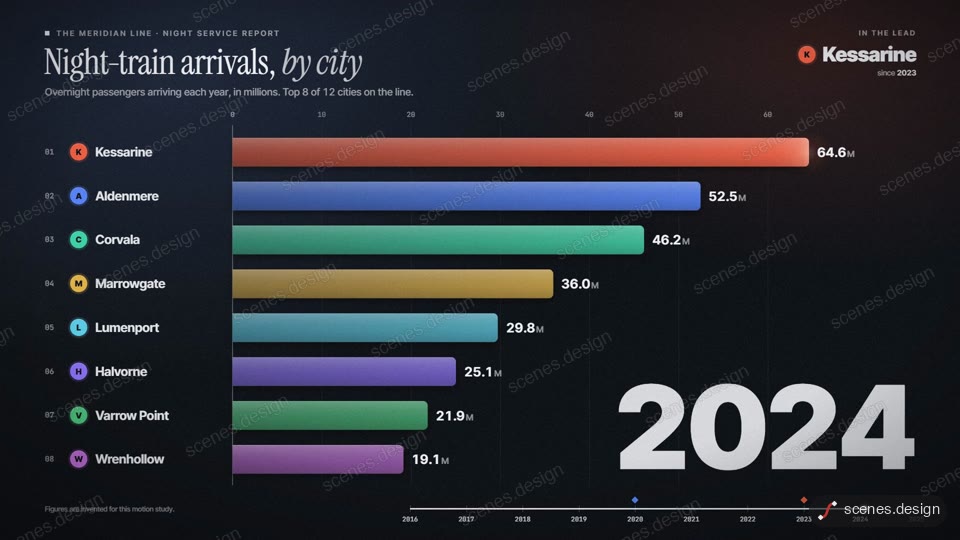
The Data bar race scene is a 16:9 bar chart race that shows the top 8 at any moment and ends on a winner reveal. It keeps one line of data per entity (a name, a colour and the values in order), so you can paste a column from a spreadsheet straight in.
A good graph race has 8 to 14 entities and enough years for the order to change a few times. If your data is invented or rounded, say so: the scene has a small source note for exactly that.
Scenes to start from
- Data bar race (widescreen 16:9)
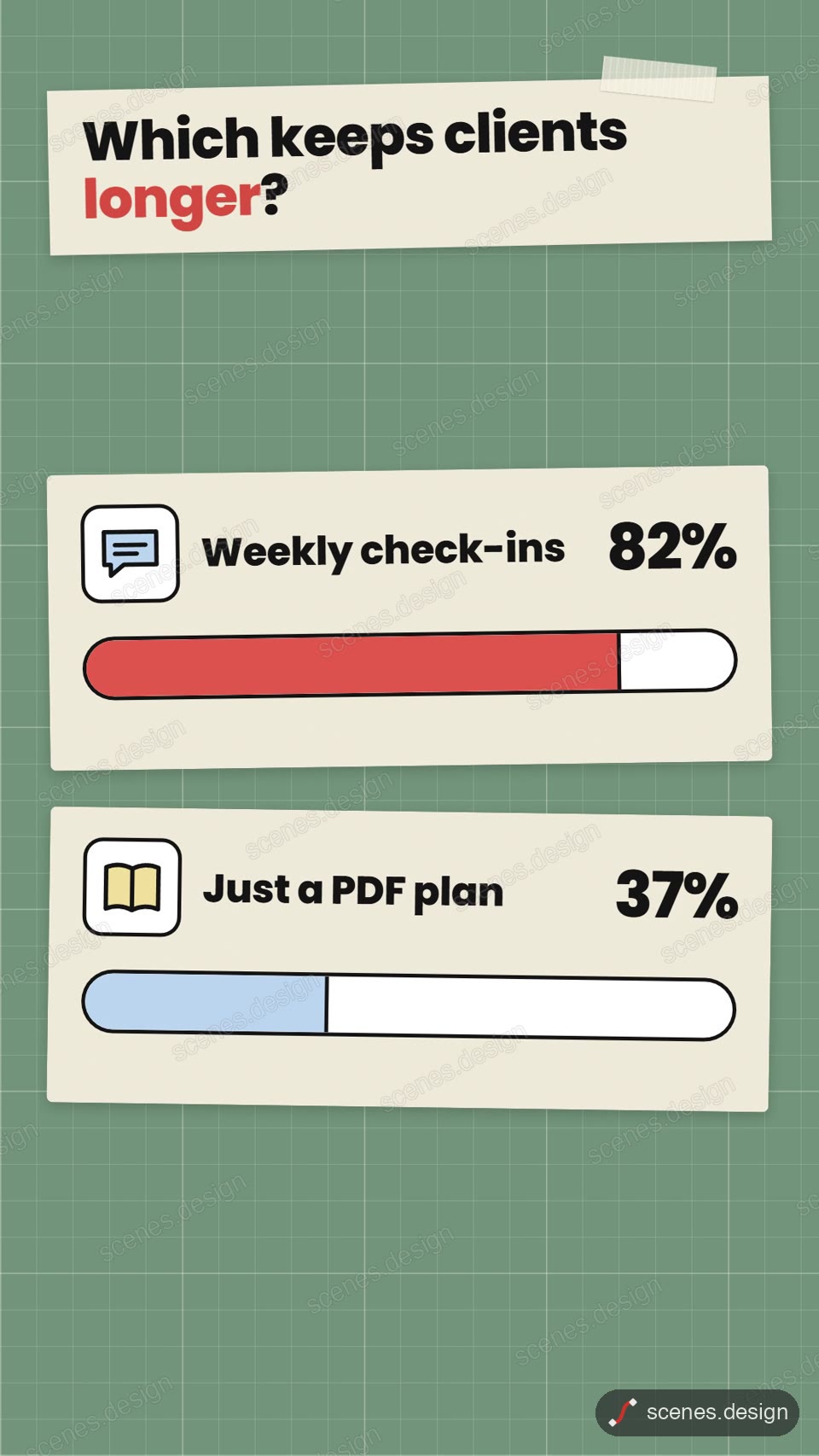
- Two icons progress race (vertical 9:16)
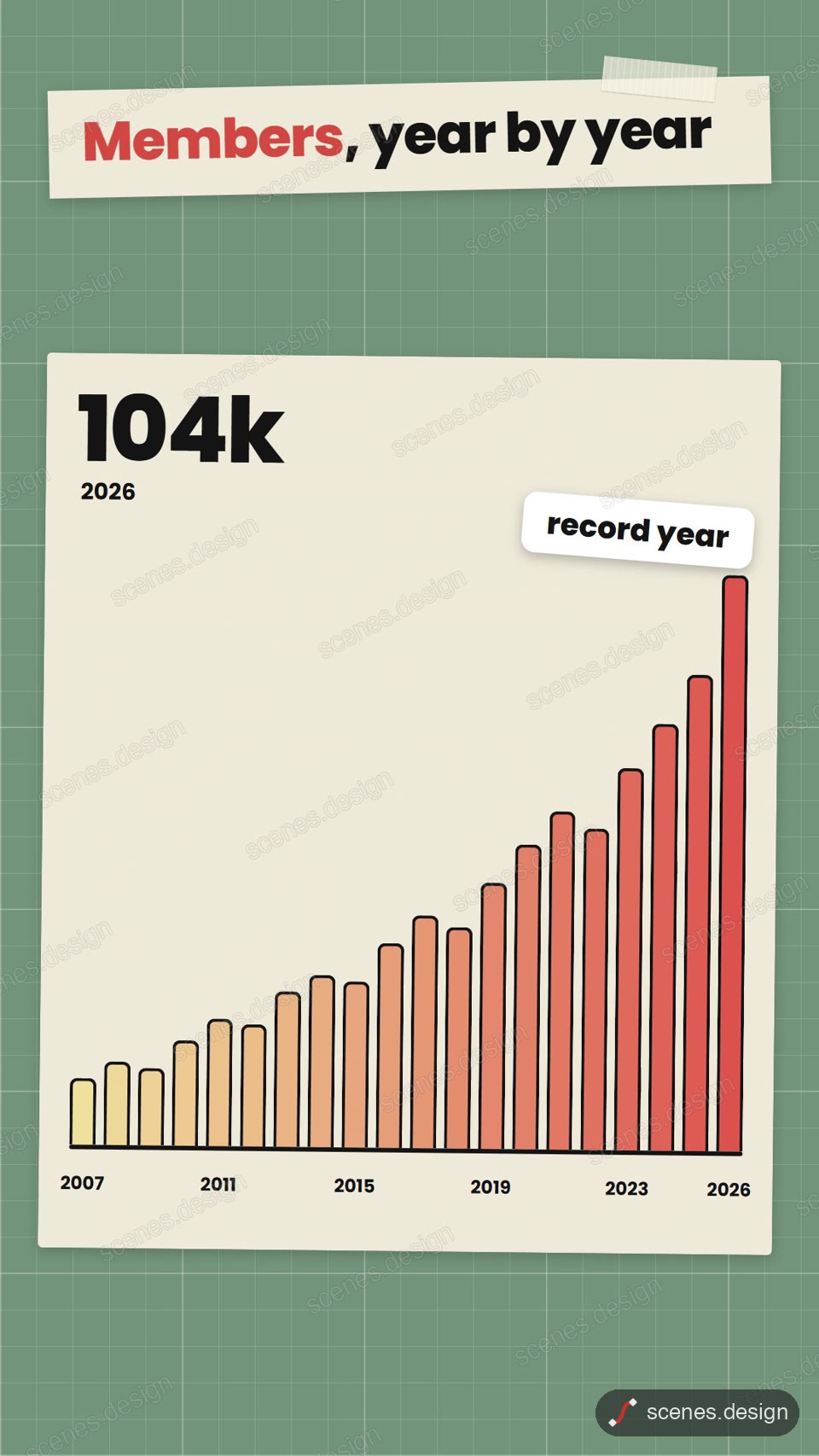
- Bar chart, 20 bars (vertical 9:16)
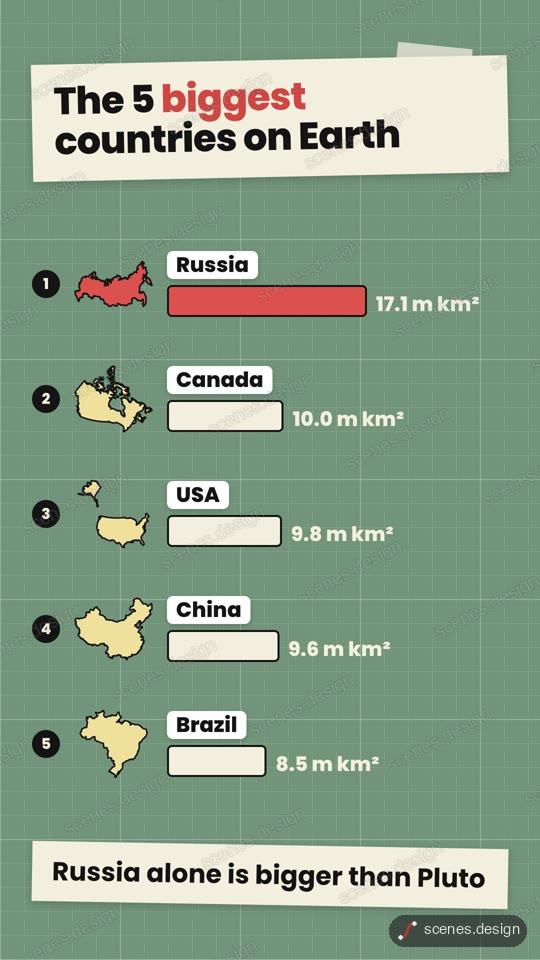
- Country ranking (vertical 9:16)
Step by step
Open the Data bar race scene and copy it
Open Data bar race in the Scenes Library and press Copy prompt. You get the prompt that made the scene; Copy code gives its HyperFrames code. Browsing is free, and free accounts can copy 2 scenes a day.
Paste it into Claude or Claude Code
Paste the prompt into claude.ai or the Claude app to see the scene build as a live preview. For an MP4 you need Claude Code: paste the prompt there, or set up the Scenes skill once (see Docs) and pull the scene into a folder.
node ~/.claude/skills/scenes-library/pull.mjs bar-race my-raceChange the words in plain English
Paste your data: "metric: monthly users. Entities and values per year 2019 to 2025: Alpha 10,14,22,31,40,52,61; Beta 8,15,19,35,44,47,50 ...". Ask for the source note to say where the numbers come from.
Set the pace
Ask Claude Code for the length you want, for example "make it 20 seconds and hold the winner for 2". Longer races give each year more time on screen.
Check it and render the MP4
HyperFrames renders the MP4 on your own computer, free, as often as you like. You need Node.js installed. Check first: it reports anything off-frame or broken.
npx hyperframes check my-race
npx hyperframes render my-race
Questions
Is there a free bar chart race maker?
Browsing and previewing every scene is free, and free accounts copy 2 scenes a day. The render is free because HyperFrames makes the MP4 on your own computer, with no watermark on the video.
Can I use my own data?
Yes. Paste the values as plain text or a CSV column. Claude puts them into the scene's data; nothing is uploaded to a chart service.
Can I make a vertical bar chart race?
The bar race scene is 16:9. Ask Claude Code to re-lay it out at 1080x1920, or start from the vertical Bar chart, 20 bars scene.
Do I need After Effects or code?
No. Scenes are HTML, CSS and JavaScript (HyperFrames code). Claude edits them from plain English and HyperFrames renders them to MP4. You never open a timeline.