What is kinetic typography? 10 examples you can copy
Kinetic typography is text that moves to carry meaning: words appear, scale, slide or swap in time with speech, music or a beat. Each of the 10 examples below is a finished scene you can copy into Claude, change the words of, and render as an MP4 with npx hyperframes render.
Good animated typography does three things: it sets one idea at a time, it gives the important word the biggest motion, and it keeps a steady rhythm so the eye knows when the next word lands. The examples below show different ways to do that.
The examples
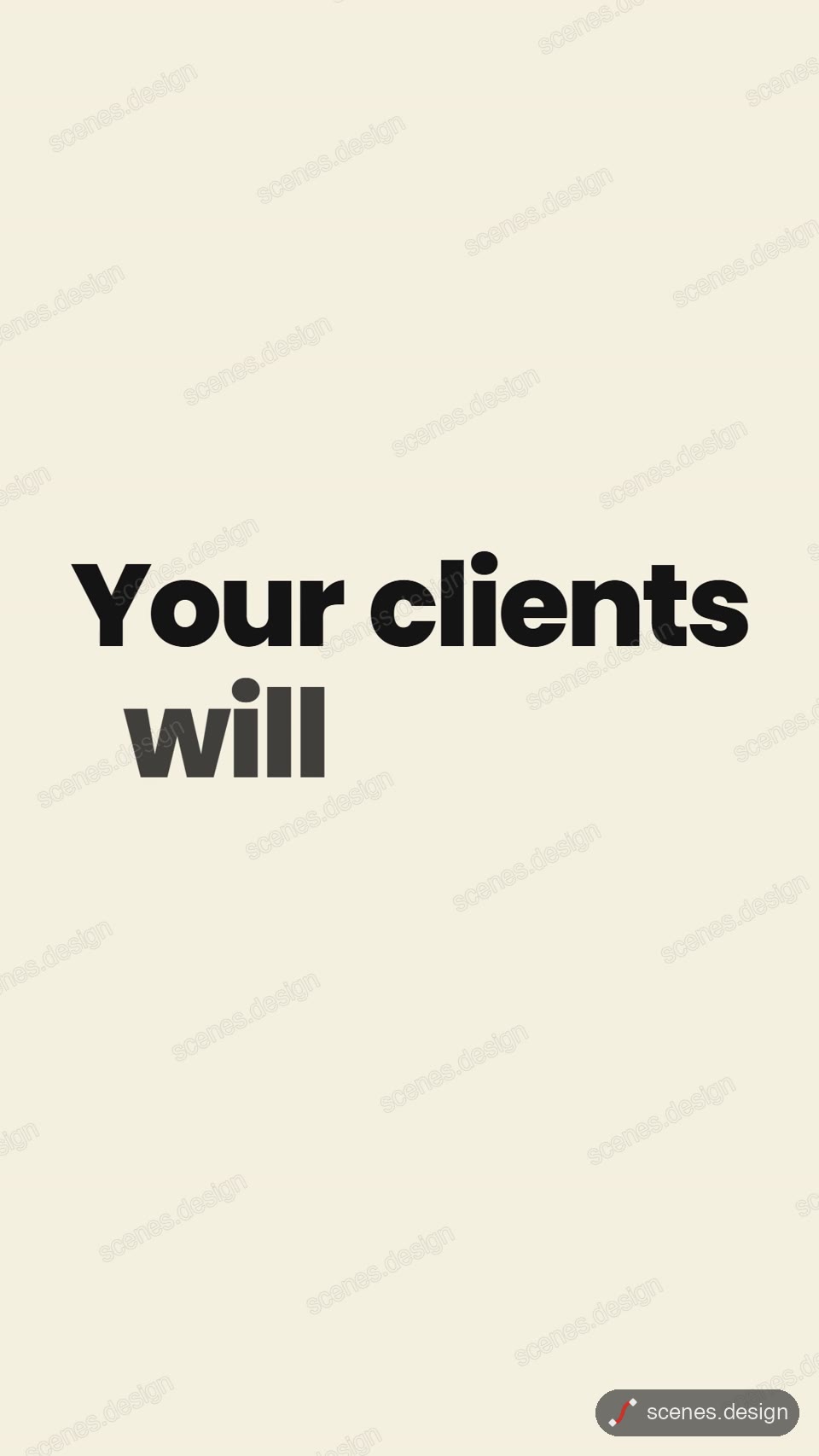
- Kinetic typography: a short message lands word by word, one sentence per card, with chosen words in colour.
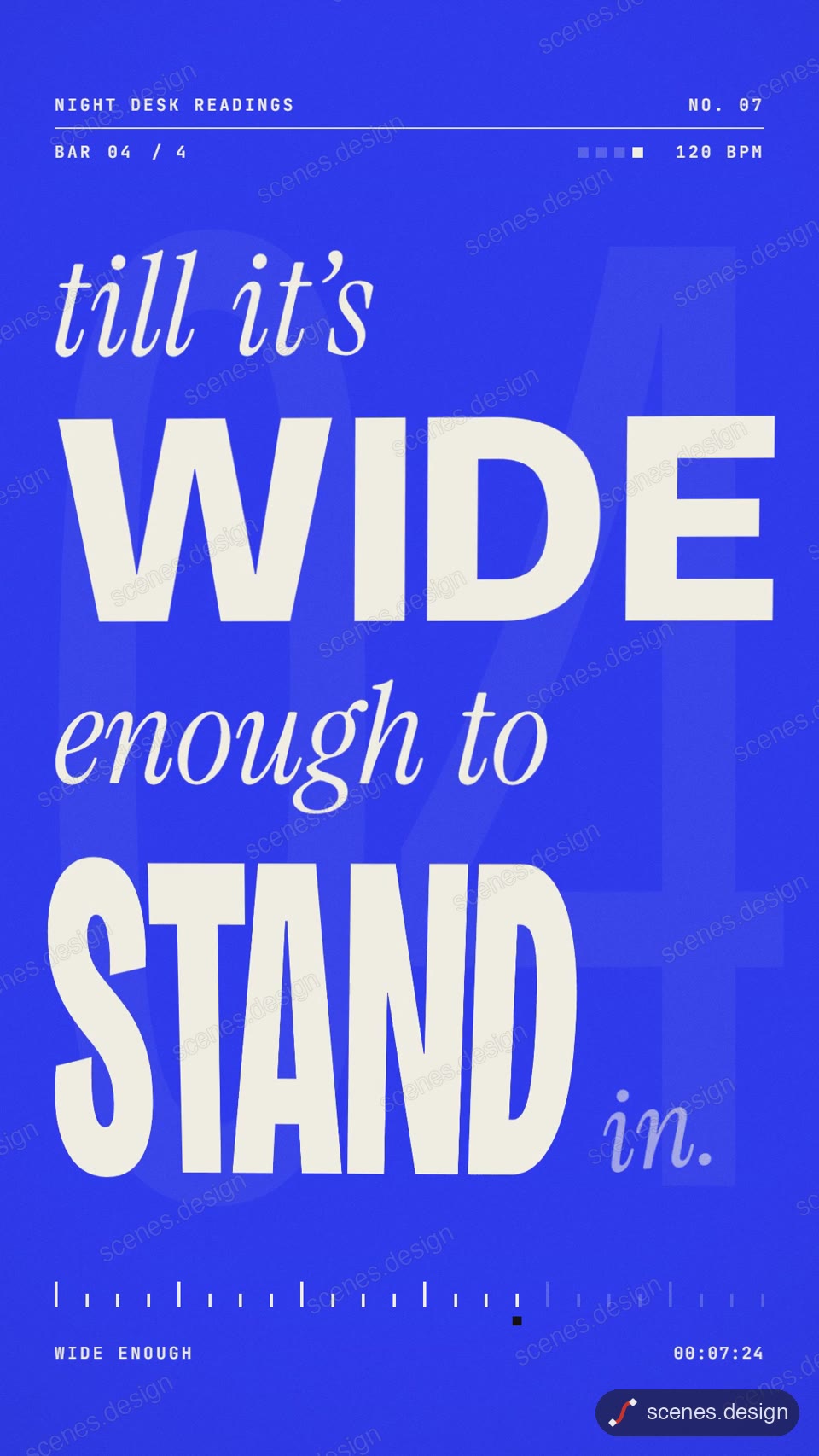
- Kinetic word rhythm: about 20 words performed on a beat grid, like a lyric video.
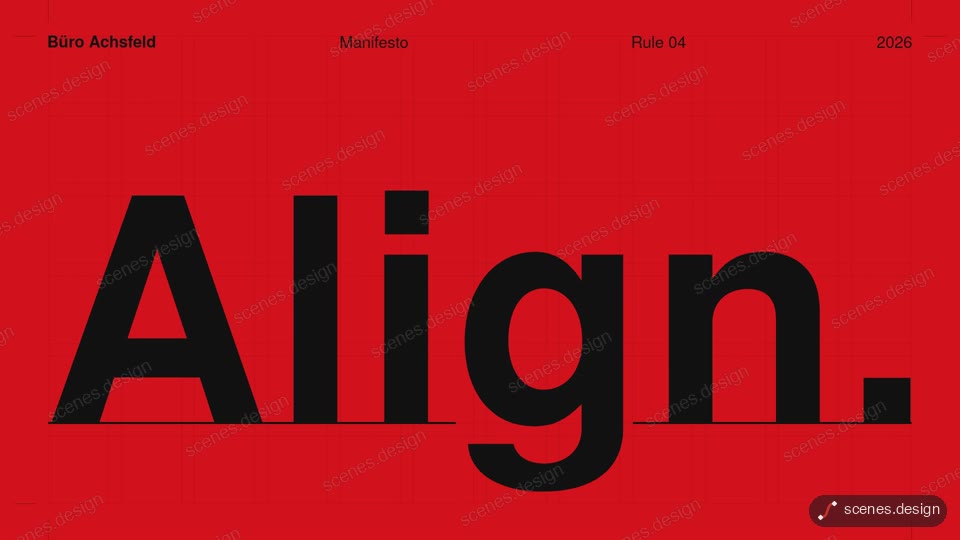
- Swiss grid kinetic type: a four-rule manifesto set on a strict grid in the International Typographic Style.
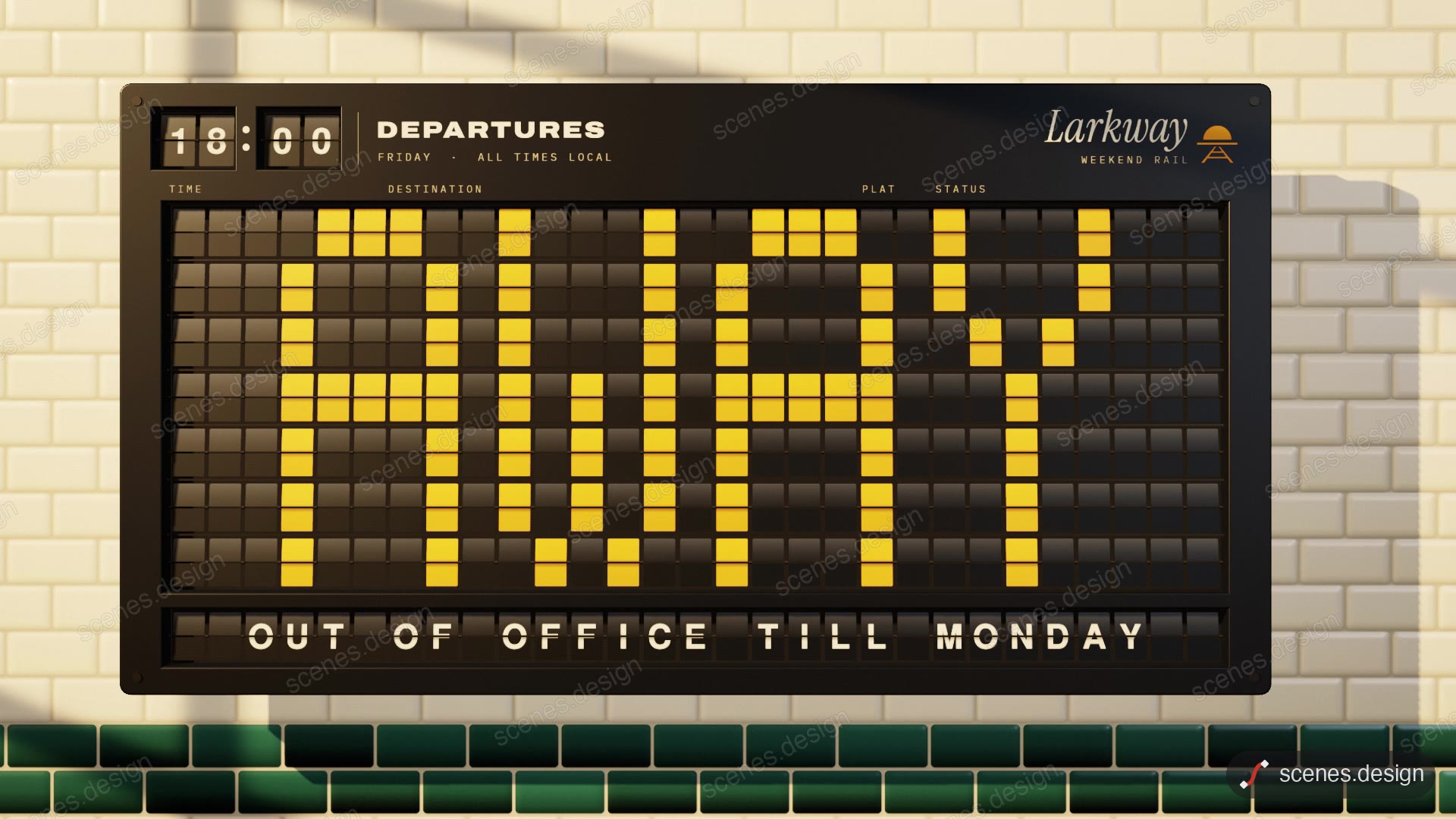
- Split-flap board: a mechanical departure board cascades and flips to your message.
- Headline with highlighter: a newspaper headline with a highlighter sweeping the key words.
- Liquid chrome type: molten chrome letters that form your word.
- Particle text: particles swarm into a word, burst into a second word, then into a logo mark.
- Time rewind typography: the years spin back for a before-and-after story.
- Brutalist web type: a zine told as a raw website being browsed.
- Editorial quote card: a printed pull-quote placed on a table.
Scenes to start from
- Kinetic typography (vertical 9:16)
- Kinetic word rhythm (vertical 9:16)
- Swiss grid kinetic type (widescreen 16:9)
- Split-flap board (widescreen 16:9)
Step by step
Open the Kinetic typography scene and copy it
Open Kinetic typography in the Scenes Library and press Copy prompt. You get the prompt that made the scene; Copy code gives its HyperFrames code. Browsing is free, and free accounts can copy 2 scenes a day.
Paste it into Claude or Claude Code
Paste the prompt into claude.ai or the Claude app to see the scene build as a live preview. For an MP4 you need Claude Code: paste the prompt there, or set up the Scenes skill once (see Docs) and pull the scene into a folder.
node ~/.claude/skills/scenes-library/pull.mjs kinetic-type my-typeChange the words in plain English
Give your words: "three cards: We ship weekly. / Small changes. / Big results. Make 'weekly' and 'Big' coral". Ask for a font you have the rights to use; free-to-embed fonts can be saved into the scene folder.
Check it and render the MP4
HyperFrames renders the MP4 on your own computer, free, as often as you like. You need Node.js installed. Check first: it reports anything off-frame or broken.
npx hyperframes check my-type
npx hyperframes render my-type
Questions
What is kinetic typography used for?
Video intros, title cards, quotes, lyric videos, ads and social posts where the words are the message.
Is there a kinetic typography maker I can use free?
Browsing and previewing every scene is free, and free accounts copy 2 scenes a day. The render is free because HyperFrames makes the MP4 on your own computer, with no watermark on the video.
Can I time the words to my voiceover?
Yes. Tell Claude Code when each word or line should land, in seconds, and it moves the timing to match.
Do I need After Effects?
No. Scenes are HTML, CSS and JavaScript (HyperFrames code). Claude edits them from plain English and HyperFrames renders them to MP4. You never open a timeline.