How to make a logo reveal animation for free
To make a logo reveal for free, copy a logo scene, give Claude your brand name, colours and logo file, and render the MP4 with npx hyperframes render. The motion stays the same and your logo takes the place of the sample mark.
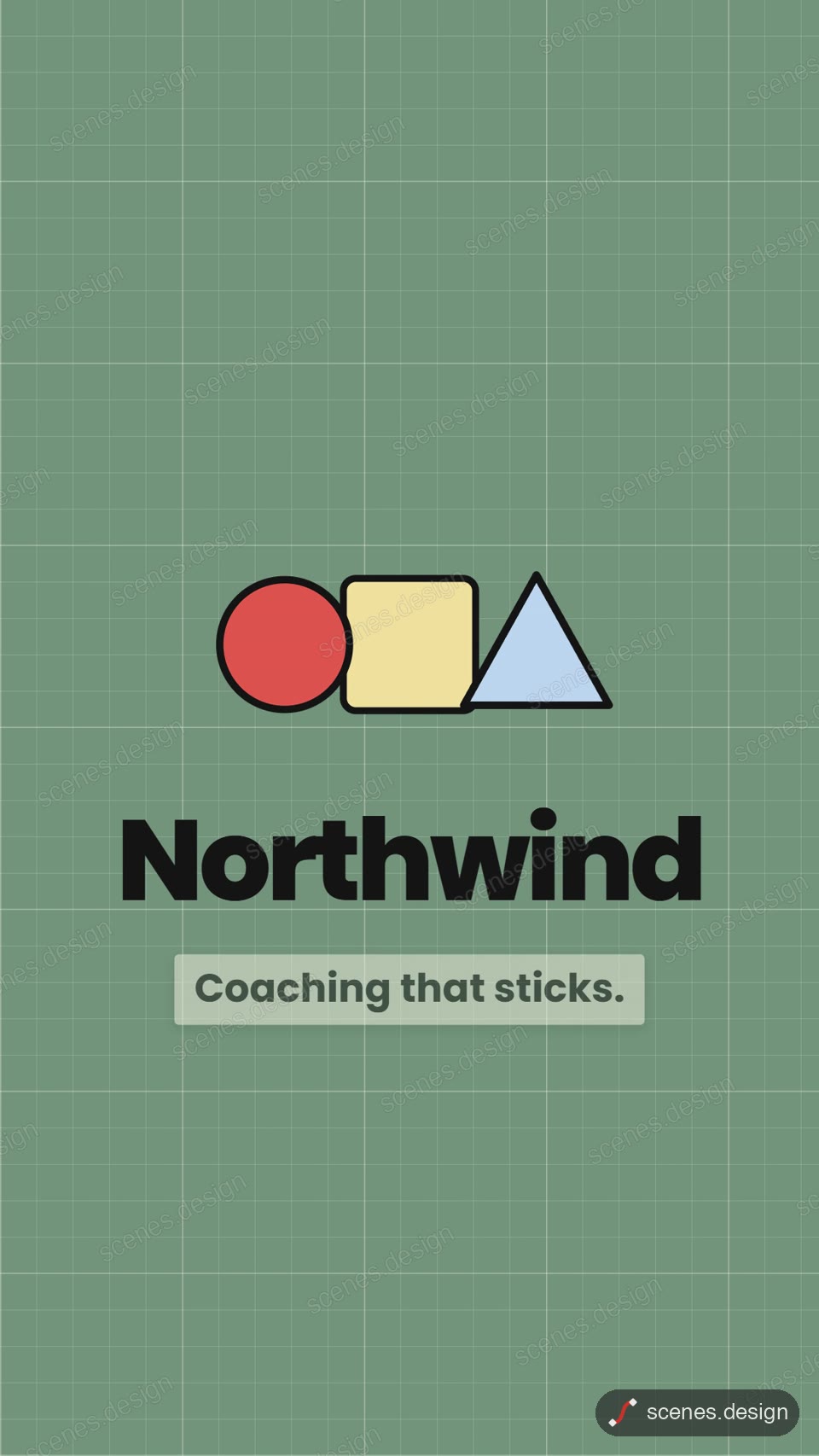
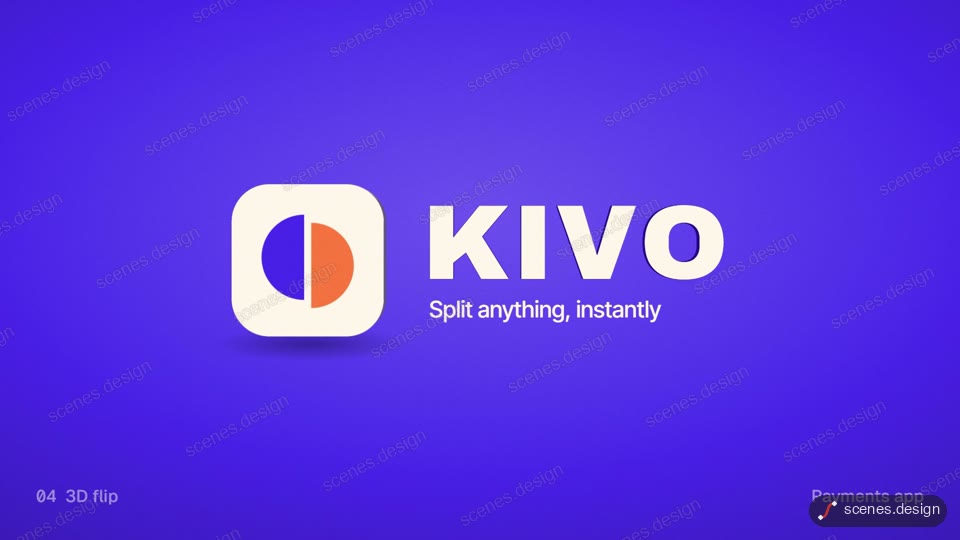
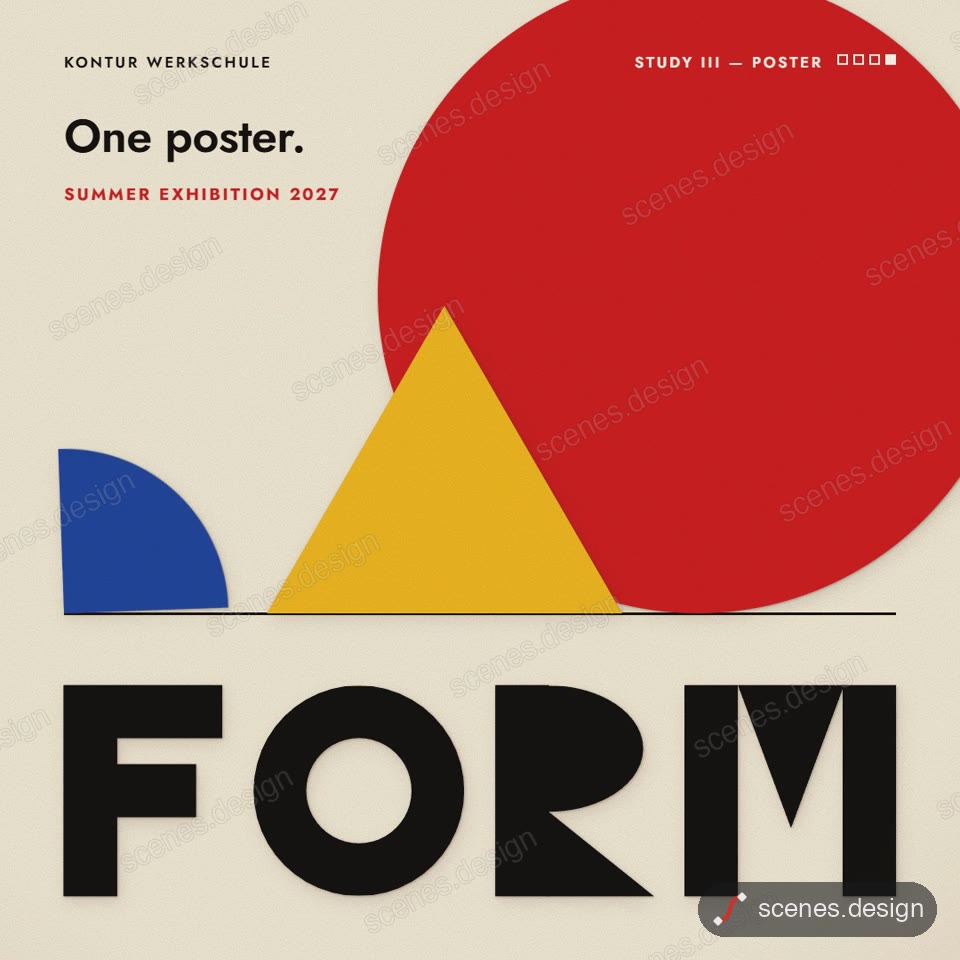
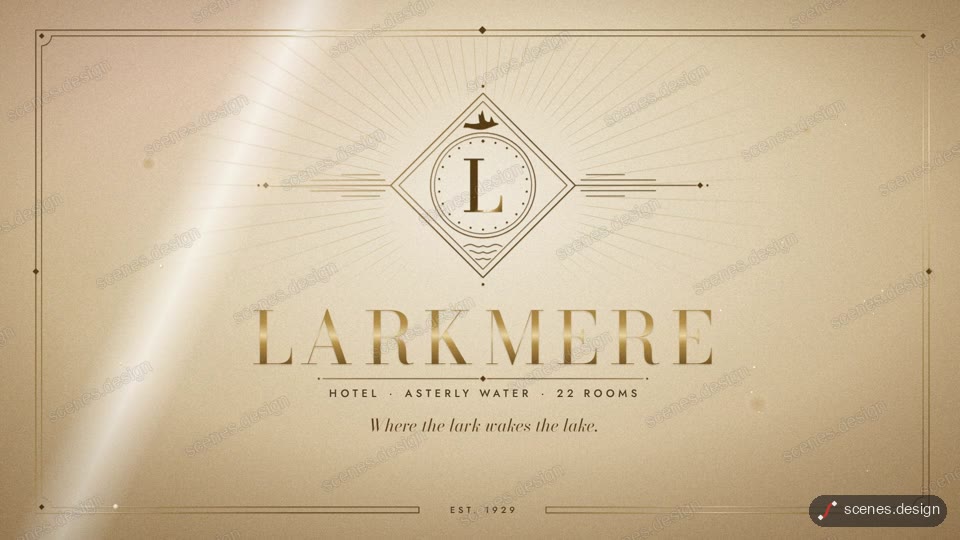
Scenes has several logo reveals: shapes in three colours that slide in and merge into a mark, a collection of five logo stings that each use a different technique, Bauhaus shapes that rebuild into a word, and fine gold lines that draw an emblem before the name rises.
Use an SVG of your logo if you can. Its shapes can be drawn on, split apart or coloured by the animation. A PNG with a transparent background works too, but it can only move as one piece.
Scenes to start from
- Logo reveal from shapes (vertical 9:16)
- Logo sting collection (widescreen 16:9)
- Bauhaus geometry (square)
- Luxury gold line reveal (widescreen 16:9)
Step by step
Open the Logo reveal from shapes scene and copy it
Open Logo reveal from shapes in the Scenes Library and press Copy prompt. You get the prompt that made the scene; Copy code gives its HyperFrames code. Browsing is free, and free accounts can copy 2 scenes a day.
Paste it into Claude or Claude Code
Paste the prompt into claude.ai or the Claude app to see the scene build as a live preview. For an MP4 you need Claude Code: paste the prompt there, or set up the Scenes skill once (see Docs) and pull the scene into a folder.
node ~/.claude/skills/scenes-library/pull.mjs logo-reveal my-logoChange the words in plain English
In Claude Code, put your logo file in the folder and ask: "use logo.svg as the mark, my brand colours are #0F766E and #F59E0B, the name is Northwind and the tagline is Fresh every day".
Check it and render the MP4
HyperFrames renders the MP4 on your own computer, free, as often as you like. You need Node.js installed. Check first: it reports anything off-frame or broken.
npx hyperframes check my-logo
npx hyperframes render my-logo
Questions
Can I make a logo reveal without After Effects?
No. Scenes are HTML, CSS and JavaScript (HyperFrames code). Claude edits them from plain English and HyperFrames renders them to MP4. You never open a timeline.
Is it free?
Browsing and previewing every scene is free, and free accounts copy 2 scenes a day. The render is free because HyperFrames makes the MP4 on your own computer, with no watermark on the video.
What logo file works best?
SVG. Its paths can be animated one by one. PNG works if it has a transparent background.
Can I use it at the end of my videos?
Yes. Render it once and add it to the start or end of each video. Scenes can be used in your own and client videos, commercial use included.