How to make a lower third name graphic
To make a lower third name graphic, copy a scene that has one, ask Claude to keep just the lower third with your name and title, and render it with npx hyperframes render. To use it over footage, render on plain green and key it out, or have Claude Code put your video behind it.
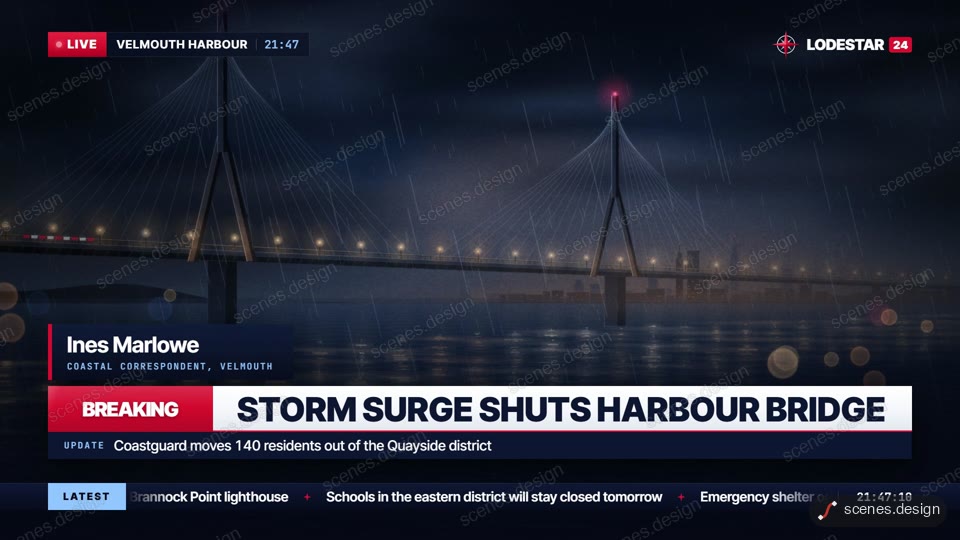
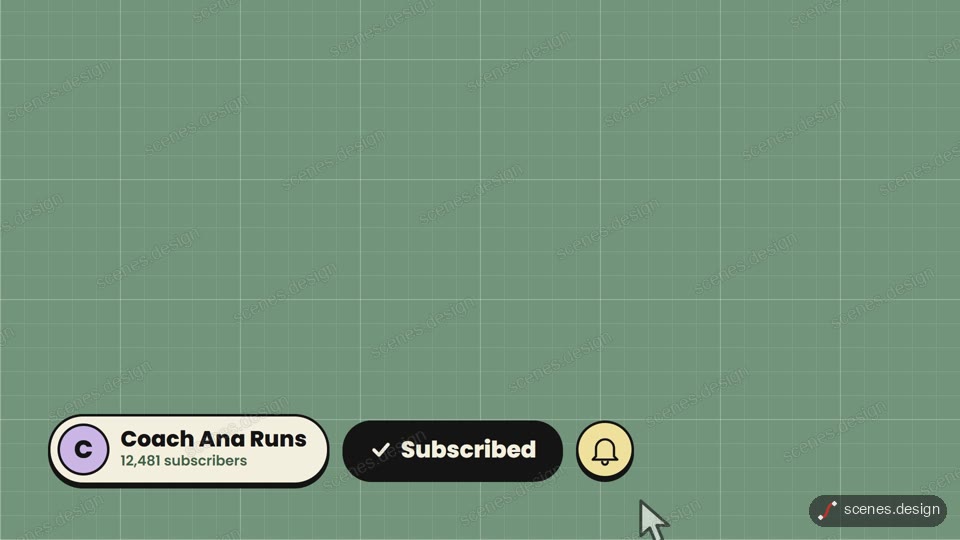
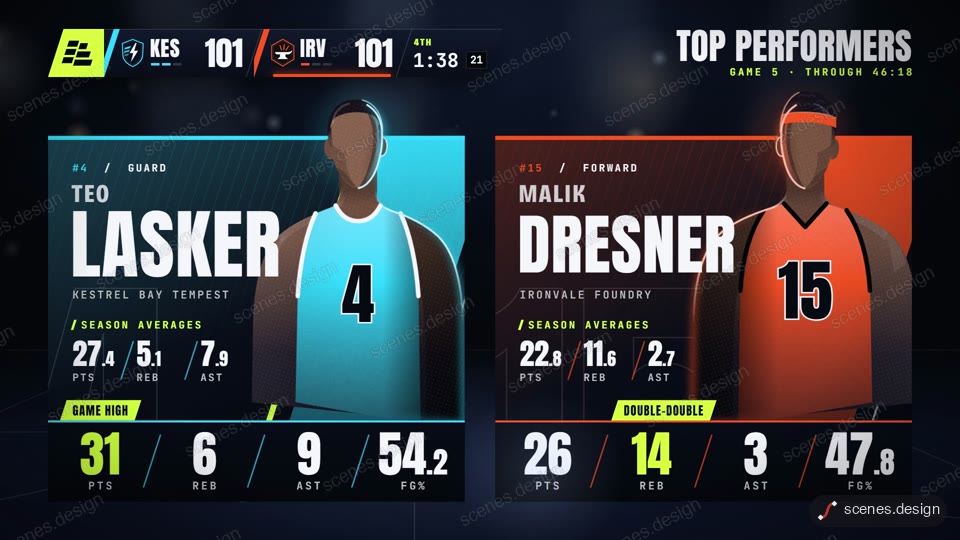
The Breaking news package includes a lower third name strap along with a ticker and a banner. Subscribe lower third shows a channel name and a subscribe button. The Sports stats package has player cards with the same strap style. Any of them can be cut down to a single name graphic.
A lower third should stay on screen for about four to six seconds, sit inside the bottom fifth of the frame, and use two lines at most: the name, then the role.
Scenes to start from
- Breaking news package (widescreen 16:9)
- Subscribe lower third (widescreen 16:9)
- Sports stats package (widescreen 16:9)
Step by step
Open the Breaking news package scene and copy it
Open Breaking news package in the Scenes Library and press Copy prompt. You get the prompt that made the scene; Copy code gives its HyperFrames code. Browsing is free, and free accounts can copy 2 scenes a day.
Paste it into Claude or Claude Code
Paste the prompt into claude.ai or the Claude app to see the scene build as a live preview. For an MP4 you need Claude Code: paste the prompt there, or set up the Scenes skill once (see Docs) and pull the scene into a folder.
node ~/.claude/skills/scenes-library/pull.mjs breaking-news my-lower-thirdChange the words in plain English
Ask: "keep only the lower third. Name: Dr Maya Patel. Role: Head of Research. Colours #0B3D91 and white. Hold it for 5 seconds, then animate out".
Get it over your footage
Either ask Claude Code for a plain green (#00FF00) background and key it out in your editor, or put your clip in the folder and ask Claude Code to play it behind the lower third.
Check it and render the MP4
HyperFrames renders the MP4 on your own computer, free, as often as you like. You need Node.js installed. Check first: it reports anything off-frame or broken.
npx hyperframes check my-lower-third
npx hyperframes render my-lower-third
Questions
Can I get a blank lower third template?
Yes. Ask Claude to set the name and role to placeholders like Name and Title, render it, and reuse the folder for each guest.
Will it work for Instagram?
Yes. Ask Claude Code to re-lay it out for 1080x1920 and keep it clear of the captions and buttons at the bottom of the screen.
Is it free?
Browsing and previewing every scene is free, and free accounts copy 2 scenes a day. The render is free because HyperFrames makes the MP4 on your own computer, with no watermark on the video.
Do I need After Effects?
No. Scenes are HTML, CSS and JavaScript (HyperFrames code). Claude edits them from plain English and HyperFrames renders them to MP4. You never open a timeline.