Motion graphics examples: 12 styles, from film titles to social, and how to make your own
Motion graphics are animated graphic design: type, shapes, charts, icons and logos that move to explain or sell something, rather than characters acting out a story. You see them in film titles, TV news, adverts, explainers and social posts. Below are 12 motion graphics examples, one per major style, each one you can copy into Claude and make your own.
Motion graphics sit between graphic design and animation. A poster becomes motion graphics the moment its type slides in on a beat; a chart becomes motion graphics when its bars grow. The test of a good example is the same as for a good poster: is it clear what matters, and does the motion make it clearer?
The field has a long history in film. Saul Bass's title sequences for Vertigo (1958) and North by Northwest (1959) set moving type and shapes to music, and John Whitney's experimental computer films in the early 1960s are often called the start of computer motion graphics. MTV's constantly changing logo idents in the 1980s brought the style into everyday TV, and news channels built whole graphics packages around it.
The main styles of motion graphics are: film title sequences, kinetic typography, data and chart animation, map animation, logo stings, broadcast and news graphics, sports graphics, explainers, lower thirds, transitions, illustrated and paper animation, and 3D motion design. The 12 examples below cover each one.
Motion graphics examples in movies are mostly title sequences and on-screen interfaces: credits that build and break apart, screens and heads-up displays the characters look at. The cinematic title sequence below is a starting point for that look.
Three habits run through good motion graphics. Every move has a reason (enter, emphasise, explain, exit). Timing follows a rhythm, often the music. And there is one focal point per beat, so the eye always knows where to look. Ease every move in and out; linear motion is the quickest way to look cheap.
Every example here was made the same way. Claude (Sonnet or Opus) writes the animation as code: HTML, CSS and GSAP for 2D motion, Three.js for 3D, all on one timeline. HyperFrames then renders that code to an MP4 frame by frame, so the result is sharp at any size and identical every time you render it.
Most motion designers work in After Effects, keyframing each layer by hand. With Claude you describe the design, the words and the rhythm, and it writes the animation as code. That makes edits fast (a new headline, a new number, a new colour) and keeps every version consistent, which matters for series and brand work.
Each scene gives you two ways in. Copy code hands Claude the finished film, so it only edits what you ask for and uses almost no usage. Copy prompt has Claude rebuild the scene from the prompt that made it, which uses more usage and can come out differently. Copy code is the better start when you like the preview as it is.
Each example below is a real scene from the Scenes Library, so you can open it, see the prompt behind it and copy it. Start from the style closest to your job, then ask Claude for your words, colours, size and length.
What is the difference between motion graphics and animation? Motion graphics animate design elements such as type, shapes and data to communicate; character animation tells a story through characters acting. What software is used for motion graphics? After Effects is the industry standard; code-based tools such as HyperFrames let Claude make them from a description.
The examples
- Cinematic title sequence: slow credits in letterboxed widescreen with light leaks and grain, the film-title tradition.
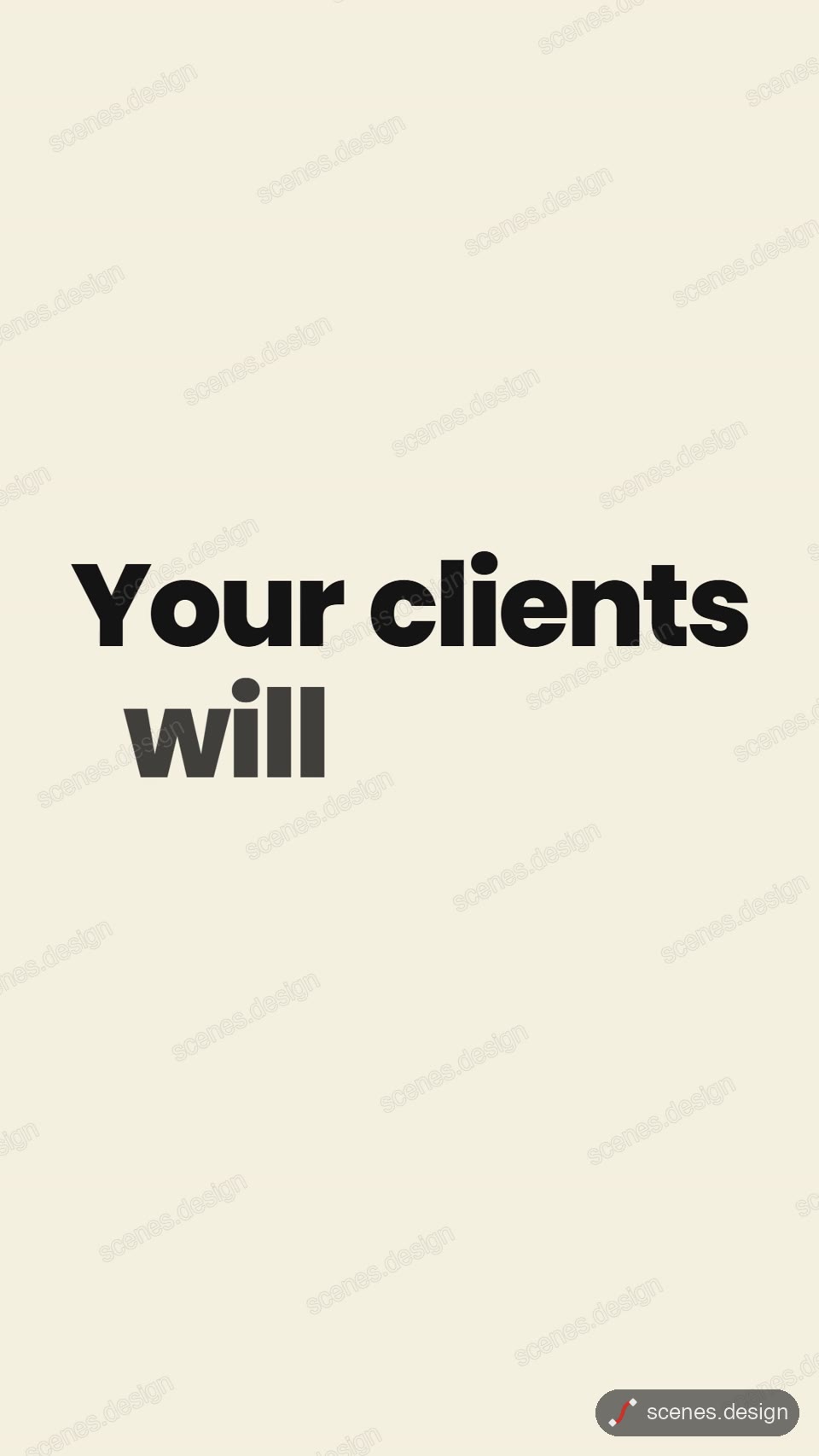
- Kinetic typography: one sentence per card with key words in colour, timed to the voice.
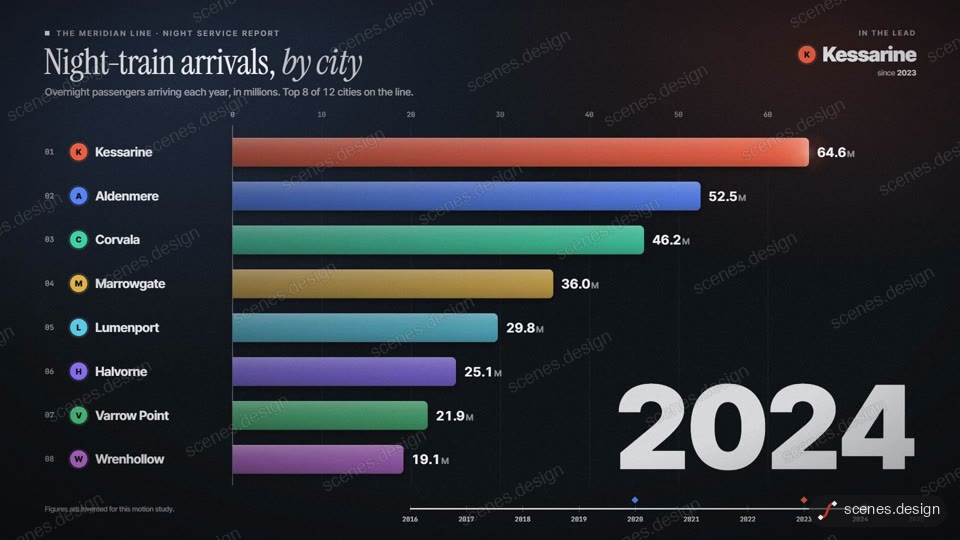
- Data animation: a bar chart race where the leaders reorder year by year.
- Map animation: a zoom from the whole globe onto one country with a pin and a fact card.
- Logo stings: five short brand reveals, each with a different technique.
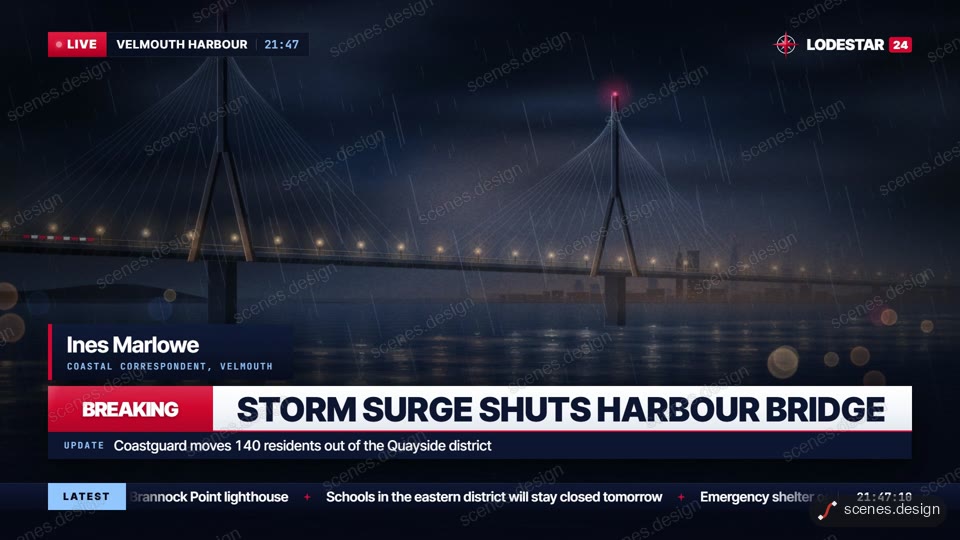
- Broadcast graphics: a channel ident, breaking sting, headline straps, a live bug and a ticker.
- Sports graphics: angled wipes between a score bug, player stat cards and a head-to-head.
- Explainer motion graphics: a marker draws the brand name and three steps on a whiteboard.
- Lower third: a channel name, a subscribe button that gets clicked and a notification bell.
- Transitions: four full-bleed cards crash into each other through glitch transitions.
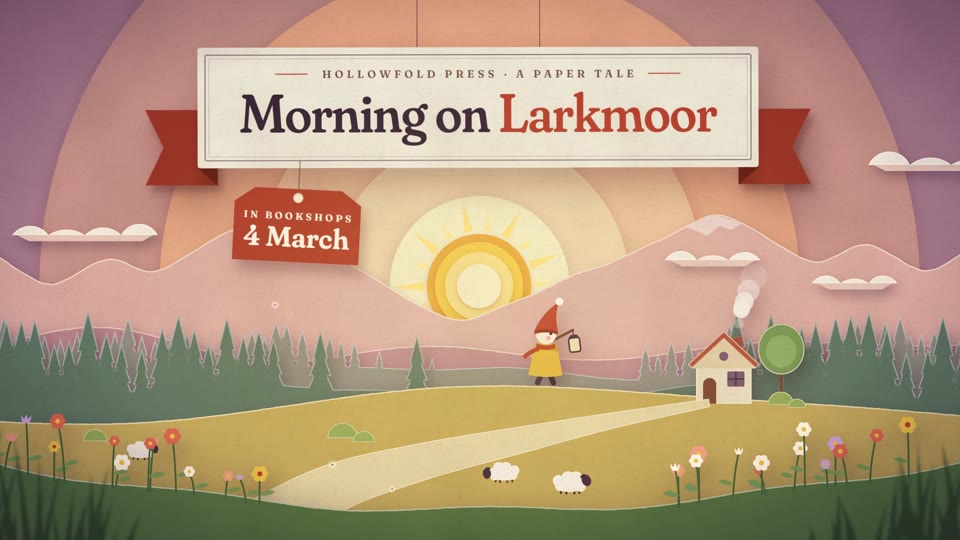
- Illustrated motion graphics: layered cut paper in a shadow box as night turns to dawn.
- 3D motion design: an isometric city builds in stages and the brand name lands.
Scenes to start from
- Kinetic typography (vertical 9:16)
- Bar chart race (widescreen 16:9)
- Breaking news graphics (widescreen 16:9)
- Paper cut-out title film (widescreen 16:9)
Step by step
Pick an example and open the scene
Open any example above in the Scenes Library. Watch it through and pick the one whose look and pacing are closest to what you need. Browsing and previewing every scene is free.
Choose Copy code or Copy prompt
Copy code gives you the exact film in the preview and uses almost no Claude usage, because Claude only edits what is already built. Copy prompt has Claude build the scene again from the prompt that made it; it uses more usage and the result can differ. In Claude Code you can also pull the code straight into a folder with the Scenes skill (see Docs).
node ~/.claude/skills/scenes-library/pull.mjs breaking-news my-motionSwap in your words and brand
Paste into Claude Code (or claude.ai to watch a live preview) and describe the changes in plain English, for example: "channel: North Valley News, headline: Bridge reopens after two years, reporter: Sam Patel, colours #B91C1C and #111827, 16:9". Claude keeps the timing, camera and effects and swaps in your content.
Check it and render the MP4
HyperFrames renders the MP4 on your own computer, as often as you like, with no watermark. You need Node.js installed. Run the check first: it reports anything off-frame or broken.
npx hyperframes check my-motion
npx hyperframes render my-motion
Questions
What are motion graphics?
Animated graphic design: type, shapes, charts, icons and logos that move to explain or sell something. They are used in film titles, TV, adverts, explainers and social media.
What are some famous motion graphics examples?
Saul Bass's title sequences for Vertigo and North by Northwest, John Whitney's early computer films, MTV's 1980s logo idents and the graphics packages of TV news channels.
What are examples of motion graphics in movies?
Mostly title sequences, such as Saul Bass's and Kyle Cooper's Se7en titles, and the on-screen interfaces and displays characters look at inside the film.
What is the difference between motion graphics and animation?
Motion graphics animate design elements to communicate information; character animation tells a story through characters acting. Many projects mix the two.
Can Claude make motion graphics?
Yes. Claude writes the motion graphics as code (HTML, CSS, GSAP or Three.js) and HyperFrames renders the MP4. Start from one of the examples above and change the words, colours and timing.
What is the difference between Copy code and Copy prompt?
Copy code gives you the exact film in the preview and uses almost no Claude usage. Copy prompt asks Claude to build the scene again from the prompt that made it, which uses more usage and can give a different result.