Free SaaS explainer video templates you can render yourself
Copy a finished SaaS explainer scene from Scenes with Copy code, ask Claude to change the product name, words, numbers and colours in plain English, and render it free on your own machine with npx hyperframes render. You can try a scene free, and the MP4 has no watermark.
Search for a free SaaS explainer video template and most of what comes back is script PDFs, agency pages and gig listings. Those help you plan a video, but they don't give you one. The scenes below are finished explainer films, made with Claude as HyperFrames HTML that renders to MP4, so you start from something that already moves and only change what is yours.
A good SaaS explainer follows five beats: the problem your customer has, your product, how it works, proof that it works, and a call to action. Problem to solution app ad covers the first two in one scene, Terminal to dashboard and Developer tool teaser show the product working, Paper to dashboard explainer is a before and after, and Violet tile wall SaaS explainer or Glass UI SaaS launch close on your name and offer. Use one scene per beat, or one scene for a short ad.
Keep the script tight. Spoken voiceover runs at roughly two to three words a second, so a 60 second explainer holds about 150 words and a 30 second ad about 75. On-screen text needs longer: give each line enough time to be read twice. If a beat needs more words than its seconds allow, cut words, not seconds.
Show real UI where you can. The App UI scenes draw screens in HTML and CSS, so text stays sharp at any size and you can rewrite every label to match your product. If you'd rather show your actual app, put your screenshots in the scene folder and ask Claude Code to place them in the frame. To put your brand on a scene, give Claude your hex colours, logo file and font, for example "brand: Ledgerly, colours #0F172A and #22C55E, logo is logo.svg, font Inter".
The recommended route is Copy code: you get the exact film, and Claude only edits what you ask it to. Copy prompt is the secondary route. Claude rebuilds the scene from scratch, so results come out close but not identical, and they are best on Opus. If you want a launch film rather than an explainer, read Product launch video with Claude.
There are fair alternatives. An agency writes, designs and animates for you, which is the most hands-off option and usually the most expensive. Fiverr gigs cost less but quality and turnaround vary by seller. Paid template marketplaces give you polished After Effects or Premiere projects, but you need that software and the skills to edit them. Canva is quick and free to start, though its templates are shared by many users and complex UI motion is harder to build. Scenes suits you if you already use Claude and want to edit a film by asking for changes instead of working on a timeline.
The examples
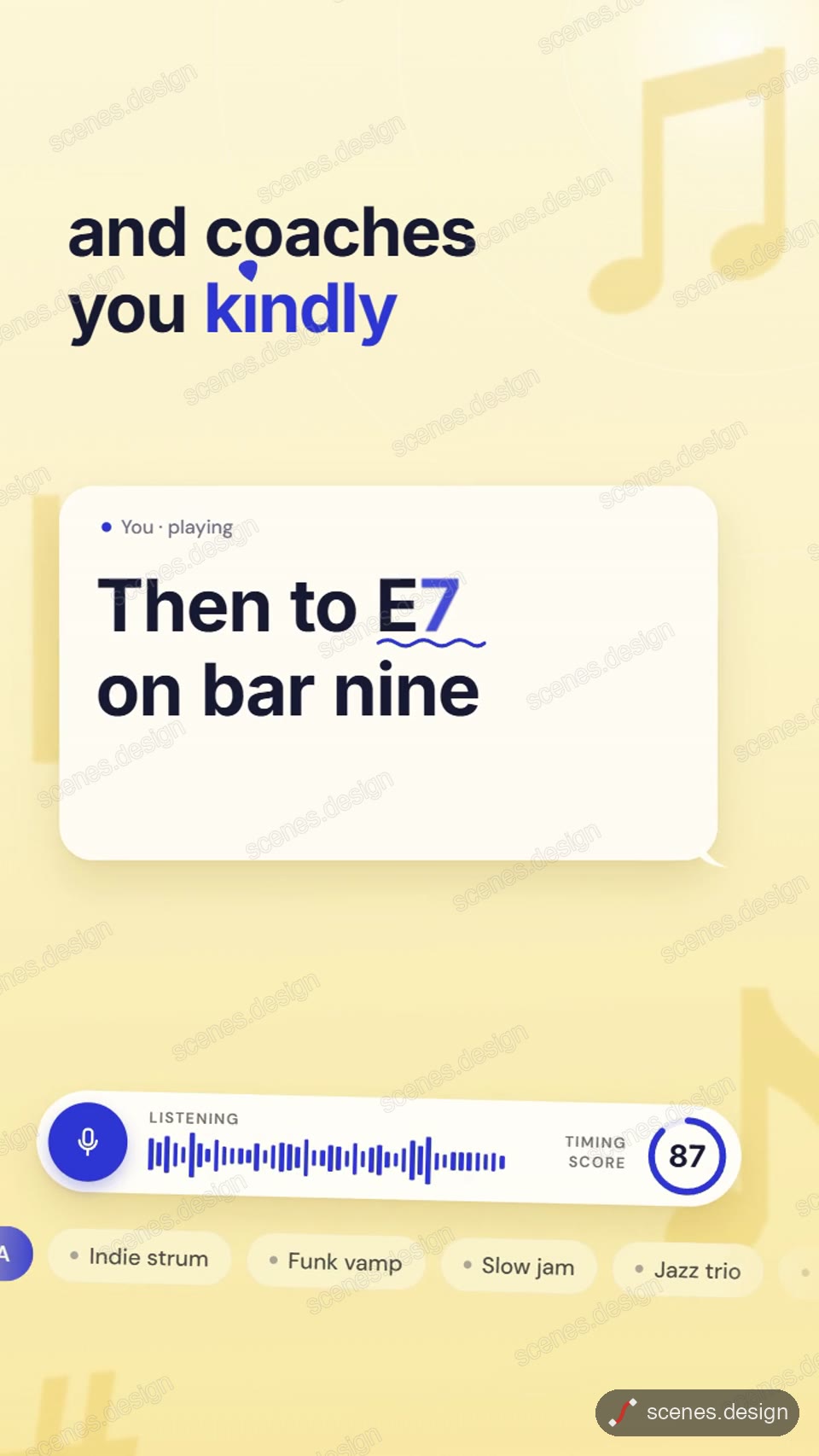
- Problem to solution app ad: a stuck chat turns into your product's fix (9:16)
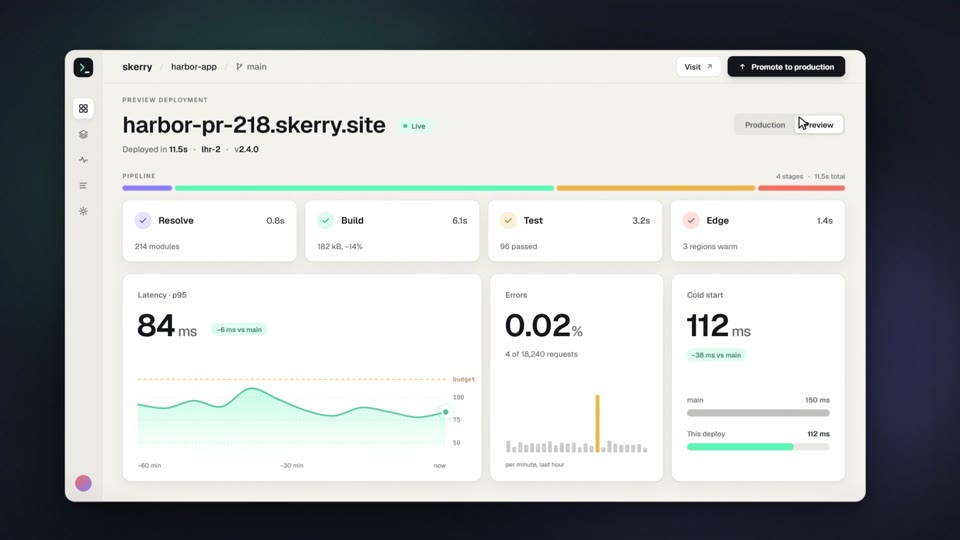
- Terminal to dashboard: a command runs and becomes a live dashboard
- Developer tool teaser: typed input builds a SaaS dashboard
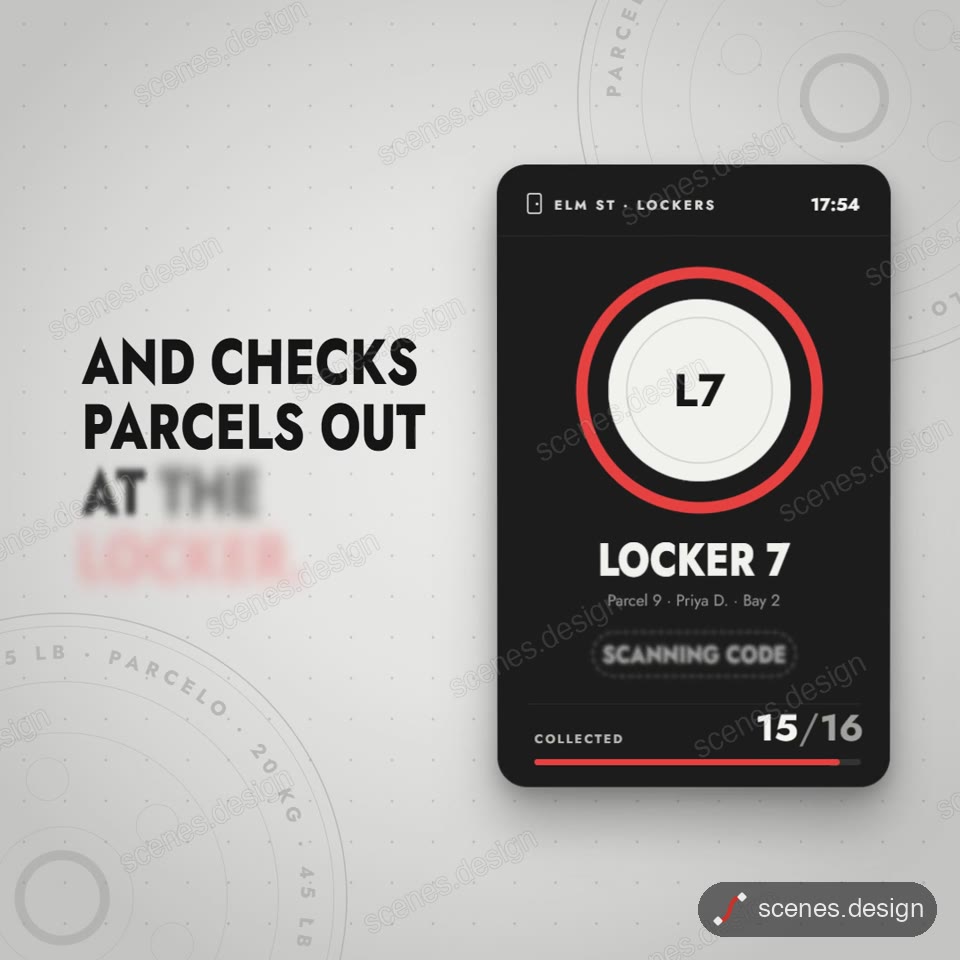
- Paper to dashboard explainer: the old way becomes your app (1:1)
- App onboarding flow: taps and screen changes inside a phone (9:16)
- Floating glass app screens: your product UI in 3D space
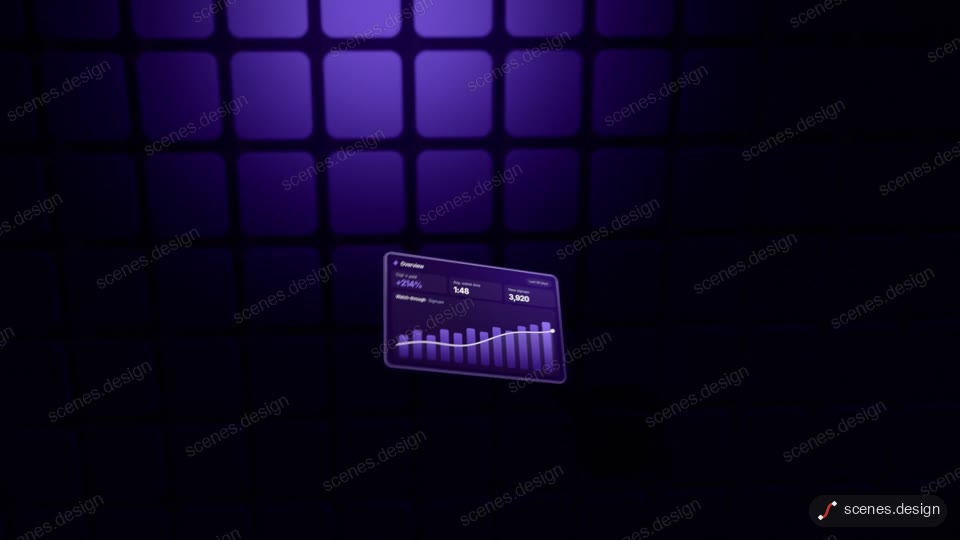
- Violet tile wall SaaS explainer: a 3D wall of tiles explains the product
- Glass UI SaaS launch: product panels in blue glass for the closing beat
Scenes to start from
- Problem to solution app ad (vertical 9:16)
- Terminal to dashboard (widescreen 16:9)
- Paper to dashboard explainer (square)
- Violet tile wall SaaS explainer (widescreen 16:9)
Step by step
Pick a scene for each beat and press Copy code
Open a scene in the Scenes Library and press Copy code to get its HyperFrames code. Or ask Claude Code to copy it for you through the Scenes skill or the MCP connector. You can try a scene free; Creator Pro is $29 a month or $290 a year.
claude mcp add --transport http scenes https://scenes.design/mcpWrite the script to the scene length
Plan problem, product, how it works, proof and call to action. Budget about two to three spoken words a second, and fewer for on-screen text.
Change it in plain English
In Claude Code, ask for your words, numbers and colours, for example "product: Ledgerly, invoicing for freelancers. Problem line: chasing late payments. Dashboard shows 14 invoices paid. Colours #0F172A and #22C55E".
Add your screenshots and logo
Drop screenshots and your logo file into the scene folder and ask Claude to place them, or keep the drawn UI and just rename its labels.
Check and render the MP4
HyperFrames renders on your own computer, free, as often as you like, with no watermark. You need Node.js installed.
npx hyperframes check my-explainer
npx hyperframes render my-explainer
Questions
Is there a free SaaS explainer video template?
Yes. Every scene in the Scenes Library is free to browse and preview, and rendering with HyperFrames is free on your machine. Commercial use is included.
How long should a SaaS explainer video be?
Long enough for problem, product, how it works, proof and call to action, and no longer. At two to three spoken words a second, 60 seconds holds about 150 words; a 30 second ad holds about 75.
Can I use my own product screenshots?
Yes. Put them in the scene folder and ask Claude Code to place them. You can also keep the drawn UI, which stays sharp at any size, and rename its labels to match your app.
What do I need to make it?
Claude Code, which needs a paid Claude plan, and Node.js to render. Scenes and rendering are free to try; Creator Pro ($29 a month or $290 a year) adds the Pro scenes.
Copy code or Copy prompt?
Copy code. It gives you the exact film to edit. Copy prompt has Claude rebuild the scene from scratch, so the result is close but not identical, and it works best on Opus.
Is there a watermark?
No. HyperFrames renders the MP4 on your own computer and adds no watermark.