How to make videos in Claude Code without burning your usage limit
Start from a finished scene instead of asking Claude to design a video from scratch. With Copy code, Claude only edits the words, colours and timing in a file that already works, which takes a fraction of the usage of generating one, and the MP4 renders on your own computer with no Claude usage at all.
Most of the usage in an AI video goes on design, not on the video. Asked for a launch film from a blank page, Claude plans the beats, writes hundreds of lines of animation, renders test frames, looks at them and rewrites, often on high effort with a top model. That loop is what eats a 5-hour window in minutes. A finished scene skips all of it: the design, easing and timing are done, and your job is the message.
Rendering is free in usage terms. npx hyperframes render runs on your machine with Node.js, FFmpeg and Chrome, so a second or tenth render of the same scene costs nothing from your plan. Spend Claude on the edit, not on watching the render.
Model and effort matter too. Anthropic says usage depends on the model, the effort level, conversation length and tools like connectors and web search, and that higher effort uses more tokens. Swapping a headline and a hex code is a routine edit: a mid-tier model like Sonnet on normal effort handles it well. Save Opus or high effort for building something new.
On the API you pay per token. Anthropic lists Opus 5.5 at $4 per million input tokens and $20 per million output, and Sonnet 5.5 at $2 and $10 (claude.com/pricing, 9 Nov 2026). A finished scene file is tens of kilobytes, very roughly 10,000 to 20,000 tokens to read, and an edit writes back only the lines that change, so editing one is cents, not dollars. Building a one-minute demo from scratch is many read, write and check rounds, so it costs many times more.
The examples
- Fast-cut SaaS launch film: swap the screens and headline for yours
- Developer tool teaser: a typed command that becomes a dashboard
- Terminal to dashboard: a CLI launch in one shot
- Spoken word kinetic type: reels from your own voiceover
Scenes to start from
- Fast-cut SaaS launch film (widescreen 16:9)

- Developer tool teaser (widescreen 16:9)
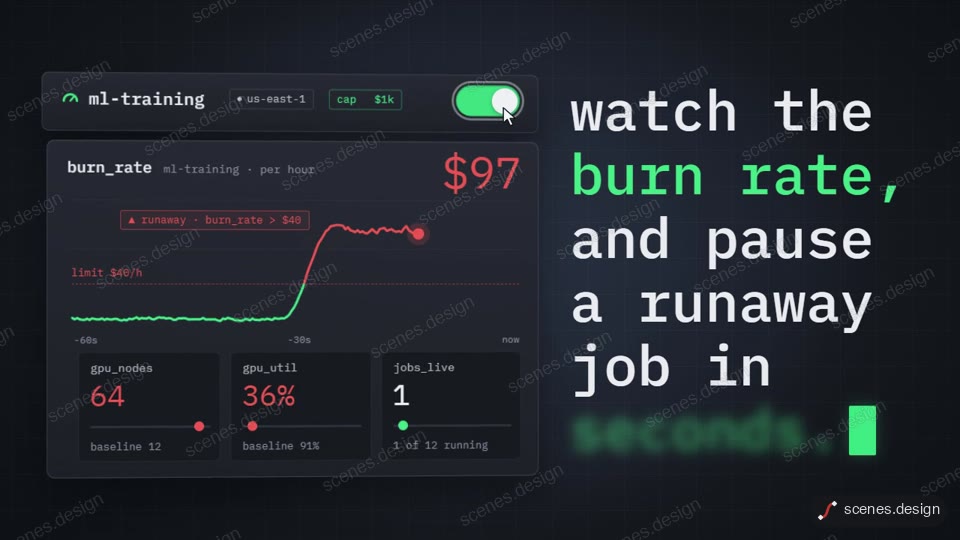
- Terminal to dashboard (widescreen 16:9)
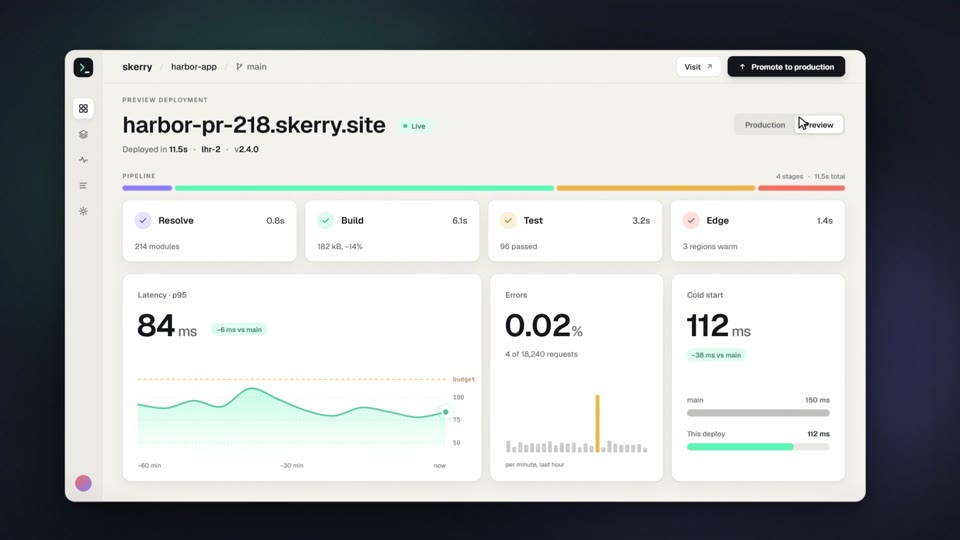
- Spoken word kinetic type (vertical 9:16)

Step by step
Pick a finished scene
Open the scene in the Scenes Library and press Copy code. You get its finished HyperFrames code, so Claude only has to change your words, colours and timing, which uses almost no usage. Copy prompt has Claude rebuild the scene from scratch instead: it uses more usage and the result can differ. Browsing is free, and free accounts can copy 2 scenes a day.
Ask for small, specific changes
Paste the code into Claude Code with one clear message, for example: "make it about my app Lumen, headline Notes that write themselves, colours #111 and #7CFFB2, 10 seconds". One complete brief costs less than ten small corrections.
Use a lighter model for edits
Switch to Sonnet on normal effort with /model for text and colour swaps. Keep long chats short: start a fresh session for each new video, and check what you have left with /status.
Check it and render the MP4
HyperFrames renders the MP4 on your own computer with Node.js, FFmpeg and Chrome. It costs no Claude usage, so render as often as you like. Check first: it reports anything off-frame or broken.
npx hyperframes check my-scene
npx hyperframes render my-scene
Reuse it for the whole month
For reels, keep one scene as your template and ask Claude to change only the copy each time. Every new video is a small edit plus a free local render.
Questions
What's the cheapest way to make a SaaS launch video in Claude Code without burning my whole 5-hour usage limit?
Copy a finished launch scene's code, ask Claude Code for your name, headline, screens and colours in one message, and render it locally with npx hyperframes render. Claude edits a file that already works instead of designing from zero, and the render uses no usage.
Is the $20 Claude subscription enough to make social media reels for a month with Claude Code?
For editing finished scenes, usually yes. Pro is $20 a month billed monthly and includes Claude Code, with a 5-hour session limit and a weekly limit. Anthropic does not publish a number of prompts per window, so we can't promise a count, but swapping the copy in a template scene is a small job and rendering is free. Generating every reel from scratch on Opus is what runs Pro out.
Which cheaper models than Opus can make decent motion graphics, and what do I lose in quality?
For editing a finished scene, Sonnet keeps the quality because the design is already in the file. Where cheaper models fall down is designing from scratch: timing, easing and layout come out flatter. Starting from finished code lets you use a cheaper model without the quality drop.
How much does a one-minute product demo video cost in Claude API usage?
It depends on how much Claude has to write. From scratch, it is many rounds of writing code, rendering frames and fixing them. Editing a finished scene is one read of a file of roughly 10,000 to 20,000 tokens plus a short edit, which is cents at Anthropic's listed rates of $4 and $20 per million tokens for Opus 5.5.
What's the best model to use with HyperFrames for motion graphics?
Use the strongest model you have when building a new scene from a prompt, and a mid-tier model like Sonnet on normal effort for edits to finished code. Using the top model for every text swap wastes usage.
Does rendering the video use my Claude usage?
No. npx hyperframes render runs on your own computer. Claude usage only goes on the messages where Claude reads and edits the code.
Is it free?
Browsing and previewing every scene is free, and free accounts copy 2 scenes a day. The render is free because HyperFrames makes the MP4 on your own computer, with no watermark on the video.