Can you monetise AI-made videos on YouTube?
Yes, AI-assisted videos can be monetised on YouTube, but not if they are mass-produced, repetitive or made from generic templates. In July 2025 YouTube renamed its "repetitious content" policy to "inauthentic content", and its monetisation policy page says AI-generated content made with generic or unoriginal templates that gives the impression of mass production is not eligible.
Source: YouTube Help, "YouTube channel monetization policies" (support.google.com/youtube/answer/1311392, update dated 15 July 2025, read on 3 Nov 2026). It says channels must "Not be mass-produced, generic, repetitive, or manipulative", that generic or repetitive content "includes content that looks like it's made with a template", and that if you "use automated tools or templates" the final video must still show creative vision. It lists "using AI to visualize a unique character and narrative you invented" as allowed.
To join the YouTube Partner Program for ad revenue, YouTube Help (support.google.com/youtube/answer/72857, read on 3 Nov 2026) lists 1,000 subscribers plus either 4,000 qualified watch hours on long-form videos in the last 365 days or 10 million qualified Shorts views in the last 90 days. Thresholds can change, so check the page before you plan around them.
In practice: write your own scripts, make a real argument or teach something specific, vary structure between videos, and use animation to explain rather than to pad. A channel of near-identical videos with swapped words is exactly what the policy targets, whatever tool made it. YouTube reviews the channel as a whole, so one good video does not offset a hundred repetitive ones.
Scenes to start from
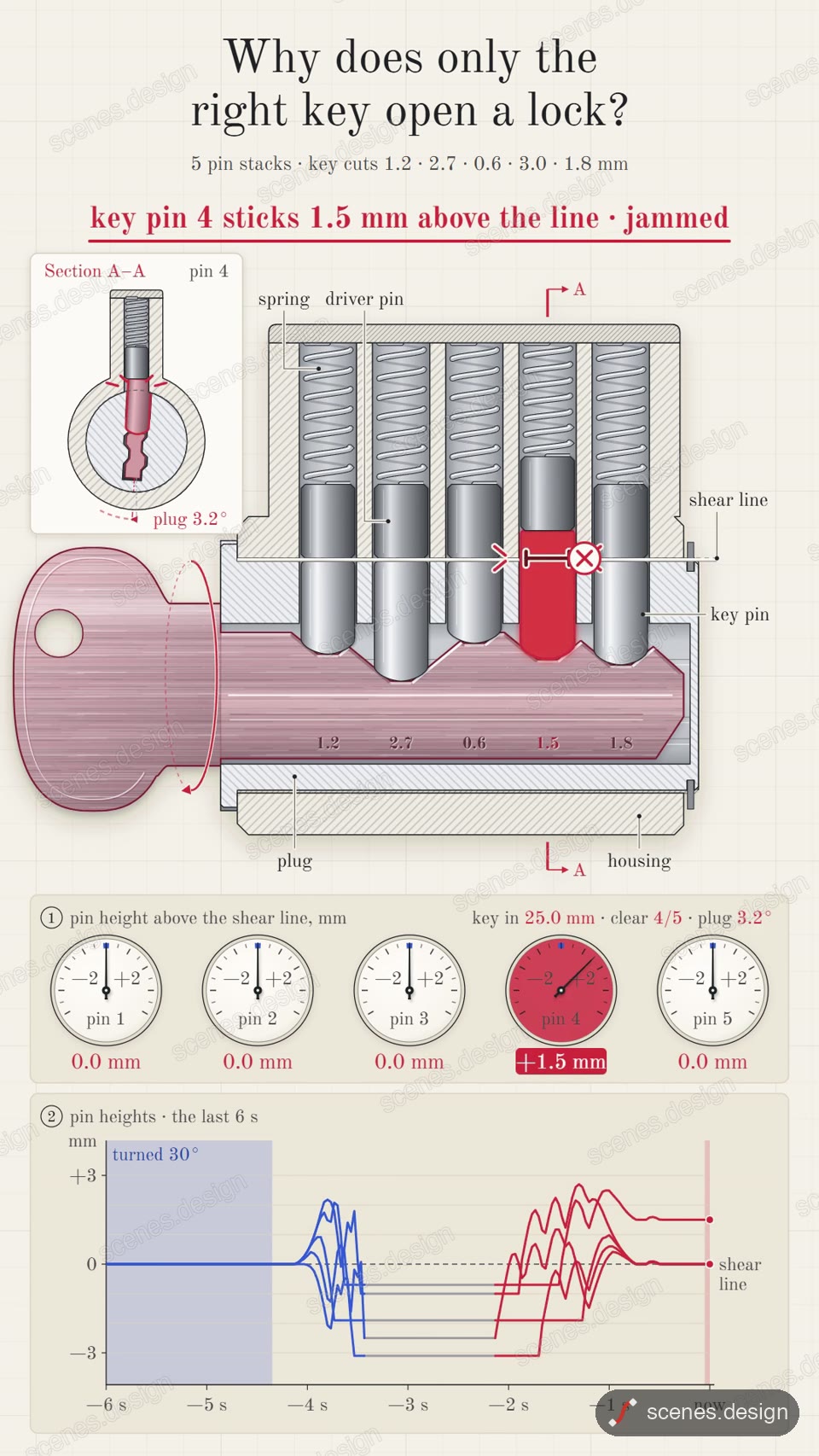
- How a lock works (vertical 9:16)
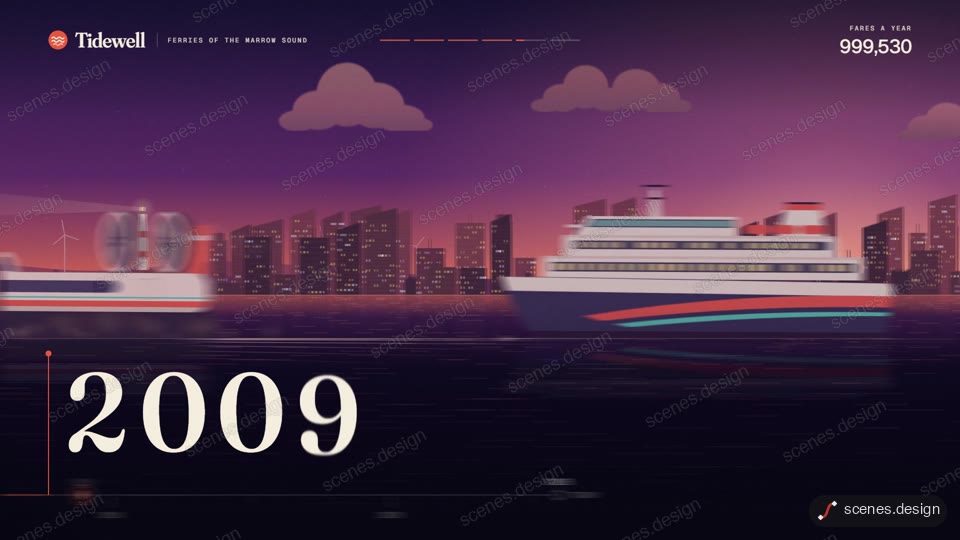
- Company history timeline (widescreen 16:9)
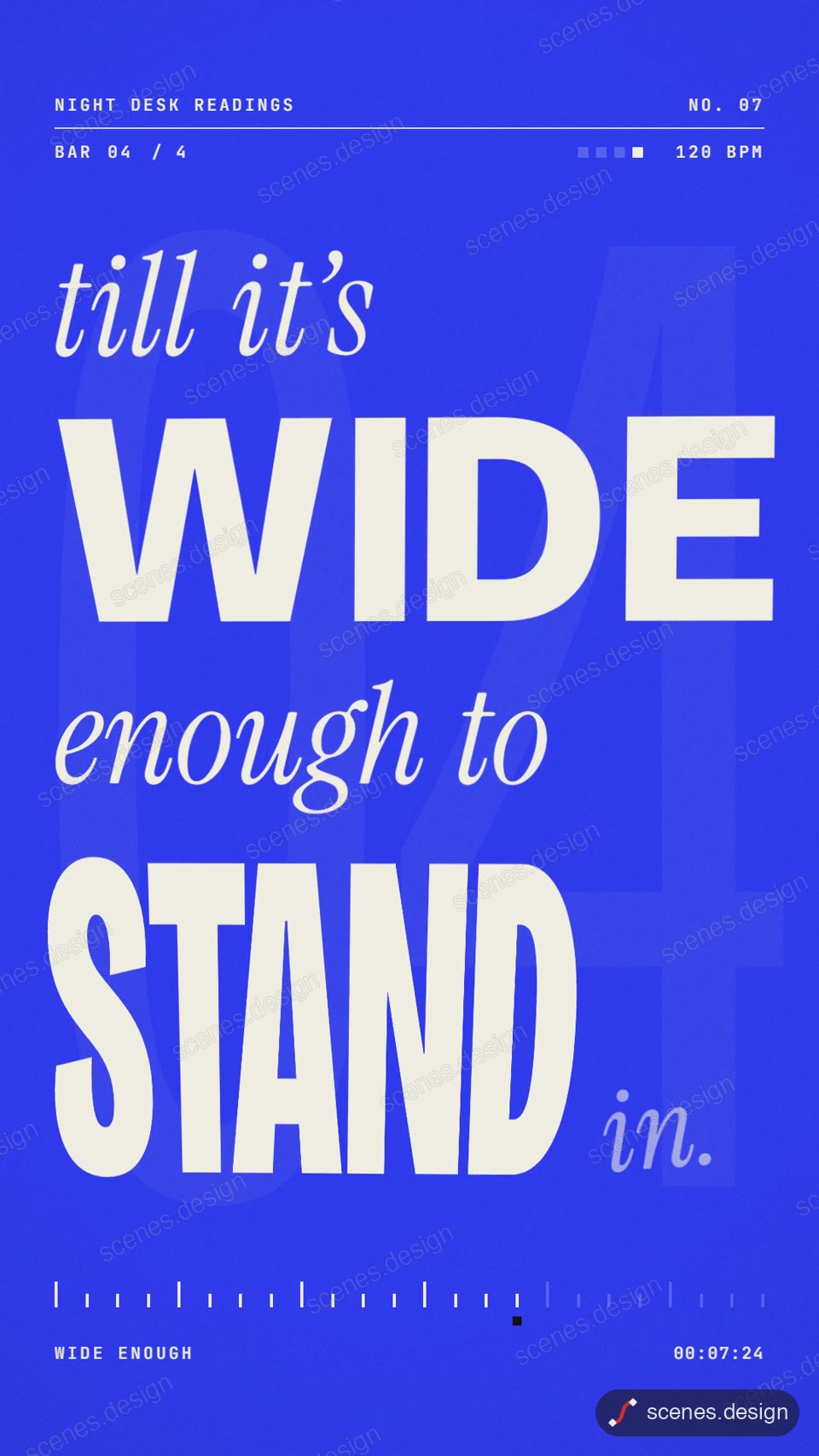
- Spoken word kinetic type (vertical 9:16)
Step by step
Read the current policy
Open YouTube's channel monetization policies page and read the inauthentic content section yourself. Policies change; this guide reflects the page as read on 3 Nov 2026.
Make the idea and script yours
Pick topics you can add something to and write the script with your own research and point of view. Use Claude as an editor, not as the author of every word.
Use scenes as a starting point, not a stamp
Start from a finished scene, then change the layout, pacing and visuals to fit each video's story. Ask Claude Code for a different structure when two videos start to look alike.
Check it and render the MP4
HyperFrames renders the MP4 on your own computer, free, as often as you like. You need Node.js installed. Check first: it reports anything off-frame or broken.
npx hyperframes check my-scene
npx hyperframes render my-scene
Disclose when required
YouTube asks creators to disclose realistic altered or synthetic content when uploading. Animated diagrams and text are usually not realistic, but check the disclosure guidance in YouTube Studio for your case.
Questions
Will YouTube demonetise a channel just for using AI?
The policy targets mass-produced, repetitive and template-like content, not AI tools as such. It explicitly allows using AI to visualise a character and narrative you invented.
Is a faceless channel inauthentic content?
Not by itself. The question is whether the videos are original and show creative input, not whether a face appears.
Are AI voices allowed?
The policy page does not ban AI voices. It does say channels using AI-generated personas to deliver information on sensitive topics will not be allowed to monetise.
How many subscribers do I need to earn ad revenue?
YouTube Help lists 1,000 subscribers plus 4,000 long-form watch hours in 365 days or 10 million Shorts views in 90 days, as read on 3 Nov 2026.
Is it free?
Browsing and previewing every scene is free, and free accounts copy 2 scenes a day. The render is free because HyperFrames makes the MP4 on your own computer, with no watermark on the video.