Asset tag to live console
A square 10-second SaaS promo animation where one asset tag travels from a rack into a live console. Copy the prompt into Claude and make it yours.
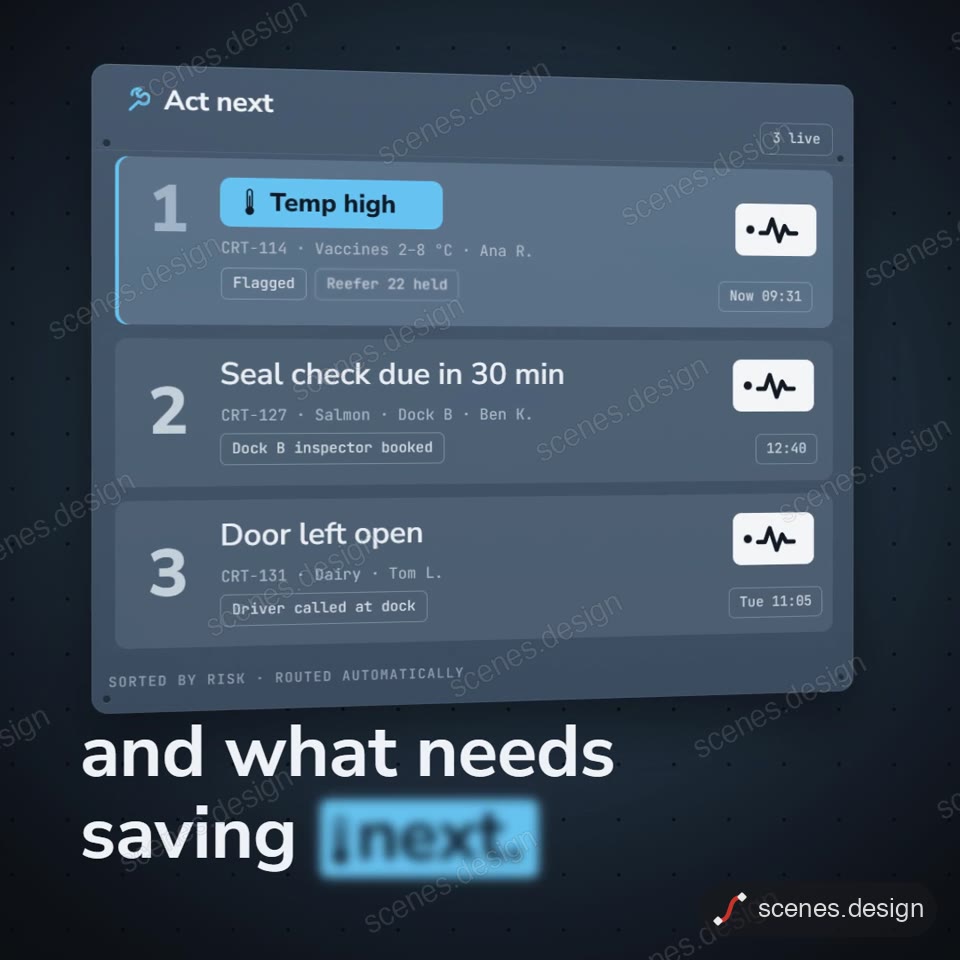
Questions build word by word in the corners while one brushed aluminium asset tag passes from scene to scene. It leaves a dark rack of tracked items with one unreadable tile, lands on a card explaining the fault, then drops into a live dashboard. An alert flies into a next-steps list and its badge becomes the logo.
The example tracks vaccine crates for a cold-chain monitor. Ask Claude to swap in your own product, item names, readings, copy and colours. The square 1080 frame suits LinkedIn and Instagram feeds, and ten seconds is enough for a landing page hero or a product update post.
Use it for
- SaaS monitoring product promo
- LinkedIn feed product teaser
- Landing page hero loop
Category: App UI. Format: square.
How to use this scene in Claude
Copy the scene's prompt into claude.ai or the Claude app and Claude builds it as a live preview. For an MP4, pull the scene into Claude Code and render it on your own machine with npx hyperframes render. Or add the Scenes connector (https://scenes.design/mcp) to Claude and just ask for the scene. Full steps: Docs.