Fleet van tracked and costed
Fleet explainer animation: a scanner picks one van from twelve, books it into a crew calendar and costs it. Copy the prompt into Claude to make your own.
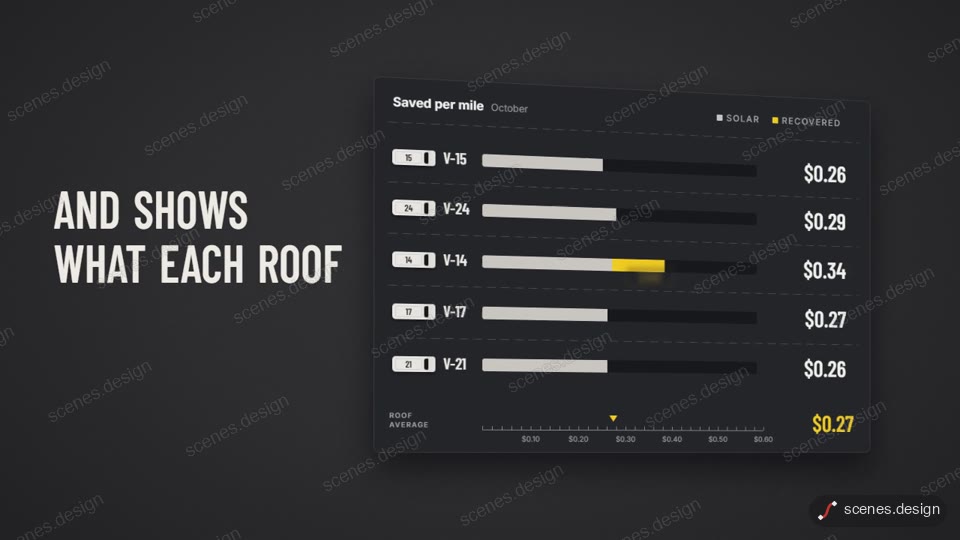
A drone-style camera settles over a top-down road of twelve white vans. A scanner box hops between them and locks onto the one with a problem. That van steers onto its own meter track, is booked into a crew calendar, lands in a cost table, and its yellow bar flies out to become the logo.
Replace the example solar service with your own brand, copy, numbers and accent colour by asking Claude. Each scene hands one object to the next, so it works as a product explainer for fleet, field-service or logistics tools on a website, in a sales deck or on LinkedIn.
Use it for
- Fleet software explainer
- Field-service product demo
- Sales deck opener video
Category: Explainers. Format: widescreen 16:9.
How to use this scene in Claude
Copy the scene's prompt into claude.ai or the Claude app and Claude builds it as a live preview. For an MP4, pull the scene into Claude Code and render it on your own machine with npx hyperframes render. Or add the Scenes connector (https://scenes.design/mcp) to Claude and just ask for the scene. Full steps: Docs.