Keyboard types your headline
A mechanical keyboard types your headline, then the keycap letters fly up into a title. Copy the prompt into Claude and swap in your own words.
A macro shot opens on a custom keyboard in the dark. Keys press themselves in quickening rhythm, each legend lighting up until the home row spells the headline. The camera whips out to the whole board, a wave of light dims it to an ember, and each letter lifts off its key and arcs up into a title.
Type a headline of up to 11 characters, add a subline, and choose the glow colour, the resting backlight and the case colour. It fits product launches, release announcements and developer or maker content, with the tall frame leaving room for the title above the board.
Use it for
- Software release announcement
- Product launch headline opener
- Developer changelog teaser
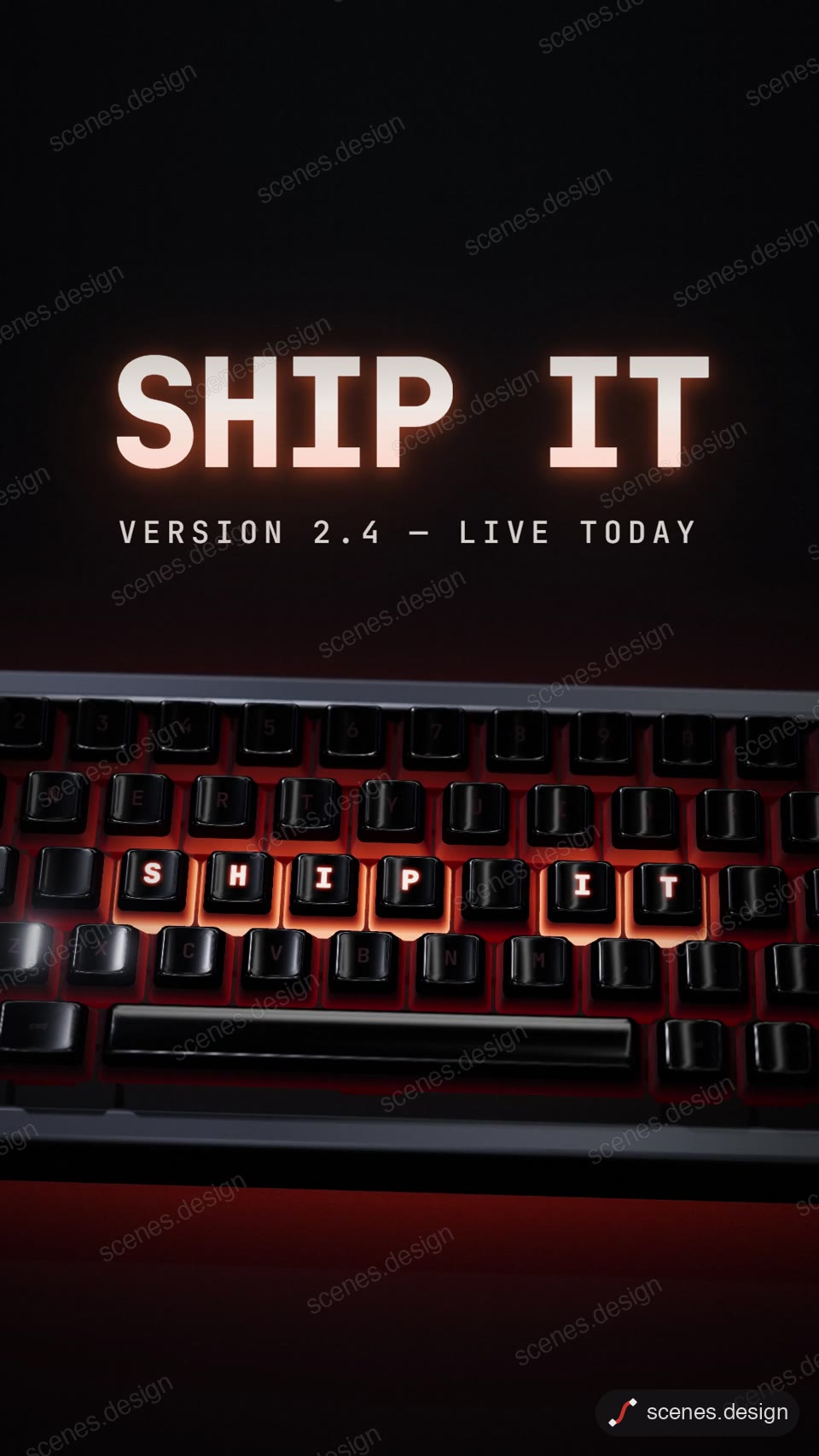
Category: 3D. Format: vertical 9:16.
How to use this scene in Claude
Copy the scene's prompt into claude.ai or the Claude app and Claude builds it as a live preview. For an MP4, pull the scene into Claude Code and render it on your own machine with npx hyperframes render. Or add the Scenes connector (https://scenes.design/mcp) to Claude and just ask for the scene. Full steps: Docs.