Orbit badge to logo explainer
Square orbit explainer: a deadline badge and circling tiles lead through a calendar, chart and payment card to a logo. Copy the prompt into Claude.
A day-counter badge sits inside tilted orbit rings while pastel tiles circle it. When the deadline hits, the light drops to dusk and one dashed slot becomes a hero tile. It crosses a month calendar, a bar chart and a payment card, then becomes a coral planet orbiting the logo.
Swap in your brand name, the deadline count, the calendar dates, the chart bars and the coral accent by asking Claude. The 1080x1080 frame fits Instagram and LinkedIn, and suits invoicing, billing, payments and scheduling tools alike.
Use it for
- Invoicing app launch post
- Deadline-driven SaaS explainer
- Payments feature walkthrough
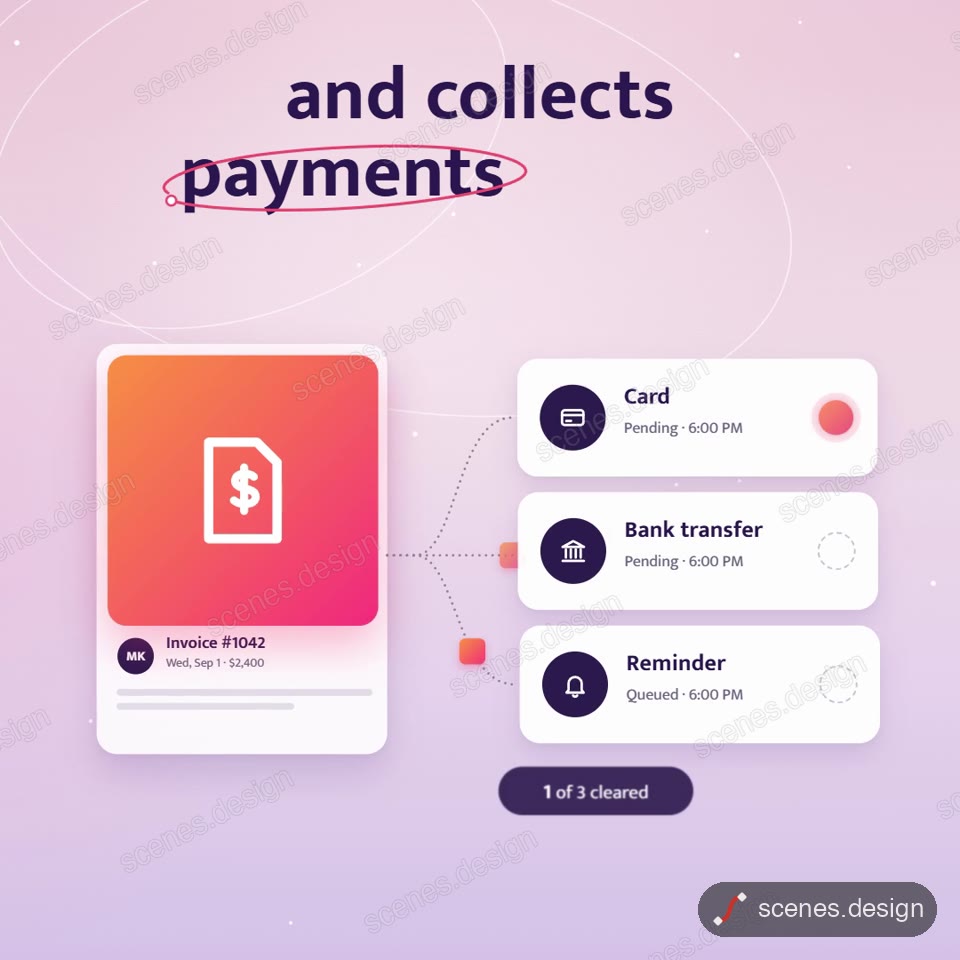
Category: Explainers. Format: square.
How to use this scene in Claude
Copy the scene's prompt into claude.ai or the Claude app and Claude builds it as a live preview. For an MP4, pull the scene into Claude Code and render it on your own machine with npx hyperframes render. Or add the Scenes connector (https://scenes.design/mcp) to Claude and just ask for the scene. Full steps: Docs.