Restocking app camera explainer
Light SaaS explainer animation: a camera glides over white cards from stock alert to order, delivery and dashboard. Copy the prompt into Claude to edit.
One sentence builds across five scenes while a virtual camera glides over white UI cards. Stock alerts flag the problem, an order folds into place, a delivery track follows its route, and a payoff dashboard leads to an end card.
Ask Claude to change the app name, the alert items, the order details, the figures and the green accent. The airy 16:9 layout fits product pages, sales decks and YouTube explainers for any restocking or inventory tool.
Use it for
- Inventory app explainer video
- Sales deck product demo
- Kitchen supply tool promo
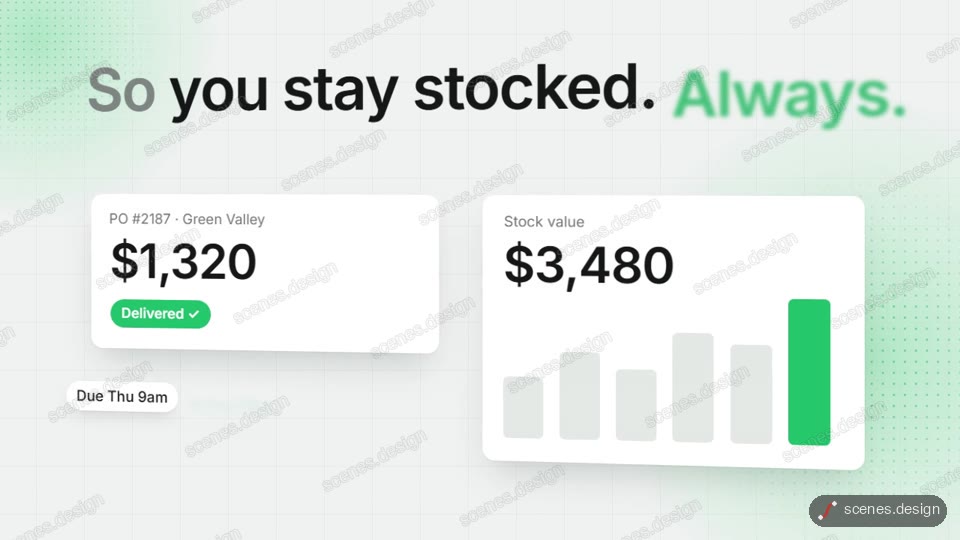
Category: Explainers. Format: widescreen 16:9.
How to use this scene in Claude
Copy the scene's prompt into claude.ai or the Claude app and Claude builds it as a live preview. For an MP4, pull the scene into Claude Code and render it on your own machine with npx hyperframes render. Or add the Scenes connector (https://scenes.design/mcp) to Claude and just ask for the scene. Full steps: Docs.