How to start a faceless history YouTube channel (maps, timelines, archival visuals)
A faceless history channel is a researched script, a voiceover, and visuals that carry the story: maps, timelines, headlines and archival images instead of a face on camera. You can copy a finished map or timeline scene from Scenes, ask Claude Code to change the places, dates and words, and render the MP4 free on your own computer.
Start narrow. Broad subjects like the Second World War are crowded with large channels, so pick a lane you can own: one region, one century, one kind of story (shipwrecks, lost cities, forgotten inventors, the history of a single street). A narrow niche also gives you a long list of history YouTube channel ideas, because every episode leads to the next one.
Research comes before everything else. Work from primary sources where you can (letters, newspapers, official records, contemporary accounts) and use good secondary books to frame them. For images and film, public-domain and openly licensed archives are the usual starting point: the Library of Congress, Wikimedia Commons and national archives such as the US National Archives or The National Archives in the UK. Check the licence and rights note on every single item, not just the collection, and keep a sources list with links so you can credit them in the description.
How to make history videos that hold attention: write a story, not a list of facts. Open with a question or a moment of tension, give the context, follow the people involved through the turning point, and end with what changed and why it still matters. Read the script aloud before recording; history narration works best in short, plain sentences with dates said clearly.
The visual kit is what makes history documentary animation feel finished. Most episodes need the same handful of graphics: a map showing where events happened and how armies, ships or traders moved; a timeline that places the story in time; a headline or document shot for key moments; a then-and-now comparison; and a title card for each chapter. Build these once in your channel's colours and fonts and reuse them, so every video looks like the same show.
The fastest route is to start from a finished film instead of a blank page. Each scene in the Scenes library is HyperFrames HTML made with Claude: press Copy code, paste it into Claude Code, and ask in plain English to change the place names, dates, captions and colours. Copy prompt is the other option, where Claude rebuilds the scene from a description; results come out close but not identical, and it works best on Opus. For the wider workflow of script, voice and captions, see the guide faceless-youtube-explainer-channel-with-claude and the upcoming hub, faceless YouTube channel with AI.
Be honest about YouTube's rules. Its monetisation policy excludes reused content and mass-produced or repetitive videos, so a slideshow of archive photos read by a synthetic voice is at risk. Original research, your own script and narration, and real editorial choices are what make a channel eligible. Accuracy matters too: double-check every date, name and number against a second source, label reconstructions and AI-made visuals as illustrations, and correct mistakes in the description or a pinned comment when viewers point them out.
The examples
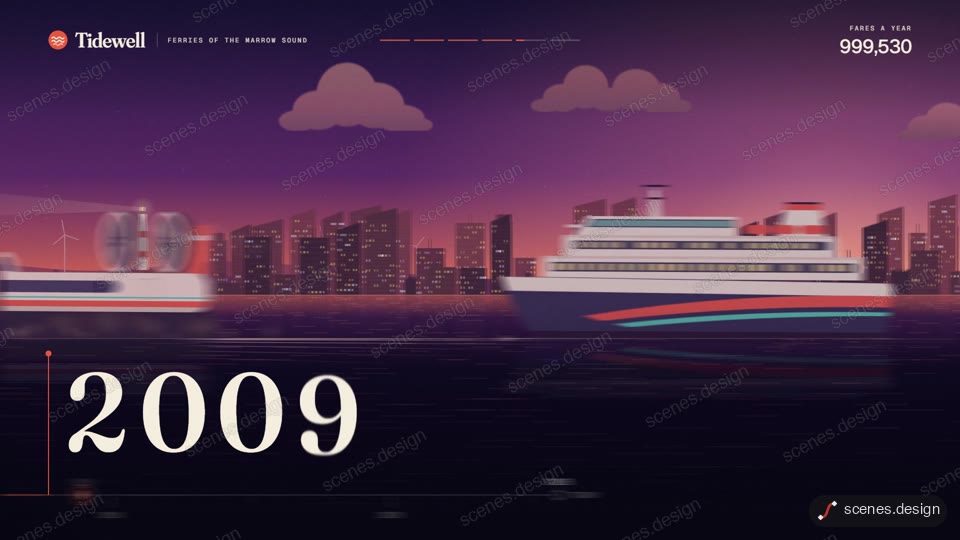
- An animated timeline to place your story in time:An animated timeline to place your story in time
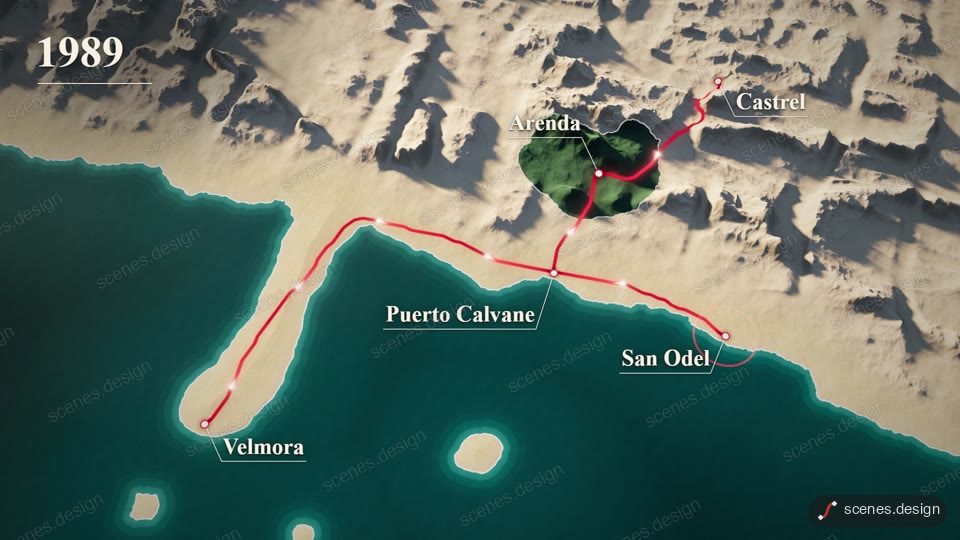
- A 3D relief map that draws routes for armies, ships or traders:A 3D relief map that draws routes for armies, ships or traders
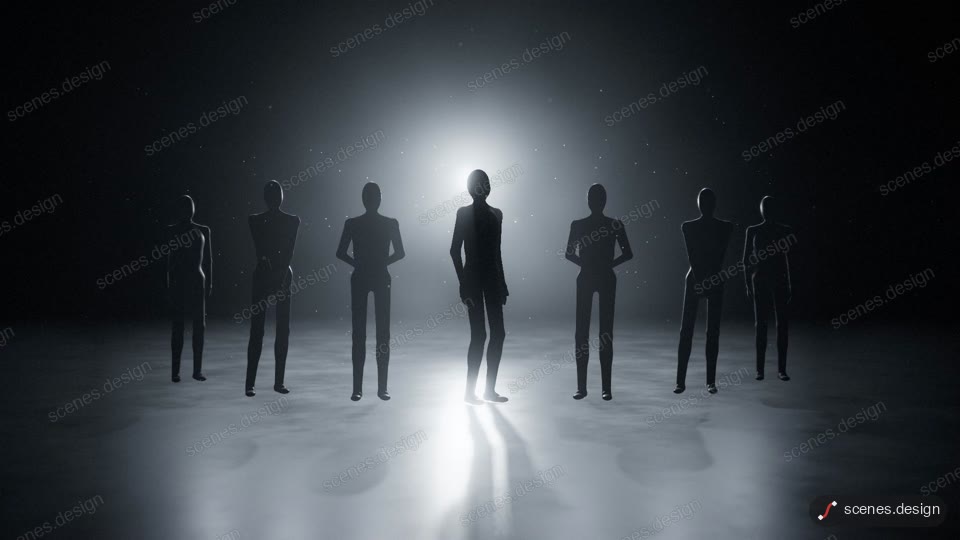
- Documentary-style map investigation with pins and a connecting line:Documentary-style map investigation with pins and a connecting line
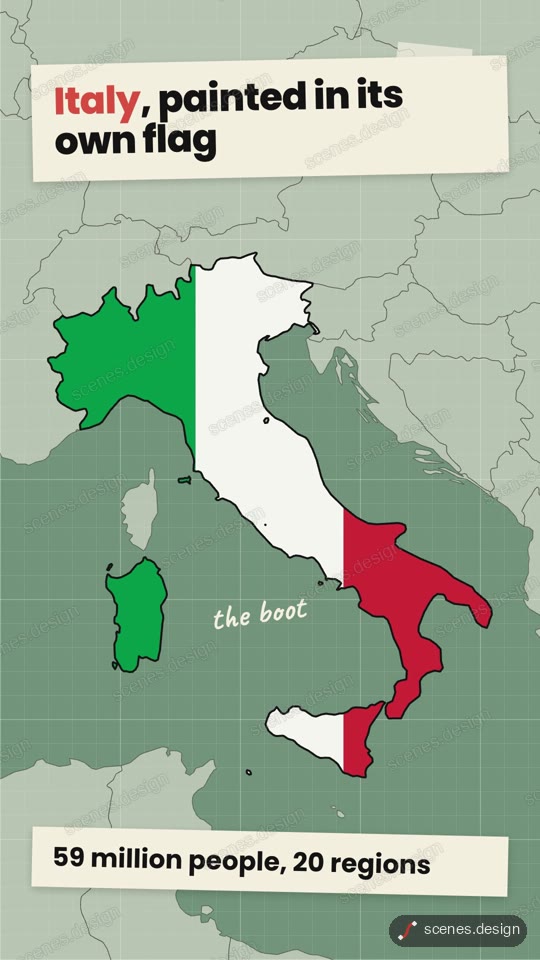
- Fill a country with its flag to show who held what:Fill a country with its flag to show who held what
- Newspaper headline highlight for a key moment:Newspaper headline highlight for a key moment
- Then and now rewind for before-and-after comparisons:Then and now rewind for before-and-after comparisons
- Museum exhibition title for chapter cards:Museum exhibition title for chapter cards
- Documentary teaser for the cold open or trailer:Documentary teaser for the cold open or trailer
Scenes to start from
- Company history timeline (widescreen 16:9)
- 3D relief map route (widescreen 16:9)
- Documentary map investigation (widescreen 16:9)
- Country flag fill map (vertical 9:16)
Step by step
Pick a narrow niche and a look
Choose a region, era or story type you can research deeply, and one visual style (colours, fonts, map look) to keep across every episode.
Research and log your sources
Read primary sources and solid secondary books. Collect archive images from the Library of Congress, Wikimedia Commons or national archives, check each item's licence, and keep a list of links for the description.
Write the story arc and record the voice
Open with a question, give context, follow the people through the turning point, and close with why it matters. Record your own narration or use a voice whose licence allows monetised use.
Copy a scene and change it in plain English
Press Copy code on a map, timeline or headline scene (or ask Claude Code to copy it with the Scenes skill or the MCP connector). Ask Claude to swap the places, dates, words and colours to match your script.
claude mcp add --transport http scenes https://scenes.design/mcpRender free and assemble
Render each scene as an MP4 on your own machine, then cut it together with your narration and archive footage in your editor.
npx hyperframes render my-sceneFact-check before you upload
Check every date, name and figure against a second source, label illustrations as reconstructions, and list your sources in the description.
Questions
Can a faceless history channel be monetised?
It can, but YouTube excludes reused content and mass-produced or repetitive videos from monetisation. Original research, your own script and narration, and meaningful editing are what count, not just archive clips with a voice over them.
Where can I find free historical images and footage?
Good starting points are the Library of Congress, Wikimedia Commons and national archives. Many items are public domain or openly licensed, but not all, so check the rights note on each item before you use it.
What are good history YouTube channel ideas?
Narrow ones: a single century, a region, a type of event such as shipwrecks or failed inventions, or the history of everyday objects. A tight niche is easier to research and easier for viewers to remember.
How do I make history documentary animation without After Effects?
Copy a finished map, timeline or headline scene from Scenes, ask Claude Code to change the words, dates and colours in plain English, and render it with HyperFrames on your own computer.
Is it free?
Scenes and rendering are free. Browsing is free, and Creator Pro is $29 a month or $290 a year with the Pro scenes. Claude Code needs a paid Claude plan. There is no watermark on your render, and commercial use is included.