How to make videos with Claude Code
To make a video with Claude Code, start from a finished scene's code or prompt, ask Claude Code to change the words, numbers and colours, then run npx hyperframes render to make the MP4 on your own computer. The Scenes skill lets Claude Code pull any Library scene into a folder for you.
Claude Code can write and edit video because a HyperFrames video is just HTML, CSS and JavaScript. It can also check its own work: npx hyperframes check reports anything off-frame or broken, and snapshots let it look at frames before you render.
Starting from a finished scene matters: you get a designed piece in one go, then spend your time on your message instead of on timing and easing.
Scenes to start from
- One sentence. A whole film. (widescreen 16:9)

- Keyboard types your headline (vertical 9:16)
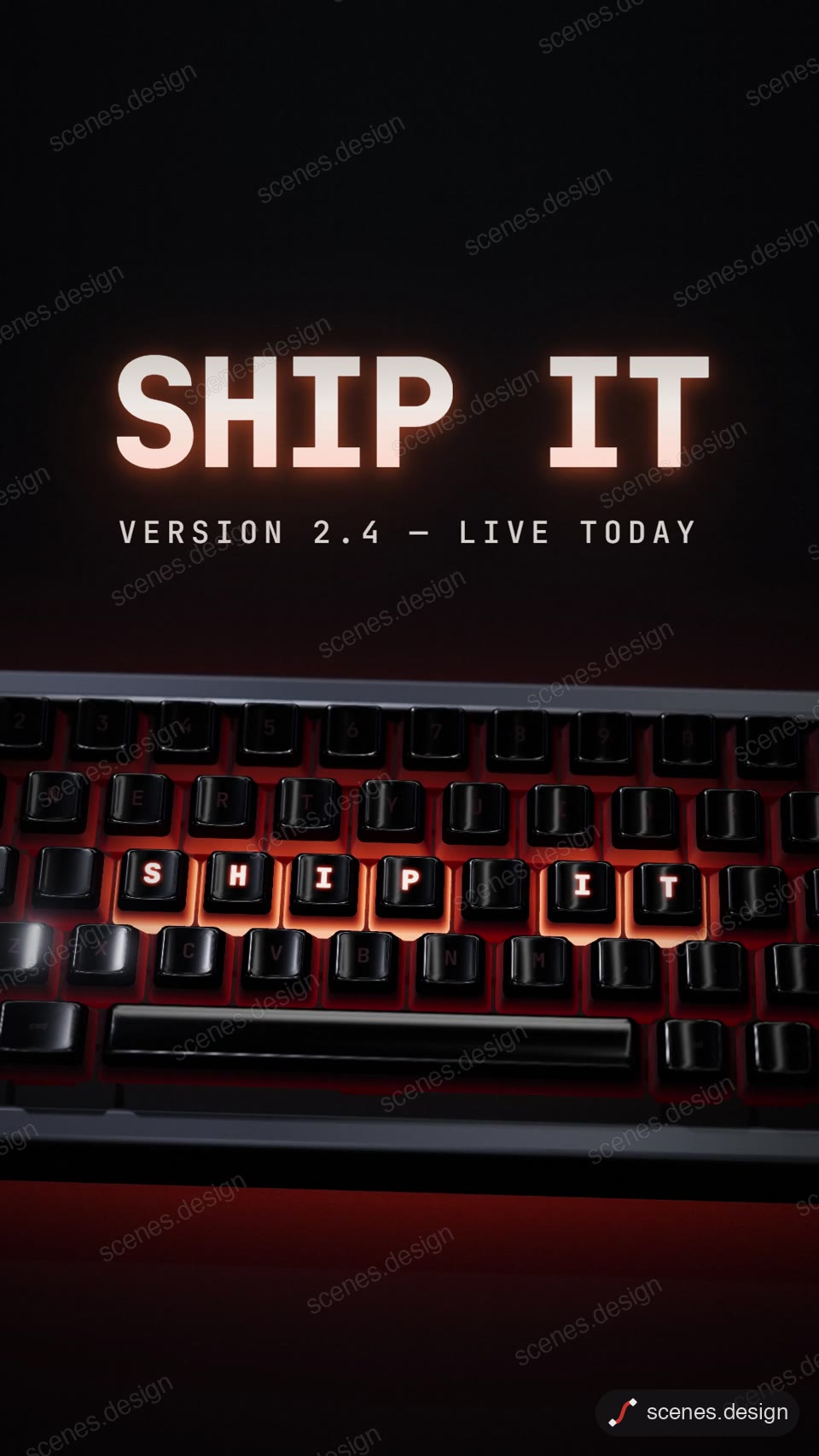
- Kinetic word rhythm (vertical 9:16)

Step by step
Install Node.js and Claude Code
HyperFrames runs with npx, so you only need Node.js. Then open Claude Code in an empty folder.
Add the Scenes skill
Follow Docs to add the Scenes skill or connector once. Then ask Claude Code for a scene by name or describe what you want.
node ~/.claude/skills/scenes-library/pull.mjs saas-hero my-videoChange it in plain English
Ask: "make it about my app Lumen, headline Notes that write themselves, colours #111 and #7CFFB2, 10 seconds".
Check it and render the MP4
HyperFrames renders the MP4 on your own computer, free, as often as you like. You need Node.js installed. Check first: it reports anything off-frame or broken.
npx hyperframes check my-scene
npx hyperframes render my-scene
Questions
Can Claude Code edit my own footage?
Yes. Put the clip in the scene folder and ask Claude Code to play it behind the graphics, add captions, or cut it.
How long does a render take?
Usually under a minute for a 10 to 15 second scene on a recent laptop.
Is it free?
Browsing and previewing every scene is free, and free accounts copy 2 scenes a day. The render is free because HyperFrames makes the MP4 on your own computer, with no watermark on the video.