Product launch video examples: 12 styles and how to make your own
A product launch video introduces something new in under a minute: it names the problem or the desire, shows the product doing its one big thing, and ends on the name and where to get it. The strongest examples pick one style and commit to it. Below are 12 product launch video examples you can watch, copy and turn into your own launch with Claude.
Launch videos have one job: make someone who has never heard of the product understand what it is and want to try it, fast. That means one promise, shown rather than told, a name that lands at the end, and nothing that needs a second watch to understand. Most good launch films are 15 to 45 seconds.
The modern launch film owes a lot to the tech keynote. Apple's 1984 advert introduced the Macintosh without showing it working, and the 2007 iPhone keynote turned a product reveal into an event of its own, with short words on a black stage and long pauses before each claim. Many SaaS launch films still borrow that rhythm.
The main styles of product launch video are: fast-cut SaaS films on the beat, glass UI launches, keynote-style word reveals, 3D hardware and material ads, luxury light-sweep reveals, before-and-after teasers, stop-motion and paper collage, archival and documentary openers, and mascot-led demos. The 12 examples below cover each one.
Choose by product. Software usually sells best when the real interface is on screen, so a fast-cut or glass UI film fits. Physical products need material and light, so 3D hardware or a luxury sweep fits. Consumer brands with personality can carry paper collage, stop-motion or a mascot. A teaser before launch can show almost nothing and still work if the rhythm is right.
Plan the film in beats, not seconds: hook, problem, product, proof, name. Give each beat one visual idea. Fast-cut films land a beat every half second to second; a keynote reveal lets each word sit for a full beat. Tell Claude the beats and it times the cuts for you.
Every example here was made the same way. Claude (Sonnet or Opus) writes the animation as code: HTML, CSS and GSAP for 2D motion, Three.js for 3D, all on one timeline. HyperFrames then renders that code to an MP4 frame by frame, so the result is sharp at any size and identical every time you render it.
Using your real product is what makes a launch film credible. Paste your headline, feature names and numbers, and describe or screenshot the screens you want shown. Claude rebuilds them as animated UI in the style of the example, so nothing looks like a stock template with your logo stuck on top.
Each scene gives you two ways in. Copy code hands Claude the finished film, so it only edits what you ask for and uses almost no usage. Copy prompt has Claude rebuild the scene from the prompt that made it, which uses more usage and can come out differently. Copy code is the better start when you like the preview as it is.
Make a cut for each channel from the same code: 16:9 for your landing page and YouTube, 1:1 for LinkedIn and 9:16 for Reels, TikTok and Shorts. Ask Claude for each size and it reframes the layout rather than cropping it.
What should a product launch video include? The product name, one clear promise, the product shown working and a call to action. How long should it be? 15 to 30 seconds for social and ads, up to about a minute for a landing page or Product Hunt.
The examples
- Fast-cut SaaS launch: huge words slam in on the beat, a prompt types out and a wall of tiles rushes the camera.
- Glass UI launch: blue glass panels split into channels, fold back into one answer and close on a glass logo tile.
- AI product launch: a prompt becomes an app, with a spark, white-hot code and molten ingots forging the brand mark.
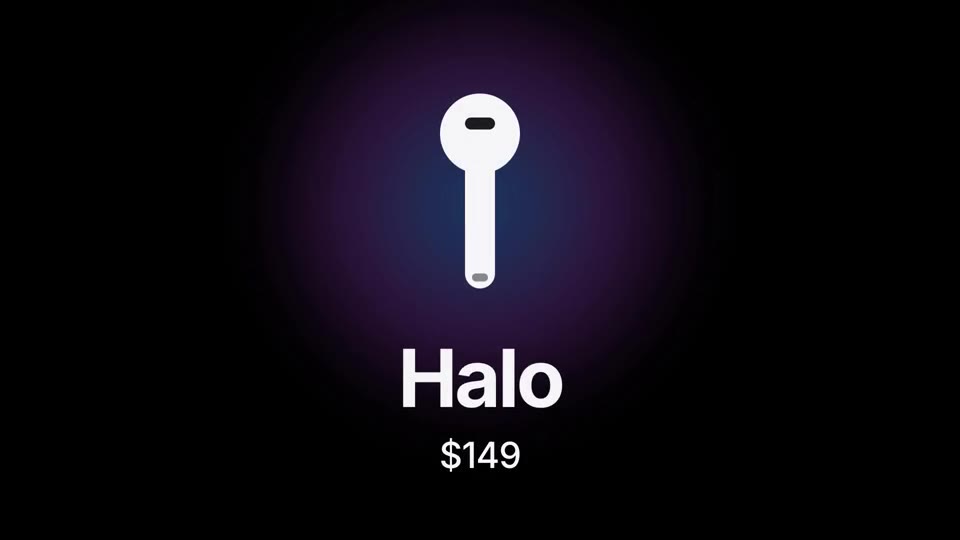
- Keynote reveal: three short words on a black stage, each on its own beat, then the product name.
- Word-swap teaser: a gradient collapses into a 3D checkbox beside a rolling word slot, one object per claim.
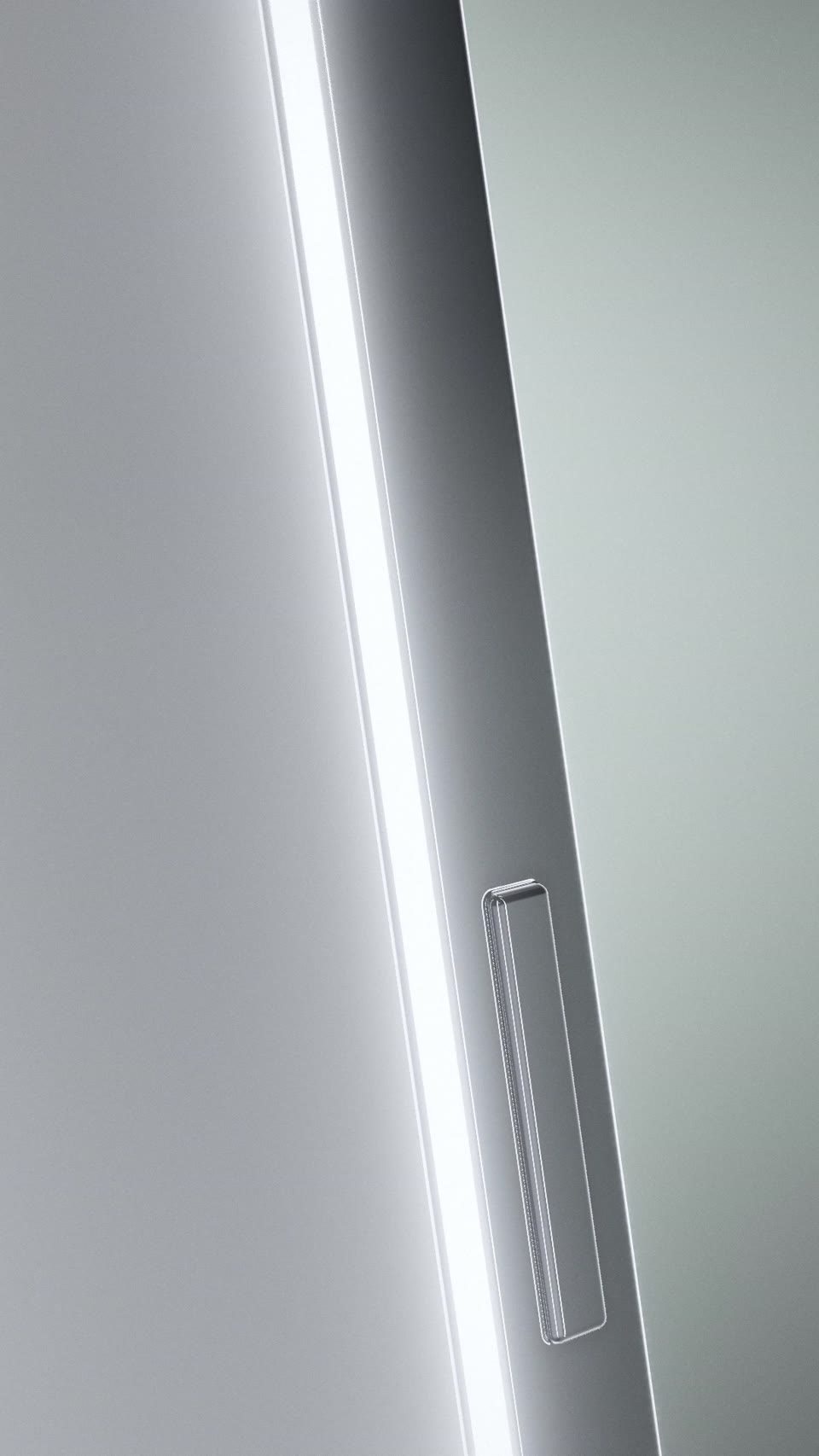
- 3D hardware launch: liquid chrome pours into a phone shape and cools to black glass under thermal windows.
- Premium card launch: a laser cuts a titanium card free in slow motion and engraves it.
- Luxury reveal: slow light sweeps across a glass bottle, then a serif name card. The fragrance-ad look.
- Before-and-after launch: a rough sketch becomes a grid of finished renders while the sentence builds beside it.
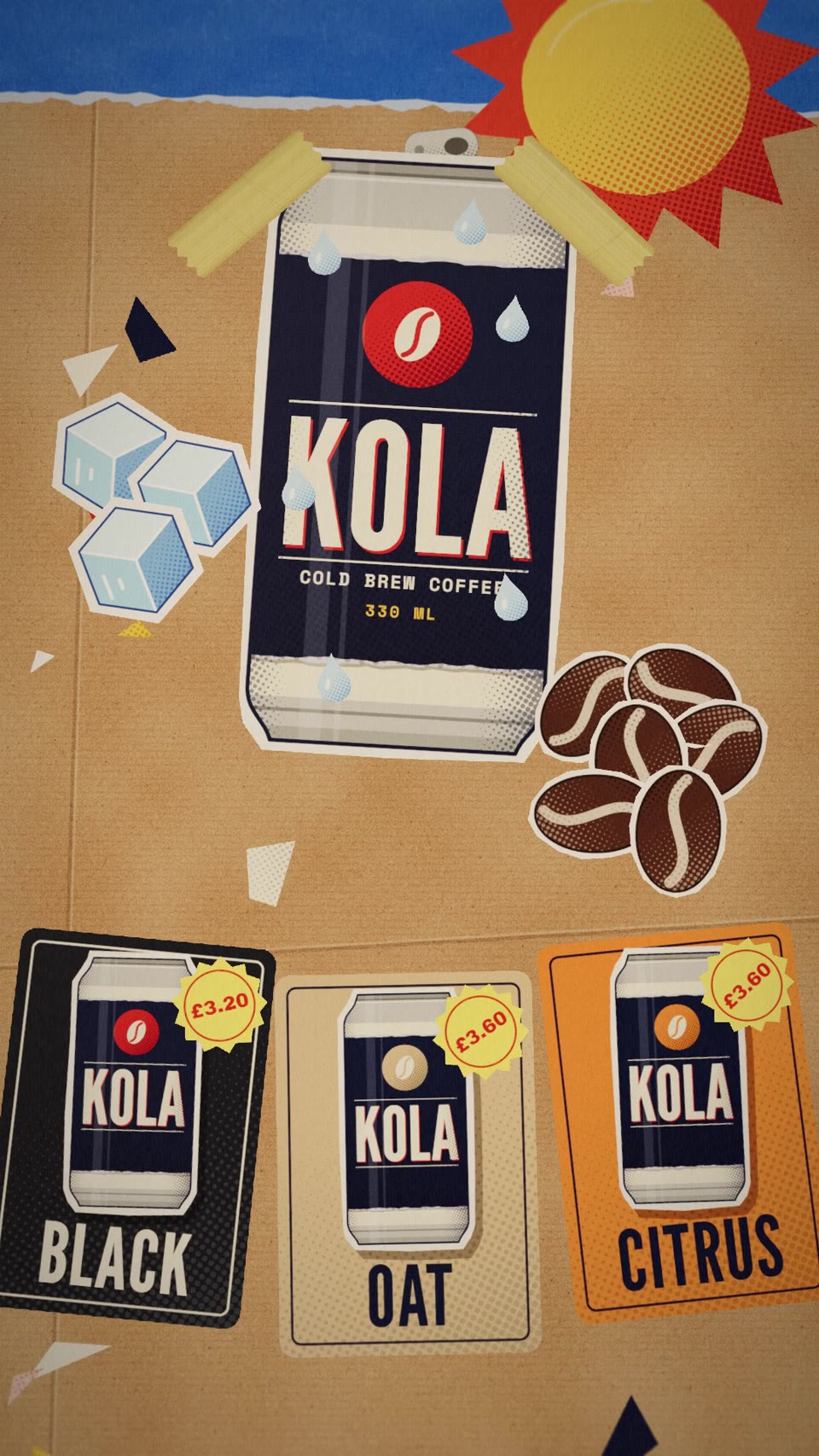
- Paper collage launch: cut-out props and magazine letters at 12 frames a second on a kraft-paper desk.
- Documentary opener: archival reels of odd inventions play in a browser window before the logo is reborn.
- Mascot launch: a glossy play-button toy squashes and stretches across the product's own screens.
Scenes to start from
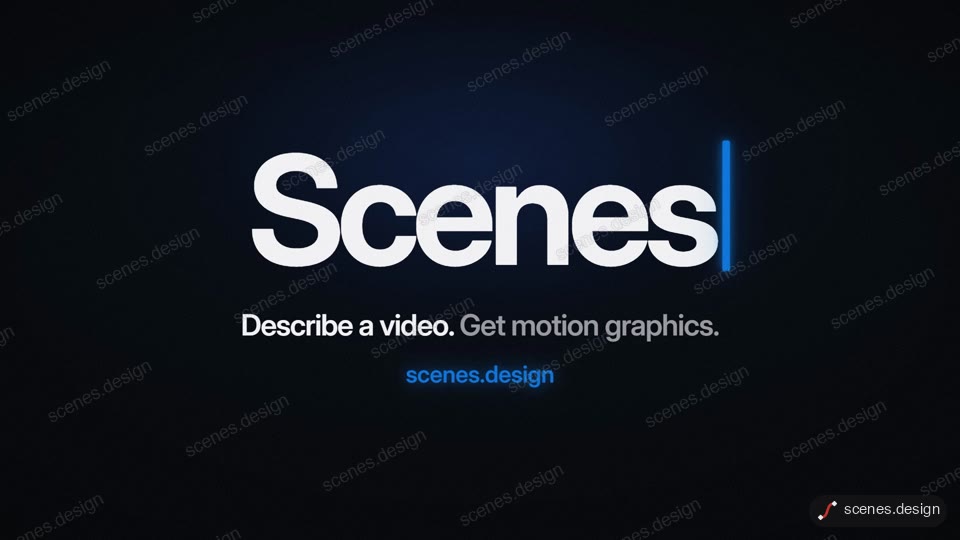
- Fast-cut SaaS launch film (widescreen 16:9)
- Molten chrome phone cools to glass (vertical 9:16)
- Paper collage stop-motion launch (vertical 9:16)
- Three-word product reveal (widescreen 16:9)
Step by step
Pick an example and open the scene
Open any example above in the Scenes Library. Watch it through and pick the one whose look and pacing are closest to what you need. Browsing and previewing every scene is free.
Choose Copy code or Copy prompt
Copy code gives you the exact film in the preview and uses almost no Claude usage, because Claude only edits what is already built. Copy prompt has Claude build the scene again from the prompt that made it; it uses more usage and the result can differ. In Claude Code you can also pull the code straight into a folder with the Scenes skill (see Docs).
node ~/.claude/skills/scenes-library/pull.mjs saas-hero my-launchSwap in your product
Paste into Claude Code (or claude.ai to watch a live preview) and describe the changes in plain English, for example: "product: Ledgerline, headline: Close your books in a day, three features: auto-match / receipts / month-end report, colours #0F172A and #22D3EE, 20 seconds". Claude keeps the timing, camera and effects and swaps in your content.
Check it and render the MP4
HyperFrames renders the MP4 on your own computer, as often as you like, with no watermark. You need Node.js installed. Run the check first: it reports anything off-frame or broken.
npx hyperframes check my-launch
npx hyperframes render my-launch
Questions
What is a product launch video?
A short film, usually 15 to 60 seconds, that introduces a new product: the promise, the product working, and the name and call to action.
What are some good product launch video examples?
Historic ones include Apple's 1984 Macintosh advert and the 2007 iPhone keynote. For formats you can copy, the 12 above cover fast-cut SaaS films, glass UI, keynote reveals, 3D hardware, luxury sweeps, before-and-after, paper collage, documentary openers and mascots.
How long should a product launch video be?
15 to 30 seconds for social and ads, up to about 60 seconds for a landing page, Product Hunt or a launch post.
Can Claude make a product launch video?
Yes. Give Claude your product name, promise and features, start from one of the examples, and it builds the film as code that HyperFrames renders to MP4.
What is the difference between Copy code and Copy prompt?
Copy code gives you the exact film in the preview and uses almost no Claude usage. Copy prompt asks Claude to build the scene again from the prompt that made it, which uses more usage and can give a different result.
Can I show my real app in the video?
Yes. Describe or screenshot the screens and Claude rebuilds them as animated UI in the style of the example you picked.