How to make 3D animations with Claude and Three.js
Claude can build 3D animation in Three.js: real geometry, physical materials, an environment map for reflections, soft shadows, bloom and depth of field, all driven from one animation timeline so every frame renders the same. Copy a finished 3D scene's prompt, change the words and colours, and render it with HyperFrames.
The difference between a 3D tech demo and something people want to watch is the light, the materials and the camera. The 3D scenes in the Library spell those out in their prompts: clearcoat and transmission materials, tone mapping, a slow camera arc, and text that lands on its beat.
No Blender or 3D software is needed: Three.js runs in the page and HyperFrames records it frame by frame.
Scenes to start from
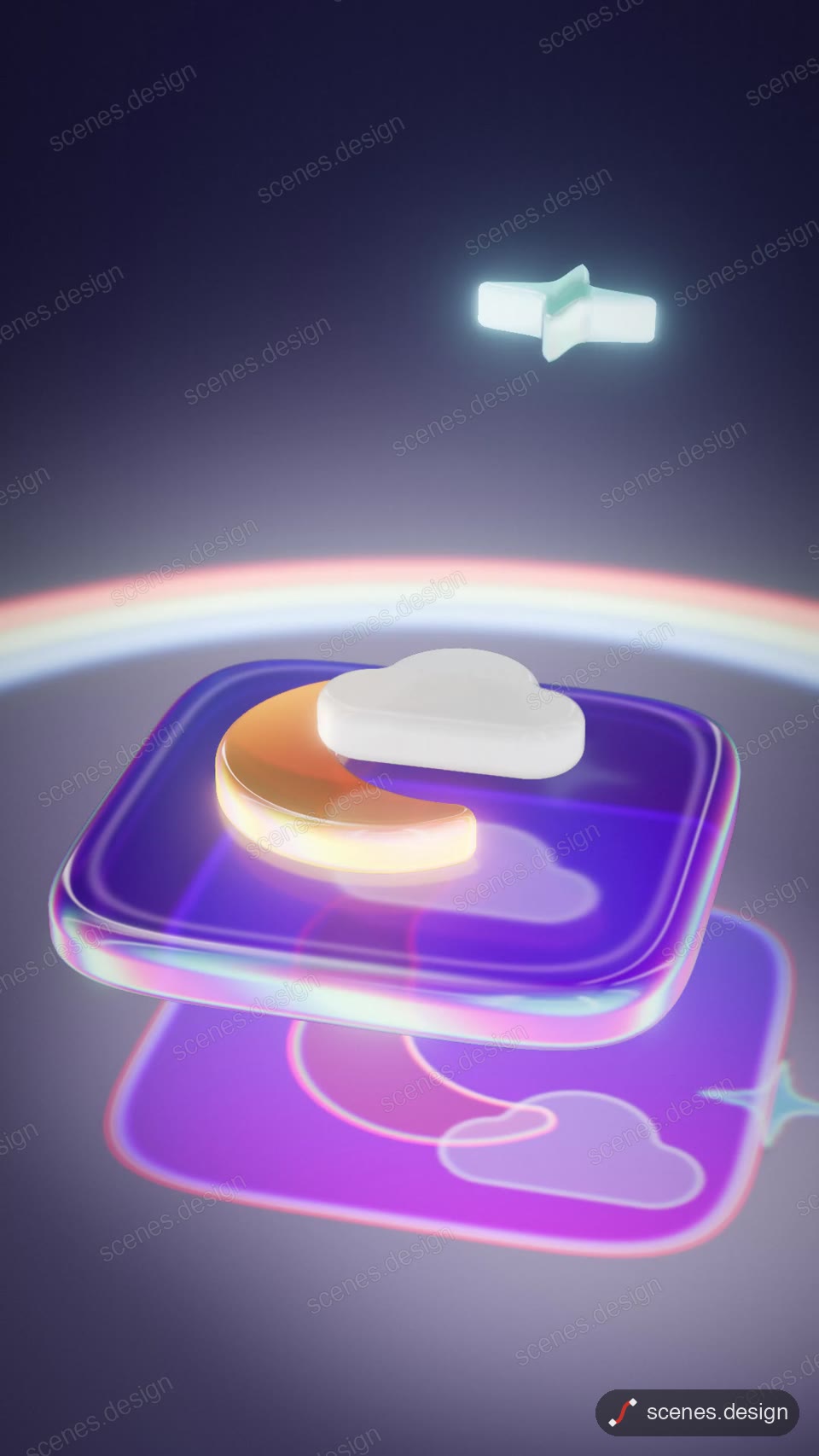
- Glass app icon assembly (vertical 9:16)
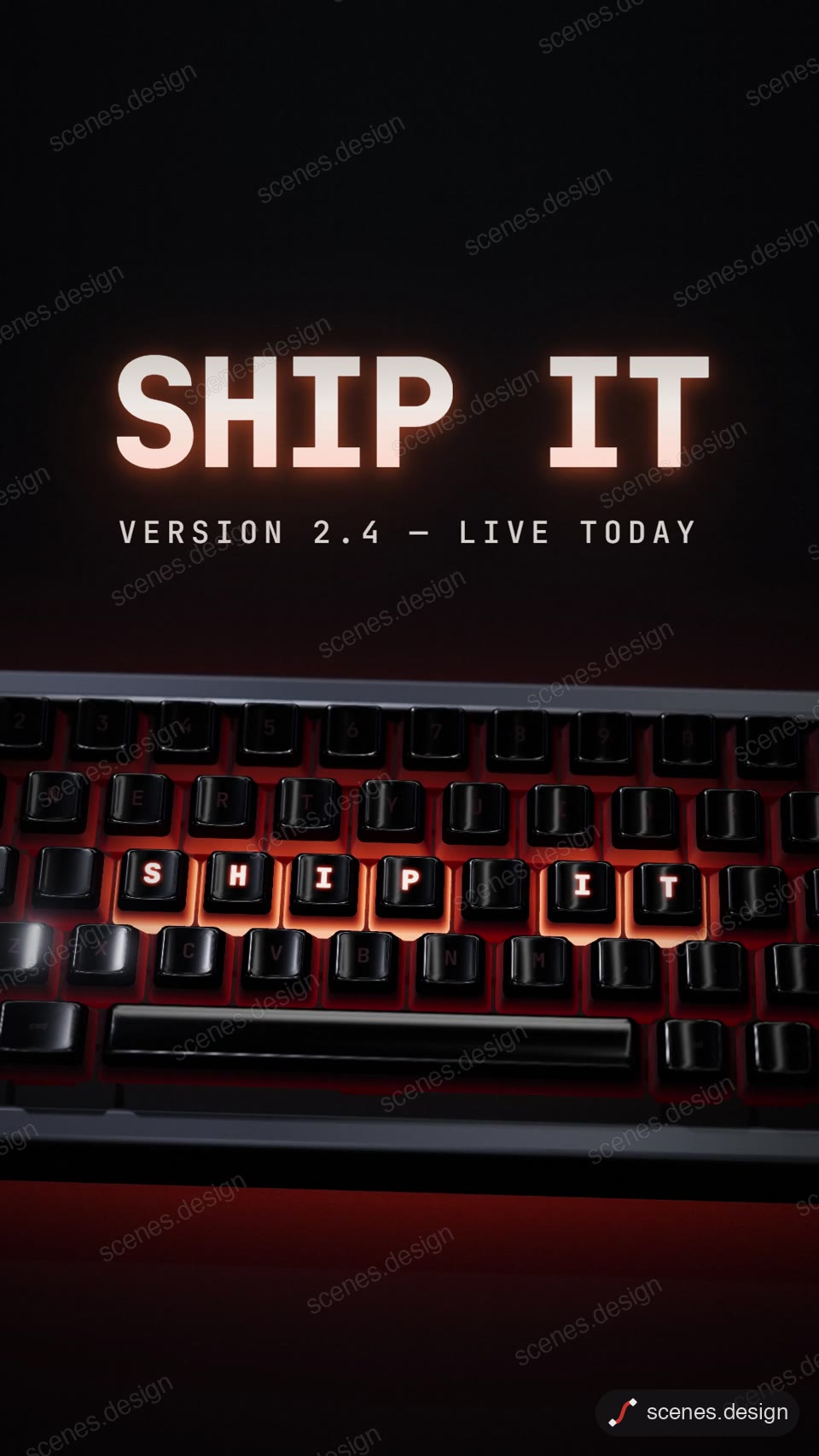
- Keyboard types your headline (vertical 9:16)
- Chrome foil balloon letters (vertical 9:16)

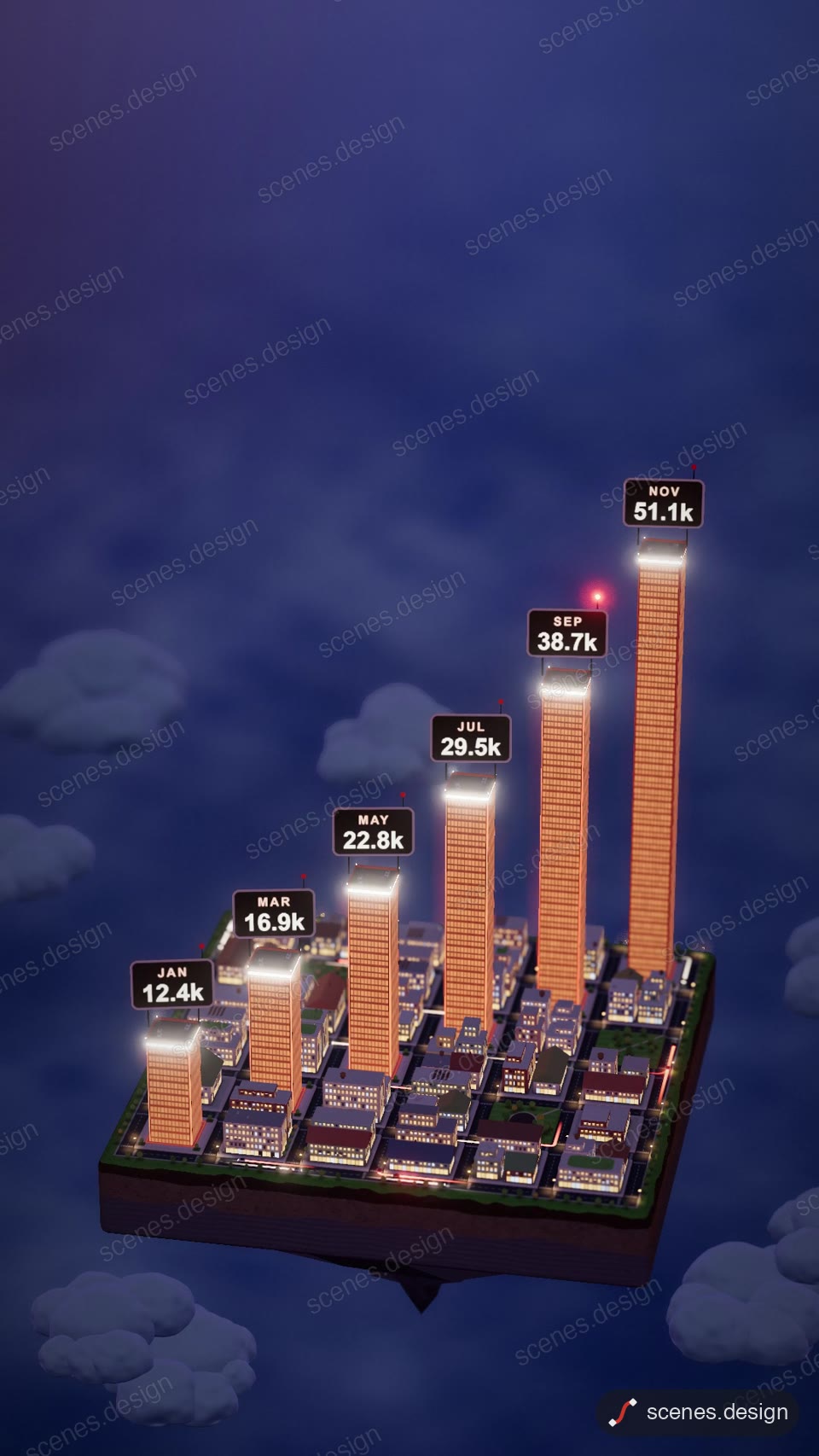
- Floating city growth chart (vertical 9:16)
Step by step
Open a 3D scene and copy it
Open Glass app icon assembly or Keycap headline in the 3D category and press Copy prompt.
Paste it into Claude or Claude Code
Paste the prompt into claude.ai or the Claude app to see the scene build as a live preview. For an MP4 you need Claude Code: paste the prompt there, or set up the Scenes skill once (see Docs) and pull the scene into a folder.
Change it in plain English
Ask: "the glyph is a lightning bolt, tint #FF4A3D, app name Volt, tagline Power in your pocket".
Check it and render the MP4
HyperFrames renders the MP4 on your own computer, free, as often as you like. You need Node.js installed. Check first: it reports anything off-frame or broken.
npx hyperframes check my-scene
npx hyperframes render my-scene
Questions
Do I need a GPU?
No, but a recent computer renders 3D scenes faster. A 10 second scene takes a few minutes at most.
Can I use my own 3D model?
Yes. Put a .glb file in the folder and ask Claude Code to load it with Three.js in place of the built-in geometry.
Is it free?
Browsing and previewing every scene is free, and free accounts copy 2 scenes a day. The render is free because HyperFrames makes the MP4 on your own computer, with no watermark on the video.