Claude animation: how to make animated videos with Claude (16 examples)
Yes, Claude can make animation. It writes the animation as code: HTML, CSS and GSAP for 2D motion, Three.js for 3D, all on one timeline, and HyperFrames renders that code to an MP4 frame by frame. The quickest route to a good Claude animation is to copy a finished one, change the words and colours in plain English, and render it. Below are 16 examples and the exact steps.
Claude does not draw frames like an image model. It writes a small web page that moves: text, shapes, charts, product UI or full 3D scenes with real materials and lighting. Because the animation is code, it is sharp at any size, you can change any word or colour in plain English, and it renders the same every time.
Claude Sonnet and Opus both write animation well; Opus tends to handle long 3D camera moves and many moving parts better, Sonnet is quicker for edits. Either way the output is a small project folder: an HTML file, its scripts and any images, which HyperFrames turns into a video.
There are two ways to use it. In claude.ai or the Claude app you see the animation build as a live preview. In Claude Code you get the files and an MP4: paste a prompt, or add the Scenes skill once so Claude can pull any scene from the Library into a folder and render it.
What can Claude animate? 2D motion graphics and kinetic type, animated charts and bar chart races, map zooms and routes, app and product UI, logo reveals, explainers with live diagrams, and full 3D scenes with materials, lighting and camera moves. The examples below cover each one.
The examples below are all real Claude animations from the Scenes Library: launch films, 3D product ads, kinetic type and app reveals. Each one comes with the exact prompt that made it.
How to copy an example into Claude, step by step. One: open the scene and watch it through. Two: press Copy code to get the exact film (almost no Claude usage, because Claude only edits what is built) or Copy prompt to have Claude rebuild it (more usage, and the result can differ). Three: paste it into Claude Code, or claude.ai for a live preview. Four: ask for your changes in plain English. Five: run npx hyperframes render.
Good change requests are specific: "brand: Northwind, headline: Ship faster, colours #0B3D91 and #FFD166, 12 seconds, 9:16". Give the words, the colours as hex codes, the length and the size. Claude keeps the timing and effects and swaps in your content. If something looks off, describe what you see ("the headline lands too early") and Claude fixes that part.
Can Claude make 3D animation? Yes, with Three.js: real geometry, materials, reflections, shadows and camera moves. Is there a Claude animation skill? Yes, the Scenes skill for Claude Code pulls any Library scene into a folder for Claude to edit. Do I need After Effects or Blender? No, only Claude and Node.js.
Why does my Claude animation look generic? Usually because it started from a blank prompt. Starting from a finished scene gives Claude a real light setup, easing and pacing to keep, so your version inherits the craft and only the content changes.
The examples
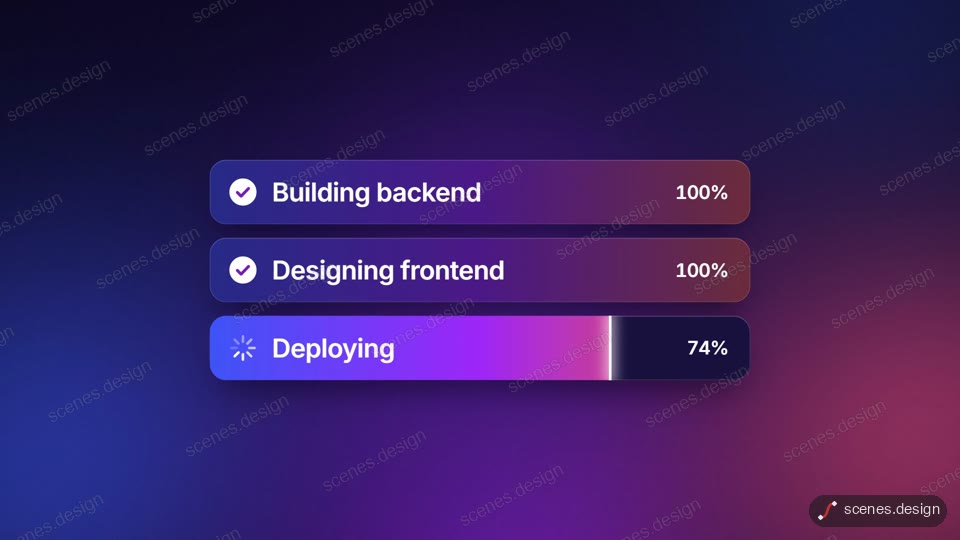
- AI app builder launch: a prompt turns into a working app, step by step
- 3D hardware ad: black screws and bolts with glowing thermal windows
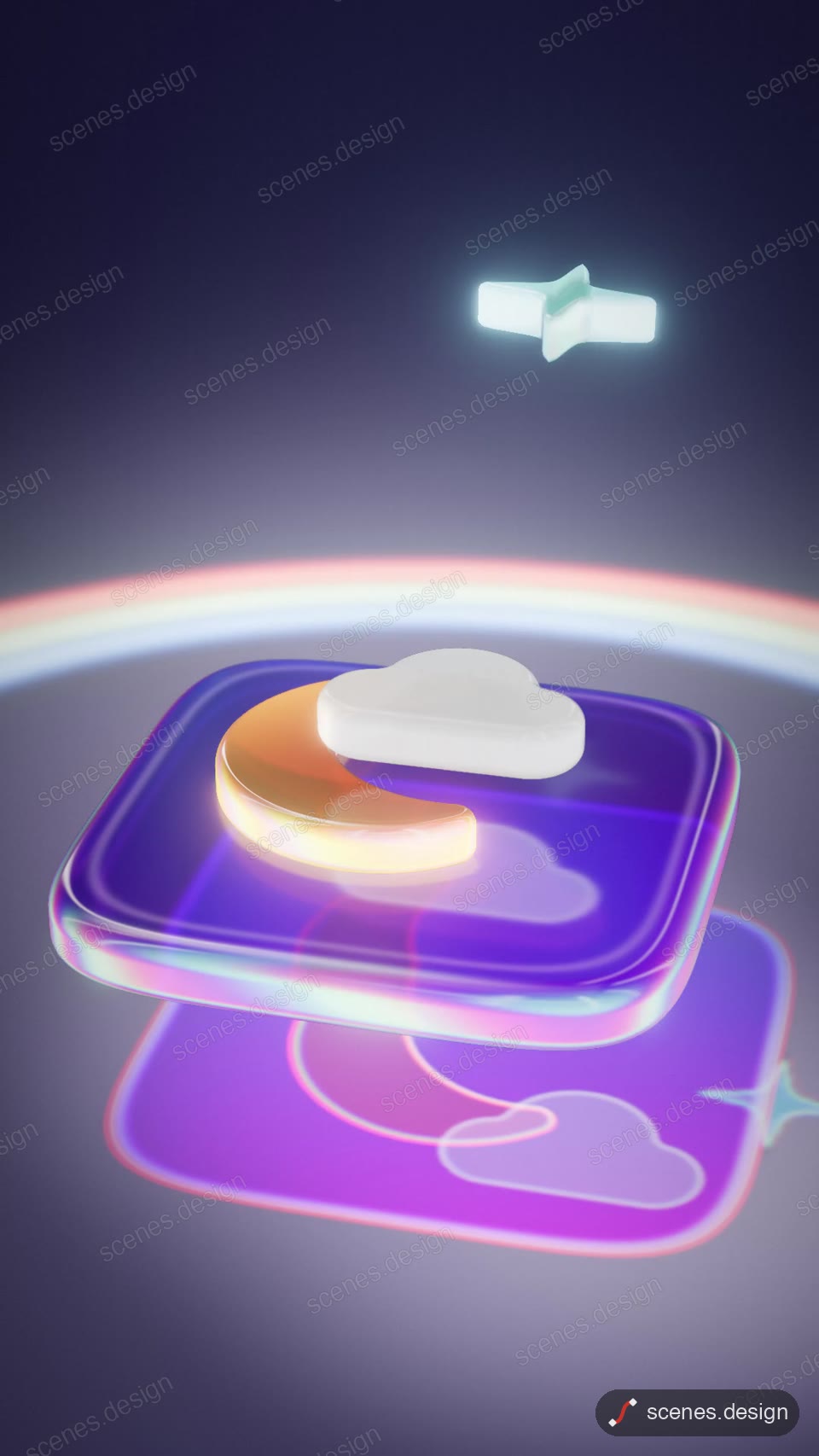
- Glass app icon: frosted glass layers stack into an app icon
- Keycap headline: a backlit keyboard spells your headline
- Kinetic words: about 20 words performed on a beat grid
- Bridge pier built in a river: a 3D construction explainer
- Floating city growth chart: skyscrapers grow as bars on a tilt-shift island
- Blue glass SaaS launch: product UI in glass panels
- A sentence shatters into a 3D set:A sentence shatters into a 3D set
- Split-flap board: your message flips into place
- Bar chart race: the top eight reorder year by year, with a winner reveal
- Map animation: one unbroken dive from a night globe down to city streets
- Logo reveal: a chrome drop splashes and rises into a 3D monogram
- Live diagram explainer: how a lock works, right key and wrong key
- App promo: an onboarding flow inside a phone, every tap visible
- 3D product ad: a frosted can swings open to show the fizz inside
Scenes to start from
- AI app builder launch (widescreen 16:9)
- 3D glass app icon (vertical 9:16)
- Spoken word kinetic type (vertical 9:16)

- Night globe dive to city (vertical 9:16)

Step by step
Pick a Claude animation that looks right
Browse the Scenes Library and open an animation whose look and pacing you want. Watch it through: its prompt rebuilds exactly that.
Copy the prompt
Press Copy code for the exact film (almost no Claude usage) or Copy prompt to have Claude rebuild it from its prompt (more usage, and the result can differ). Browsing and previewing are free.
Or pull it with the Scenes skill
In Claude Code, add the Scenes skill once (see Docs) and pull any scene straight into a folder.
node ~/.claude/skills/scenes-library/pull.mjs prompt-to-app-forge-film my-scenePaste it into Claude or Claude Code
Paste the prompt into claude.ai to watch it build as a live preview. For an MP4, use Claude Code: paste the prompt there, or add the Scenes skill once (see Docs) and ask Claude to pull the scene.
Change it in plain English
Ask for your words, numbers and colours, for example "brand: Northwind, headline: Ship faster, colours #0B3D91 and #FFD166, 12 seconds". Claude keeps the timing and effects.
Render the MP4
HyperFrames renders the MP4 on your own computer, free, as often as you like. You need Node.js installed.
npx hyperframes check my-scene
npx hyperframes render my-scene
Questions
Can Claude make animations?
Yes. Claude writes animation as code (HTML, CSS, GSAP or Three.js) and HyperFrames renders it to an MP4. It handles 2D motion graphics, kinetic type, charts, app UI and full 3D scenes.
Is there a Claude animation skill?
Yes. The Scenes skill for Claude Code lets Claude pull any scene from the Scenes Library into a folder, change it and render it. Setup takes a few minutes; see Docs.
Can Claude make 3D animation?
Yes, with Three.js: real geometry, materials, reflections, shadows and camera moves, rendered frame by frame so every frame is the same each time.
Do I need After Effects or Blender?
No. The animation runs as a web page and HyperFrames records it, so all you need is Claude and Node.js.
What is the difference between Copy code and Copy prompt?
Copy code gives you the exact film in the preview and uses almost no Claude usage. Copy prompt asks Claude to build the scene again from the prompt that made it, which uses more usage and can give a different result.
Which Claude model is best for animation?
Both Sonnet and Opus work. Opus is stronger on long 3D scenes with many moving parts; Sonnet is quicker for edits to an existing scene.
Is it free?
Browsing and previewing every animation is free, and rendering with HyperFrames is free on your own computer with no watermark.