Claude motion graphics prompts: examples you can copy
A good Claude motion graphics prompt names the format (size, fps, length), tells the story beat by beat with timings, says how each effect is built (GSAP timeline, Three.js, SVG strokes), and lists what to swap in. The fastest way to get one is to copy the prompt behind a finished scene that already looks the way you want.
Claude writes motion graphics as code: HTML, CSS and GSAP for 2D, Three.js for 3D, rendered to MP4 by HyperFrames. A vague prompt like "make a cool intro" gets a generic result and many rounds of fixes. A prompt that reads like a brief to a motion designer gets a finished piece.
Every scene in the Scenes Library comes with the exact prompt that made it, so you can see the result before you copy the words. Change the brand, numbers and colours in plain English and keep the craft.
The examples
- SaaS launch hero: a product UI assembles itself and the headline lands
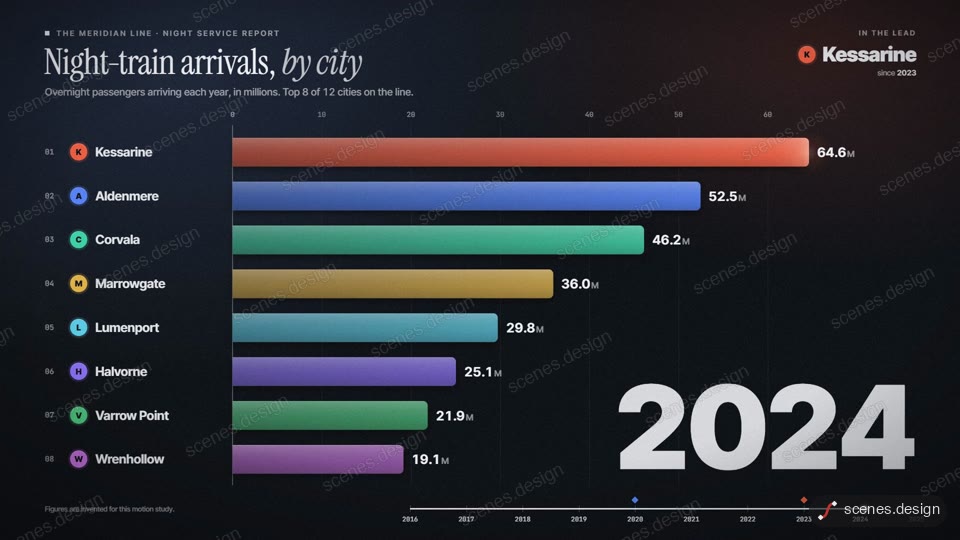
- Data bar race: eight bars swap places over the years and a winner is revealed
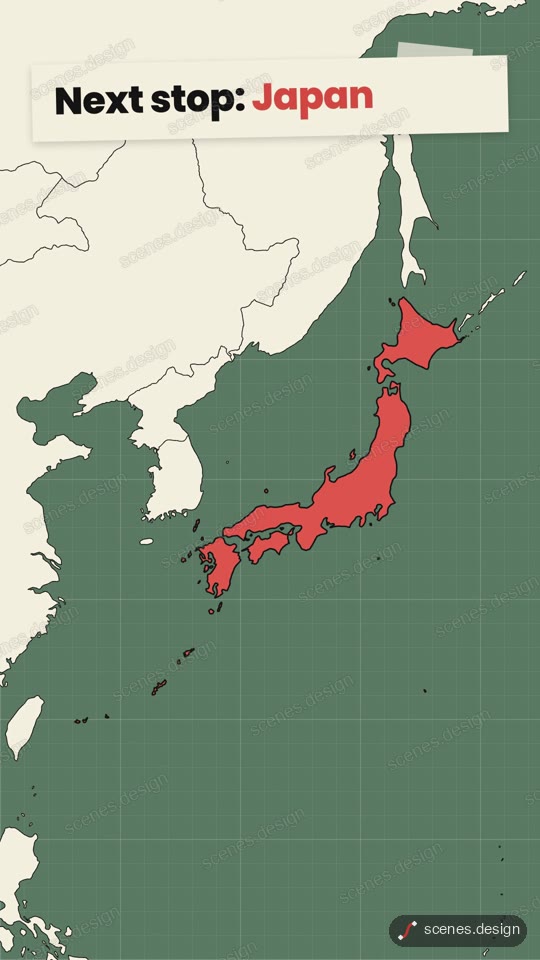
- Globe zoom: the camera falls from orbit to one city
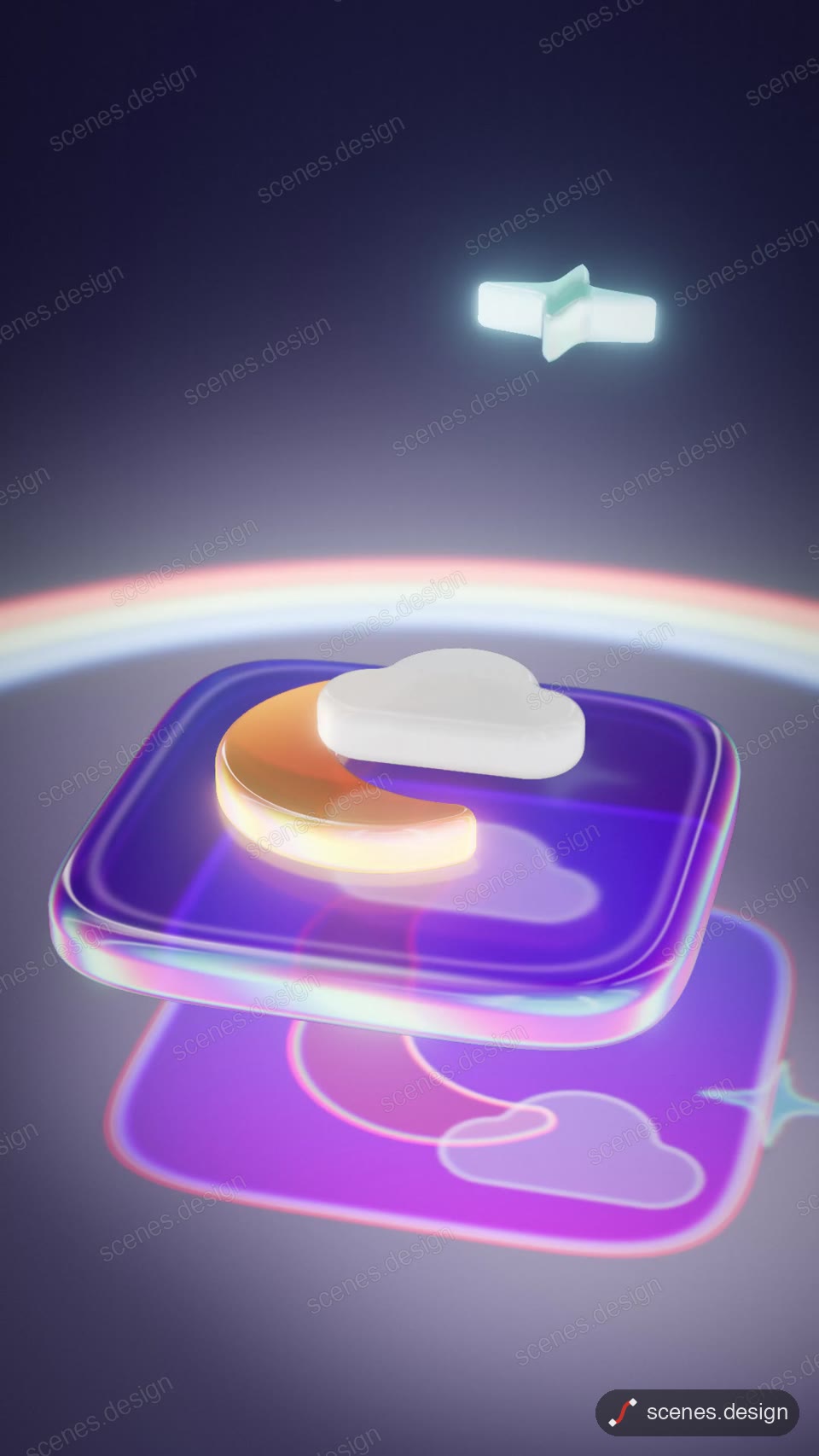
- Glass app icon: frosted glass layers stack into an app icon
- Keycap headline: a backlit keyboard spells your headline
- Floating city growth chart: skyscrapers grow as bars on a tilt-shift island
- Origami reveal: a sheet folds into a crane, then opens on your message
- Kinetic words: type that moves on the beat
Scenes to start from
- One sentence. A whole film. (widescreen 16:9)

- Data bar race (widescreen 16:9)
- Glass app icon assembly (vertical 9:16)
- Globe zoom (vertical 9:16)
Step by step
Pick a scene that looks right
Browse the Scenes Library and open a scene whose look and pacing you want. Watch it through: the prompt you copy rebuilds exactly that.
Copy the prompt
Press Copy prompt. Browsing is free, and free accounts can copy 2 scenes a day.
Paste it into Claude or Claude Code
Paste the prompt into claude.ai or the Claude app to see the scene build as a live preview. For an MP4 you need Claude Code: paste the prompt there, or set up the Scenes skill once (see Docs) and pull the scene into a folder.
Change it in plain English
Ask for your words, numbers and colours: "brand: Northwind, headline: Ship faster, colours #0B3D91 and #FFD166, 12 seconds". Claude keeps the timing and effects.
Check it and render the MP4
HyperFrames renders the MP4 on your own computer, free, as often as you like. You need Node.js installed. Check first: it reports anything off-frame or broken.
npx hyperframes check my-scene
npx hyperframes render my-scene
Questions
Can Claude make motion graphics?
Yes. Claude writes them as code (HTML, CSS, GSAP or Three.js) and HyperFrames renders the code to MP4 on your computer.
Which Claude model is best for motion graphics?
Use the strongest model you have for the first build, since one detailed prompt does most of the work. Small edits afterwards are fine on any model.
Do I need After Effects?
No. You never open a timeline: Claude edits the scene from plain English and HyperFrames renders it.
Is it free?
Browsing and previewing every scene is free, and free accounts copy 2 scenes a day. The render is free because HyperFrames makes the MP4 on your own computer, with no watermark on the video.