Logo animation examples: 12 styles and how to make your own with Claude
A logo animation is a short motion piece, usually 2 to 7 seconds, that builds or reveals a brand mark, often with a sound. The best ones tell you something about the brand in the way the logo arrives. Below are 12 logo animation examples, from simple shape morphs to 3D liquid chrome, each one you can copy into Claude and swap for your own logo.
A logo animation works when the motion matches the brand. A playful brand bounces, a luxury brand moves slowly and catches the light, a tech brand snaps into place. The mark should end exactly as it appears everywhere else, because the animation is a way of arriving at the logo, not a new logo.
Film studios made the idea famous. The MGM lion's roar, the 20th Century Fox searchlights and Pixar's hopping desk lamp each turn a static mark into a moment people recognise before the film starts. Netflix's short "ta-dum" ident did the same for streaming. Most brands now want a few seconds of the same effect at the start or end of their videos.
The main styles of logo animation are: shape morphs and line draws, liquid and chrome, particles, neon and light, ink and fluid, gold and luxury, glass and crystal, paper and origami, mechanical builds, and hand-drawn flipbooks. The 12 examples below cover each style.
Simple or 3D? A simple 2D sting (shapes sliding together, a line drawing the name) works at any size and loads fast, so it suits social posts, app intros and lower thirds. A 3D reveal (chrome, glass, particles) suits video intros, events and launches where you have three to seven seconds of full attention.
Keep it short. Two to four seconds is enough for an intro or outro sting; six to eight for a hero reveal. End with a short hold on the finished mark so it registers, and leave space for a sound effect on the moment it locks.
Every example here was made the same way. Claude (Sonnet or Opus) writes the animation as code: HTML, CSS and GSAP for 2D motion, Three.js for 3D, all on one timeline. HyperFrames then renders that code to an MP4 frame by frame, so the result is sharp at any size and identical every time you render it.
To use your own logo, give Claude the SVG file, or describe a simple mark and let Claude draw it as vector paths. Claude can then morph shapes into it, trace it with light, fill it with liquid or extrude it into 3D. A clean SVG gives the sharpest result.
Each scene gives you two ways in. Copy code hands Claude the finished film, so it only edits what you ask for and uses almost no usage. Copy prompt has Claude rebuild the scene from the prompt that made it, which uses more usage and can come out differently. Copy code is the better start when you like the preview as it is.
Common edits: swap in your logo and wordmark, change the colours to your brand palette, shorten the reveal to three seconds, add a tagline, or make a transparent version to put over your own footage.
How do I animate my logo for free? Pick an example above, copy it into Claude with your SVG, and render the MP4 on your own computer with HyperFrames. Can Claude animate a logo? Yes, from an SVG or a description, in 2D or 3D.
The examples
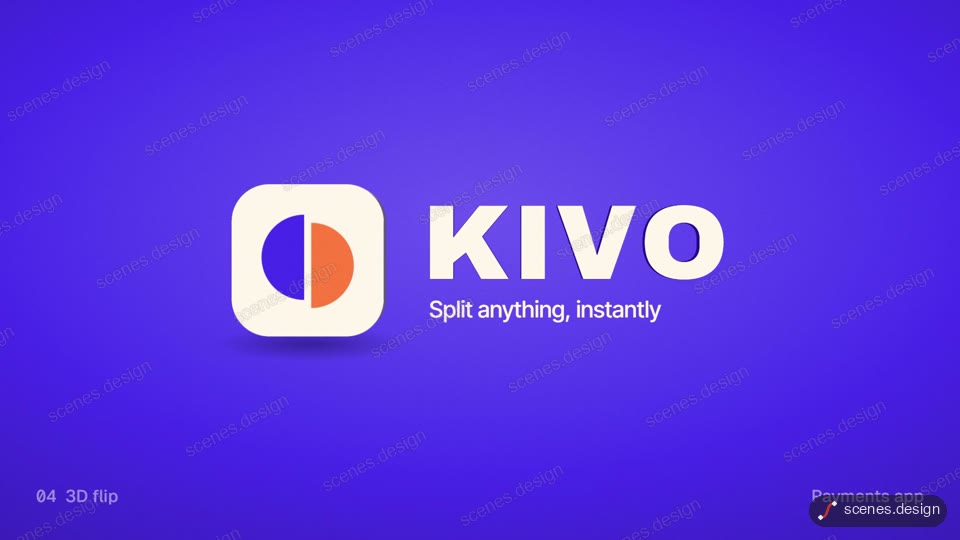
- Five logo stings: shape morph, line draw and three more techniques side by side, joined by diagonal wipes.
- Shape-merge reveal: a circle, a square and a triangle slide in and merge into one mark. The simple classic.
- Glossy morph: an app icon becomes a colour wheel, a bar, a screen and a clock before curling into the logo.
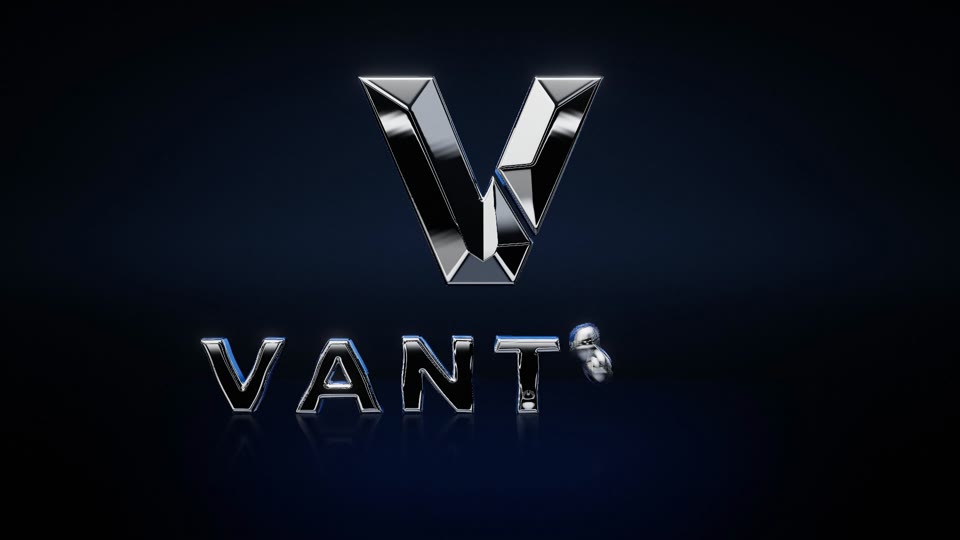
- Liquid chrome: one chrome drop splashes onto a mirror floor and rises into a 3D monogram.
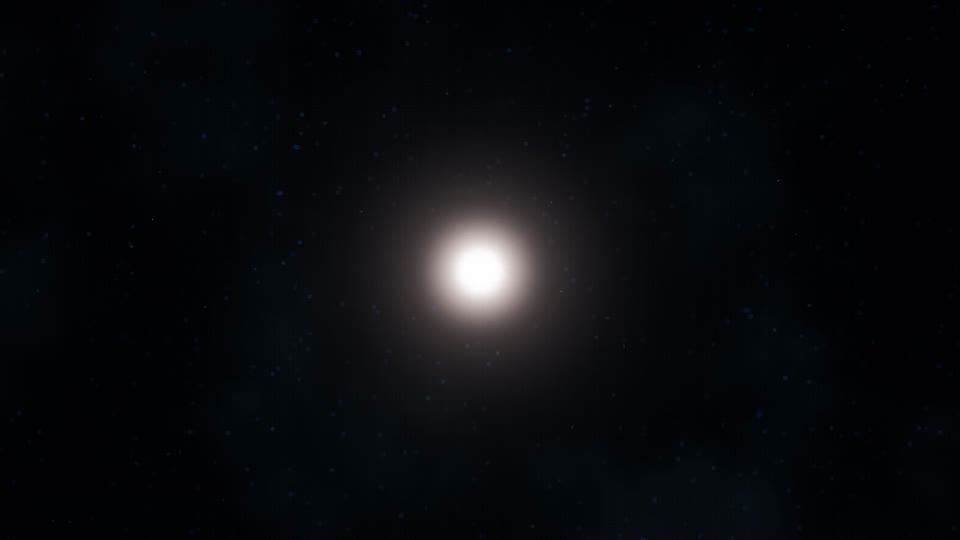
- Particle swarm: a starling-like flock of light curls into a torus and snaps into the logo.
- Neon circuit: a pulse races along circuit traces, draws the mark and lights it as a glass neon sign.
- Ink in water: two inks wrap round an invisible shape until the gap reads as the logo, then gold fills it.
- Art Deco gold: fine gold lines draw an emblem and monogram on champagne paper. Hotels and luxury brands.
- Glass and crystal: a pane shatters in slow motion and a beam pulls the shards into a faceted crystal.
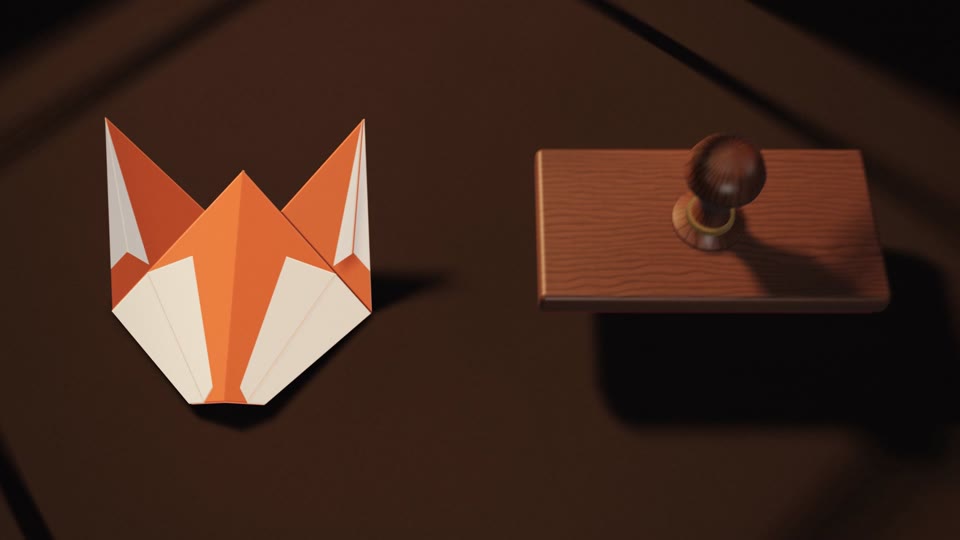
- Origami and stamp: paper folds into a fox head in real steps, then a wooden stamp prints the name.
- Mechanical build: watch parts seat on a crest-shaped plate, tick, and light the monogram.
- Flipbook: coloured-pencil pages riffle on a desk and pass the motion on until it lands on the logo.
Scenes to start from
- Five logo stings (widescreen 16:9)
- Liquid chrome monogram reveal (widescreen 16:9)
- Origami fox head stamp logo (widescreen 16:9)
- Particle swarm torus logo reveal (widescreen 16:9)
Step by step
Pick an example and open the scene
Open any example above in the Scenes Library. Watch it through and pick the one whose look and pacing are closest to what you need. Browsing and previewing every scene is free.
Choose Copy code or Copy prompt
Copy code gives you the exact film in the preview and uses almost no Claude usage, because Claude only edits what is already built. Copy prompt has Claude build the scene again from the prompt that made it; it uses more usage and the result can differ. In Claude Code you can also pull the code straight into a folder with the Scenes skill (see Docs).
node ~/.claude/skills/scenes-library/pull.mjs logo-reveal my-logoSwap in your logo
Paste into Claude Code (or claude.ai to watch a live preview) and describe the changes in plain English, for example: "use my logo from logo.svg, keep the three shapes merging but in #FF6B35, #004E89 and #F7C548, tagline: Built to last, 4 seconds". Claude keeps the timing, camera and effects and swaps in your content.
Check it and render the MP4
HyperFrames renders the MP4 on your own computer, as often as you like, with no watermark. You need Node.js installed. Run the check first: it reports anything off-frame or broken.
npx hyperframes check my-logo
npx hyperframes render my-logo
Questions
What is a logo animation?
A short motion piece, usually 2 to 7 seconds, that builds or reveals a brand mark. It is used as a video intro or outro, an app splash, an event sting or a social post.
What are some famous logo animations?
The MGM roaring lion, the 20th Century Fox searchlights, Pixar's hopping lamp and the Netflix ta-dum ident are among the best known.
What are the main types of logo animation?
Shape morphs and line draws, liquid and chrome, particles, neon, ink and fluid, gold and luxury, glass, paper and origami, mechanical builds and hand-drawn flipbooks.
Can Claude animate my logo?
Yes. Give Claude your logo as an SVG (or describe it), start from one of the examples above, and it animates the mark as code. HyperFrames renders the MP4.
What is the difference between Copy code and Copy prompt?
Copy code gives you the exact film in the preview and uses almost no Claude usage. Copy prompt asks Claude to build the scene again from the prompt that made it, which uses more usage and can give a different result.
How long should a logo animation be?
Two to four seconds for an intro or outro sting, six to eight for a hero reveal. Hold the finished mark for at least half a second at the end.